Version: 7.3.2
Developer: Cateater
 Verified App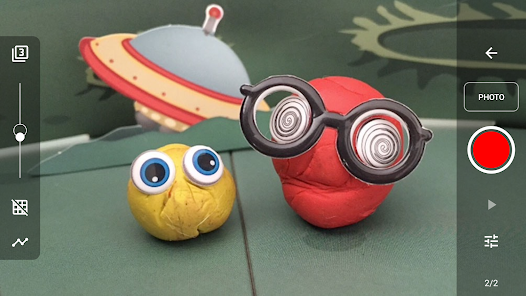
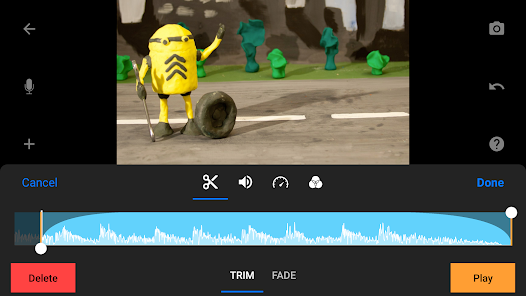
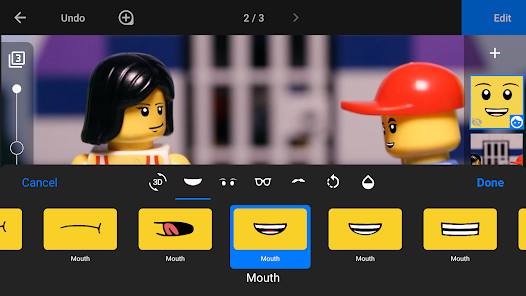
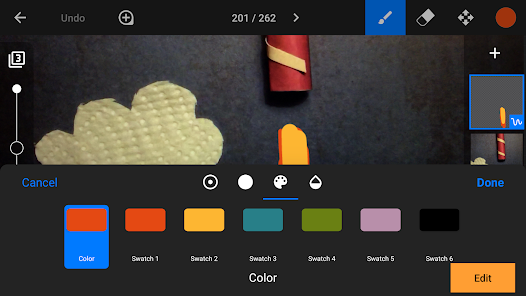
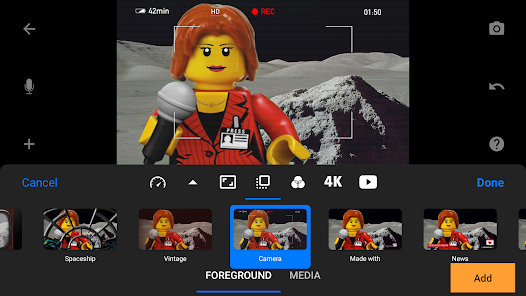
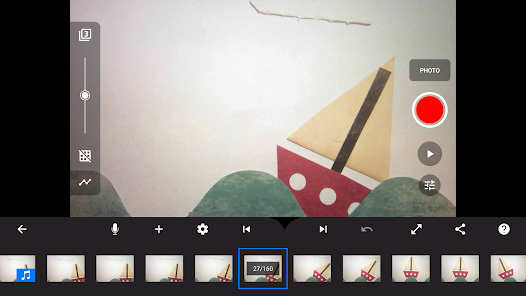
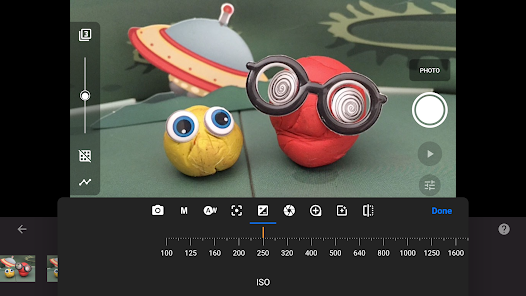
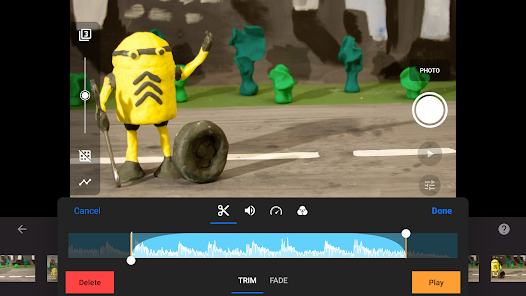
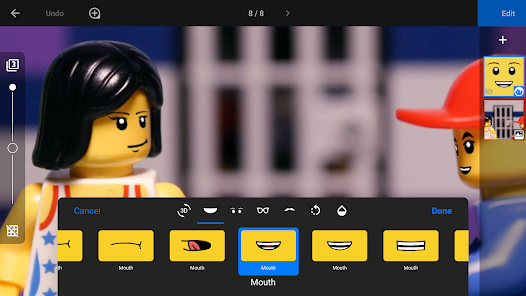
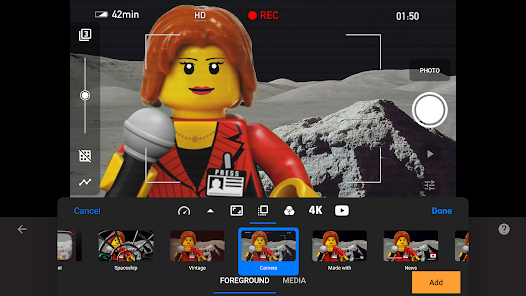
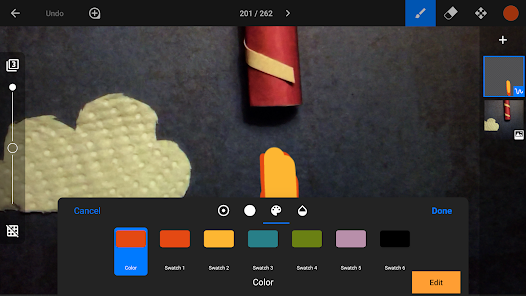
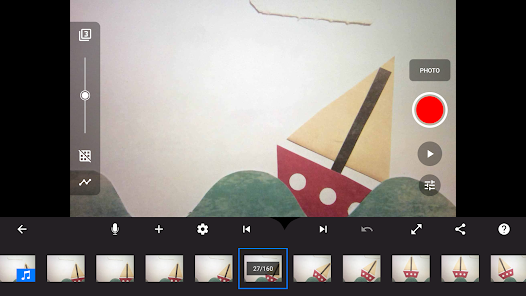
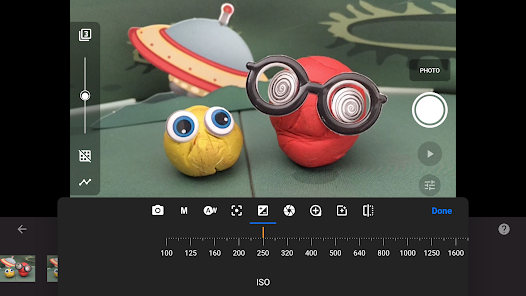
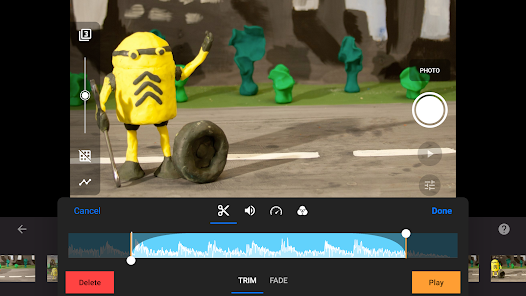
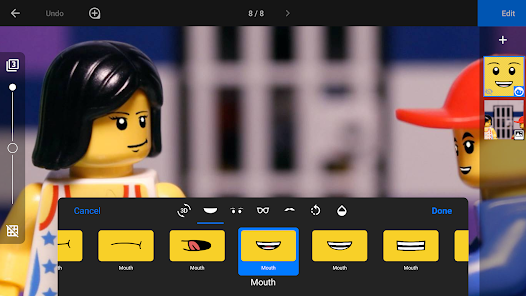
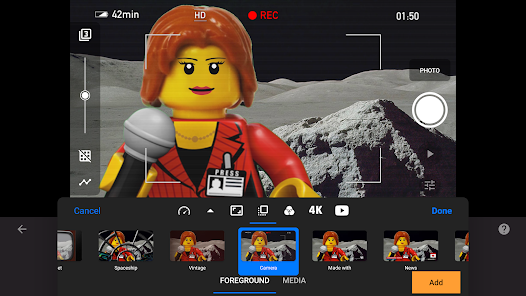
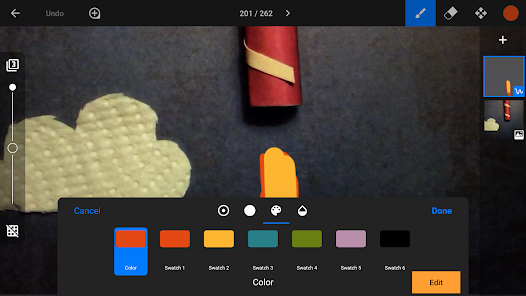
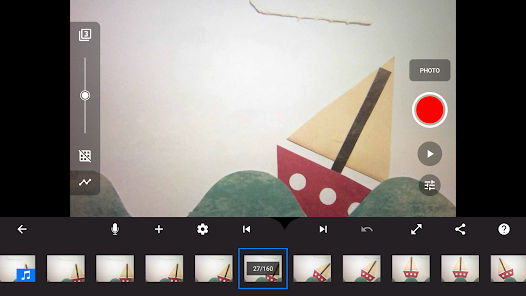
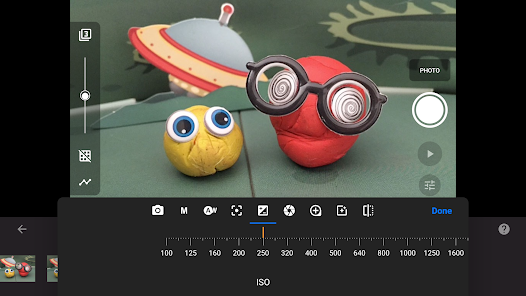
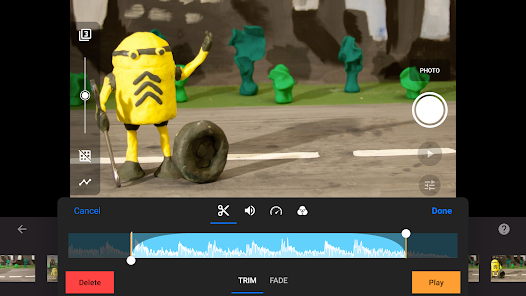
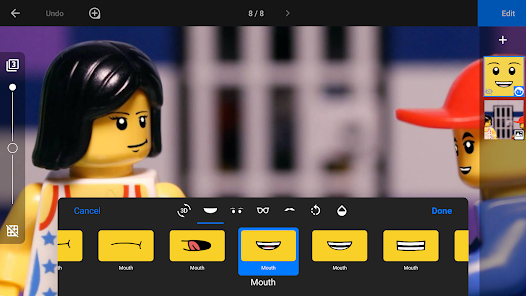
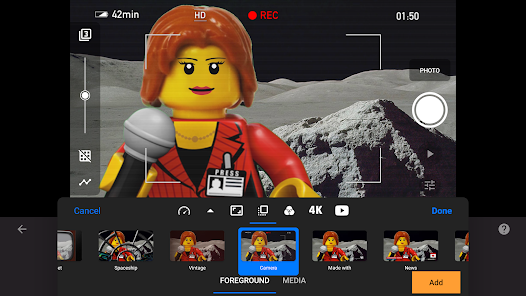
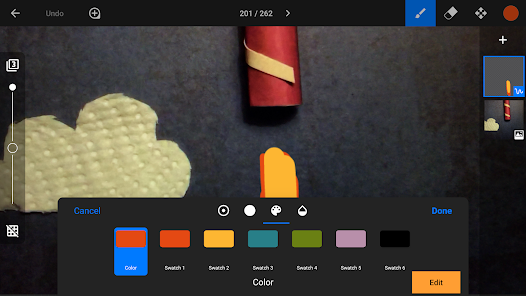
"Stop Motion Studio Pro" is a powerful application designed for creating stunning stop motion animations. One of its standout features is the user-friendly interface, which allows both beginners and experienced animators to navigate the app with ease. The app supports high-resolution images, enabling users to produce professional-quality animations. Additionally, it offers a range of editing tools, including frame-by-frame editing, onion skinning, and the ability to add audio tracks, sound effects, and voiceovers to enhance the storytelling aspect of the animations.
Another notable feature is the built-in timeline, which helps users manage their frames and adjust timing for a smoother animation flow. The app also supports various export options, allowing users to share their creations directly to social media platforms or save them in different formats. Furthermore, "Stop Motion Studio Pro" includes a green screen feature, enabling users to create dynamic backgrounds and settings for their animations. Overall, the combination of these features makes it a versatile tool for anyone interested in stop motion filmmaking.
Using "Stop Motion Studio Pro" is a straightforward process that can be broken down into a few simple steps. First, download and install the app on your device. Once opened, you can create a new project by selecting the "New Movie" option. After that, set up your scene and camera, ensuring that your lighting is consistent for the best results. You can then start capturing frames by pressing the shutter button, moving your subject slightly between each shot to create the illusion of movement.
As you capture frames, you can utilize the onion skinning feature to see the previous frame, which helps in maintaining consistency in movement. After capturing all your frames, you can edit them using the app's editing tools. This includes trimming, rearranging, and adding audio to your animation. Once you are satisfied with your project, you can export it in various formats or share it directly to social media. With practice, you can create captivating animations that showcase your creativity and storytelling skills.
"Stop Motion Studio Pro" comes with several advantages that make it a popular choice among animators. One of the main pros is its intuitive interface, which is accessible for users of all skill levels. The app's extensive editing features, such as onion skinning and audio integration, allow for a high degree of creativity and customization. Additionally, the ability to export projects in multiple formats makes sharing easy and convenient. The green screen feature is another highlight, enabling users to create visually engaging backgrounds.
However, there are some drawbacks to consider. One potential con is that while the app is feature-rich, it may require a learning curve for complete beginners who are unfamiliar with stop motion techniques. Some users have also reported occasional performance issues, particularly when working with high-resolution images or complex projects. Lastly, while the app offers a free version, many advanced features are locked behind a paywall, which may deter some users from fully utilizing its capabilities. Overall, "Stop Motion Studio Pro" is a robust tool, but users should weigh these pros and cons based on their specific needs.
Spotify Wrapped is an annual feature that summarizes your listening habits, including your most-played songs and artists of the year.
To create a playlist, click "Your Library," then "Playlists," and select "Create Playlist." Add songs by searching or browsing.
Yes, with a Spotify Premium subscription, you can download songs and playlists for offline listening.
Spotify offers a free tier with ads, as well as a Premium subscription that removes ads and adds features.
Click the three dots next to the song, select "Share," and choose your preferred sharing method, like social media or a link.










 Google Play
  App Store