
 Home
Home  Apps
Apps  Games
Games  About Us
  Cookies & Privacy Policy
  Terms of Service
GIF Maker, GIF Editor Pro
Version: 1.7.12.436Q
Developer: GIF Maker & GIF Editor & Video Maker
 Verified App
 Advertisement
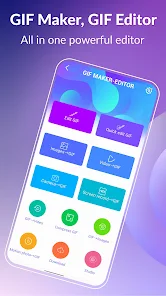
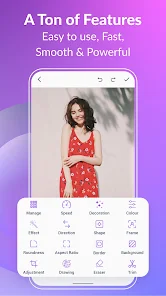
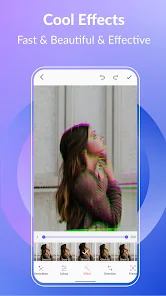
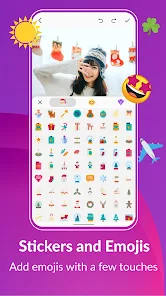
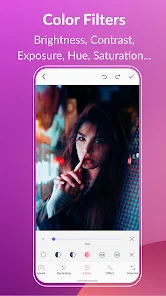
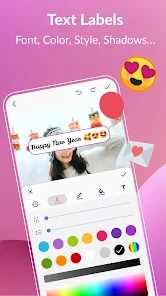
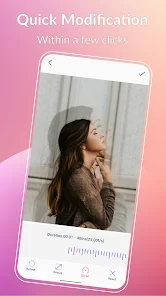
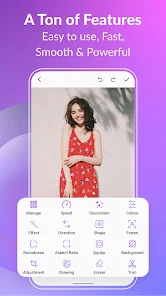
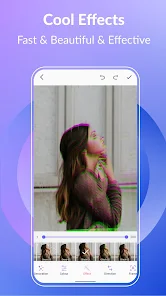
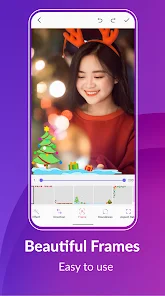
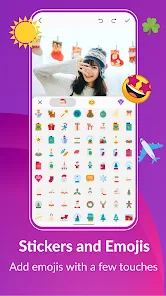
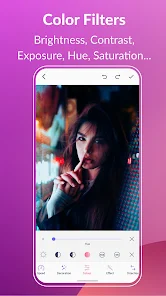
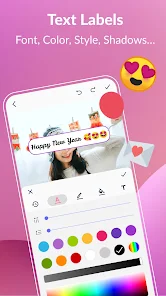
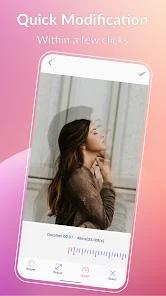
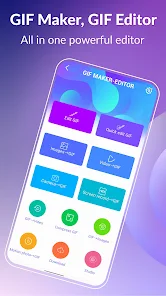
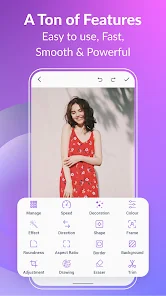
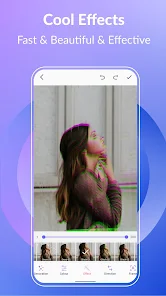
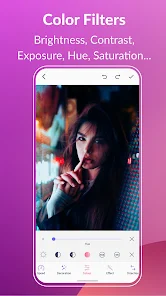
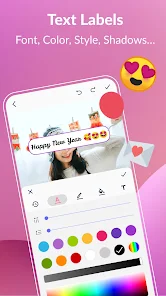
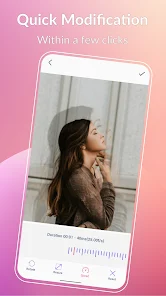
Introducing "GIF Maker, GIF Editor Pro" – your ultimate tool for creating and editing stunning GIFs effortlessly! Transform your photos and videos into captivating animations with a user-friendly interface and powerful editing features. Customize your GIFs with filters, text, and effects, and share them instantly on social media. Whether you're a beginner or a pro, unleash your creativity and bring your ideas to life with this all-in-one GIF maker and editor!
Advertisement
Features of "GIF Maker, GIF Editor Pro"
"GIF Maker, GIF Editor Pro" is a versatile application designed for creating and editing GIFs with ease. One of its standout features is the ability to convert videos into GIFs, allowing users to select specific segments and customize the duration. The app also supports image sequences, enabling users to compile multiple images into a single GIF effortlessly. Additionally, it offers a range of editing tools, including text overlays, filters, and stickers, which enhance the visual appeal of the GIFs.
Another notable feature is the user-friendly interface, which simplifies the process of GIF creation and editing, making it accessible for both beginners and experienced users. The app also allows for the adjustment of frame rates and sizes, ensuring that the final product meets the desired specifications. Furthermore, users can share their creations directly on social media platforms, making it easy to showcase their work. Overall, "GIF Maker, GIF Editor Pro" combines functionality with simplicity, making it a popular choice for GIF enthusiasts.
How to Use "GIF Maker, GIF Editor Pro"
Using "GIF Maker, GIF Editor Pro" is a straightforward process that can be completed in just a few steps. First, download and install the app from your device's app store. Once installed, open the application and select whether you want to create a GIF from a video or a series of images. If you choose to convert a video, you can browse your device's library to find the desired clip. After selecting the video, you can trim it to the specific section you want to convert into a GIF.
Next, you can customize your GIF by adding text, stickers, or applying filters to enhance its appearance. Adjust the frame rate and size according to your preferences to ensure the GIF meets your needs. Once you are satisfied with your creation, simply save it to your device or share it directly on social media platforms. The intuitive design of the app makes it easy to navigate through these steps, allowing users to create engaging GIFs quickly and efficiently.
Pros & Cons of the App
"GIF Maker, GIF Editor Pro" comes with several advantages that make it a popular choice among users. One of the primary pros is its user-friendly interface, which allows even novices to create and edit GIFs without a steep learning curve. The app's extensive editing features, such as text overlays, filters, and the ability to adjust frame rates, provide users with creative flexibility. Additionally, the option to share GIFs directly on social media enhances its usability, making it convenient for users who want to showcase their creations.
However, the app is not without its drawbacks. Some users have reported occasional performance issues, such as lagging during the editing process, especially with larger files. Additionally, while the app offers a variety of features, some advanced editing tools may be limited compared to professional software. Lastly, users may encounter ads in the free version, which can be distracting. Overall, while "GIF Maker, GIF Editor Pro" is a solid choice for GIF creation, potential users should weigh these pros and cons before deciding to download it.
Check All Versions  Google Play
  App Store
 Google Play App Store
 Top Apps





Similar Apps
Lightroom Photo & Video Editor
Photography

4.6

Cartoon Photo PRO
Photography
4.7
FaceApp: Perfect Face Editor
Photography
4.3

Filmic Pro: Mobile Cine Camera
Photography
2.4
Litchi for DJI Drones
Photography
4.5
Manual Camera: DSLR Camera Pro
Photography
4.0

PhotoPills
Photography
4.7
PhotoSync Bundle Add-On
Photography
4.6
ProCam X ( HD Camera Pro )
Photography
4.2
Solocator - GPS Field Camera
Photography
3.8

Stop Motion Studio Pro
Photography
4.3

TIME WARP SCAN: Face Scanner
Photography
4.6
Advertisement
Laden…