Version: 4.25.0-g
Developer: VC Technology Ltd
 Verified App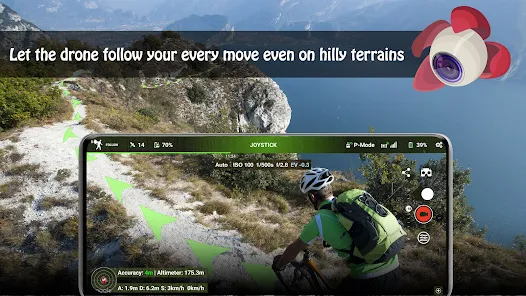
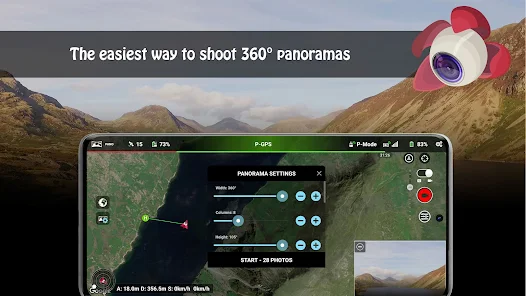
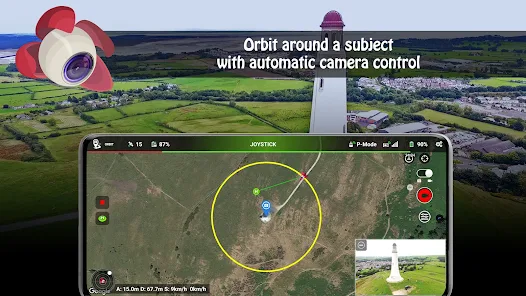
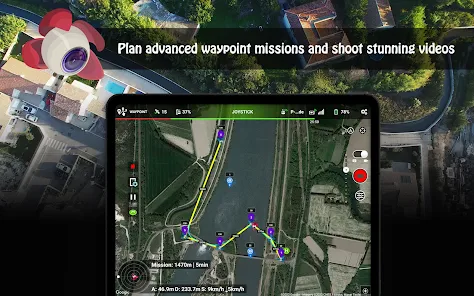
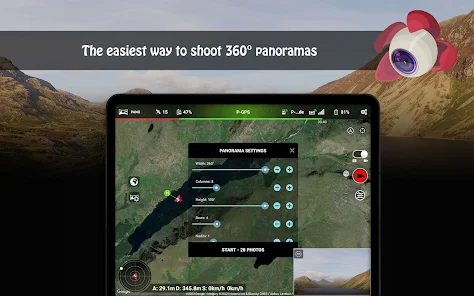
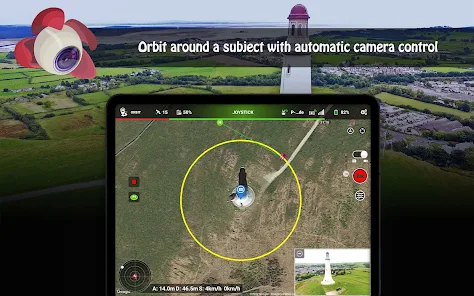
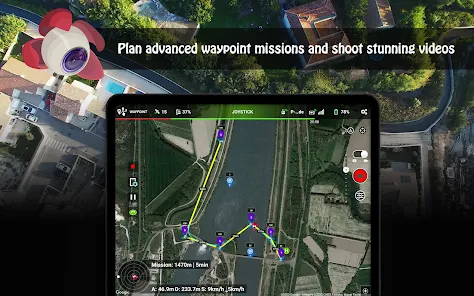
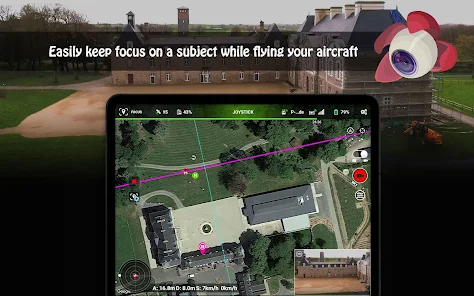
"Litchi for DJI Drones" is a powerful application designed to enhance the flying experience of DJI drone users. One of its standout features is the ability to create complex flight plans using waypoints. Users can set specific GPS coordinates, adjust altitude, and even customize the speed of the drone at each waypoint, allowing for precise control over the flight path.
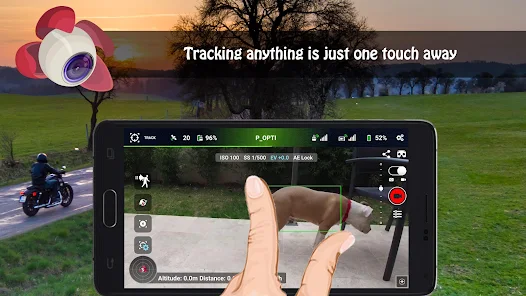
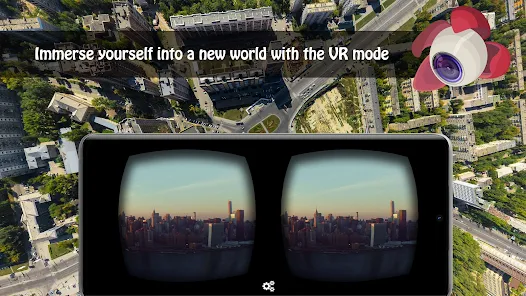
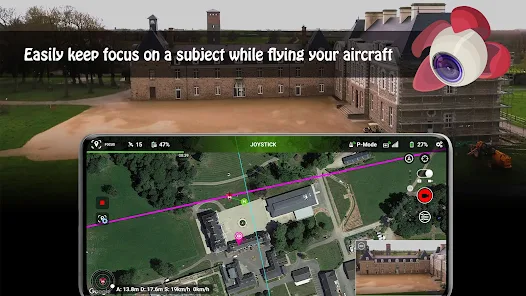
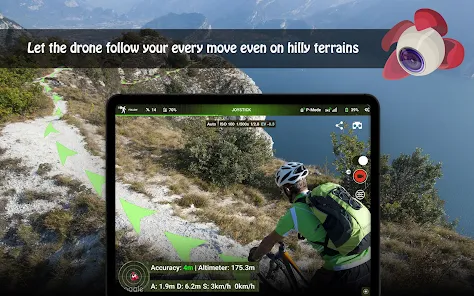
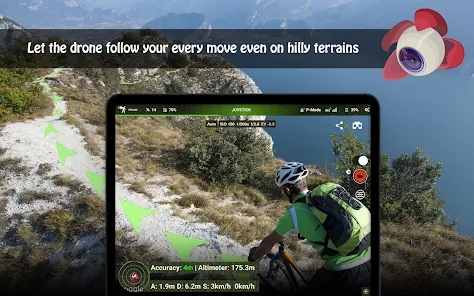
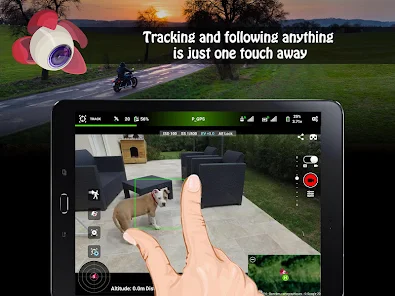
Another notable feature is the "Follow Me" mode, which enables the drone to autonomously track and follow the user or a designated subject. This is particularly useful for capturing dynamic shots during outdoor activities. Additionally, Litchi supports VR mode, allowing users to experience first-person view (FPV) flying through compatible VR headsets, enhancing immersion.
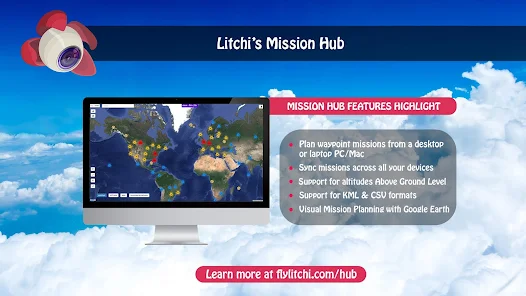
The app also includes advanced camera controls, enabling users to adjust settings such as exposure, ISO, and shutter speed directly from their mobile device. Furthermore, Litchi offers a mission hub where users can share and download flight missions created by others, fostering a community of drone enthusiasts. Overall, Litchi provides a comprehensive suite of features that significantly expand the capabilities of DJI drones.
Using "Litchi for DJI Drones" is a straightforward process that enhances your drone flying experience. First, download and install the app on your mobile device, ensuring it is compatible with your DJI drone model. Once installed, connect your mobile device to the drone's remote controller via USB or Wi-Fi, depending on your setup.
After establishing a connection, launch the Litchi app and familiarize yourself with the user interface. You can start by creating a new mission using the waypoint feature. Simply tap on the map to set waypoints, adjust the altitude, and customize the flight path as desired. Once your mission is set, you can preview it and make any necessary adjustments.
To initiate the flight, ensure that your drone is calibrated and ready for takeoff. Select the mission you created and press the start button. The drone will autonomously follow the planned route, allowing you to focus on capturing stunning aerial footage. Remember to monitor the drone's battery life and maintain a visual line of sight during the flight for safety. With practice, you'll be able to utilize Litchi's advanced features to create impressive aerial videos and photos.
"Litchi for DJI Drones" comes with several advantages that make it a popular choice among drone enthusiasts. One of the primary benefits is its extensive feature set, including waypoint missions, follow-me mode, and VR compatibility, which significantly enhance the flying experience. The app's user-friendly interface allows both beginners and experienced pilots to navigate its functionalities with ease.
Moreover, Litchi's mission hub fosters a community where users can share and download flight plans, providing inspiration and ideas for new adventures. The ability to customize camera settings directly from the app also adds to its appeal, allowing for greater creative control over aerial photography.
However, there are some drawbacks to consider. The app may require a learning curve for new users, especially those unfamiliar with drone technology. Additionally, while Litchi is compatible with many DJI models, it may not support all features on every drone. Some users have reported occasional connectivity issues, which can be frustrating during critical flights. Overall, while Litchi offers powerful tools for drone pilots, potential users should weigh these pros and cons before diving in.
 Google Play
  App Store
 Spotify Wrapped is an annual feature that summarizes your listening habits, including your most-played songs and artists of the year.
To create a playlist, click "Your Library," then "Playlists," and select "Create Playlist." Add songs by searching or browsing.
Yes, with a Spotify Premium subscription, you can download songs and playlists for offline listening.
Spotify offers a free tier with ads, as well as a Premium subscription that removes ads and adds features.
Click the three dots next to the song, select "Share," and choose your preferred sharing method, like social media or a link.