Version: 4.0.6.1
Developer: Amazon Mobile LLC
 Verified App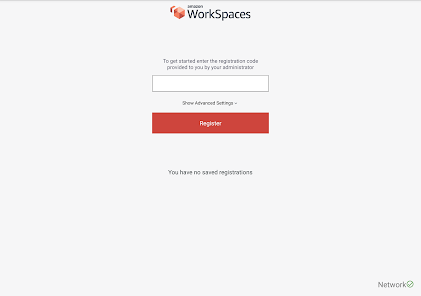
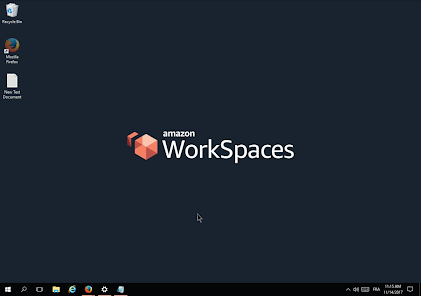
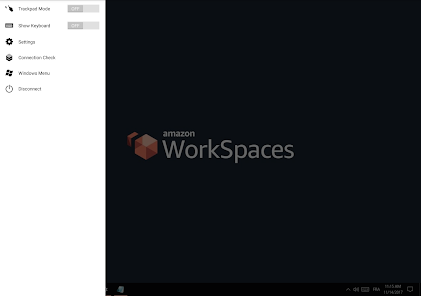
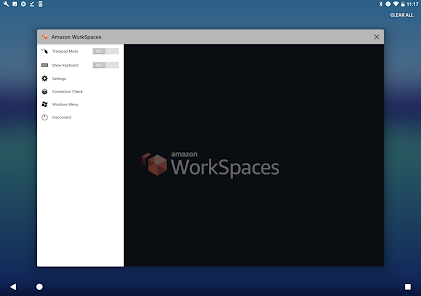
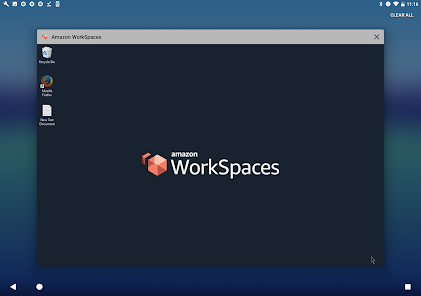
Amazon WorkSpaces is a managed, secure Desktop-as-a-Service (DaaS) solution that allows users to access cloud-based desktops from anywhere. One of its key features is the ability to provision virtual desktops quickly, enabling organizations to scale their workforce efficiently. Users can choose from various operating systems, including Windows and Linux, to suit their specific needs.
Another notable feature is the flexibility in pricing models, which includes pay-as-you-go and monthly subscriptions, allowing businesses to optimize costs based on their usage patterns. Amazon WorkSpaces also integrates seamlessly with other AWS services, enhancing its functionality and providing a comprehensive cloud ecosystem.
Security is a top priority, and Amazon WorkSpaces offers robust security features, including encryption of data at rest and in transit, as well as integration with AWS Identity and Access Management (IAM) for user authentication. Additionally, it supports multi-factor authentication (MFA) to further enhance security. Overall, Amazon WorkSpaces provides a versatile and secure solution for remote desktop access.
Using Amazon WorkSpaces is a straightforward process that begins with setting up an AWS account. Once you have an account, navigate to the Amazon WorkSpaces console, where you can create a new WorkSpace. You will need to select the desired bundle, which includes the operating system and software applications you want to provide to your users.
After configuring the WorkSpace, you can assign it to users by entering their email addresses. Users will receive an email with instructions on how to access their WorkSpace. They can connect using the Amazon WorkSpaces client application, which is available for various platforms, including Windows, macOS, iOS, and Android.
Once connected, users can customize their virtual desktops, install applications, and save files just like they would on a traditional desktop. Administrators can manage and monitor WorkSpaces through the console, allowing for easy updates and maintenance. Overall, Amazon WorkSpaces provides a user-friendly experience for both administrators and end-users.
Amazon WorkSpaces offers several advantages, making it an appealing choice for businesses. One of the primary benefits is its scalability; organizations can quickly add or remove WorkSpaces based on their needs, which is particularly useful for seasonal or project-based workforces. Additionally, the pay-as-you-go pricing model allows companies to manage costs effectively, paying only for what they use.
Another significant advantage is the robust security features, including data encryption and integration with AWS IAM, which help protect sensitive information. The ability to access WorkSpaces from various devices enhances flexibility, enabling remote work and collaboration across teams.
However, there are some drawbacks to consider. The initial setup can be complex for users unfamiliar with AWS services, and ongoing management may require technical expertise. Additionally, while the pricing model is flexible, costs can accumulate if not monitored closely, especially for larger teams. Overall, while Amazon WorkSpaces provides a powerful solution for remote desktop access, organizations should weigh these pros and cons carefully.
Spotify Wrapped is an annual feature that summarizes your listening habits, including your most-played songs and artists of the year.
To create a playlist, click "Your Library," then "Playlists," and select "Create Playlist." Add songs by searching or browsing.
Yes, with a Spotify Premium subscription, you can download songs and playlists for offline listening.
Spotify offers a free tier with ads, as well as a Premium subscription that removes ads and adds features.
Click the three dots next to the song, select "Share," and choose your preferred sharing method, like social media or a link.

















 Google Play
  App Store