
 Home
Home  Apps
Apps  Games
Games  About Us
  Cookies & Privacy Policy
  Terms of Service
Power Apps
Version: 3.25111.5
Developer: Microsoft Corporation
 Verified App
 Advertisement



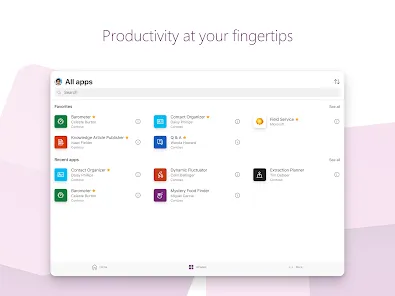
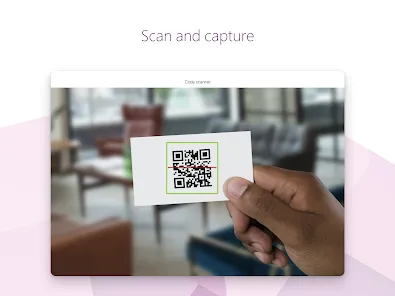
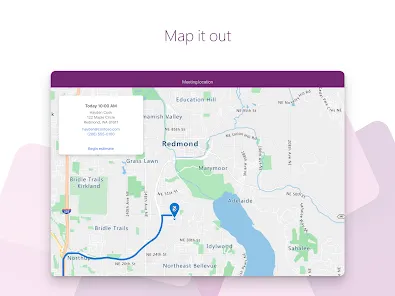
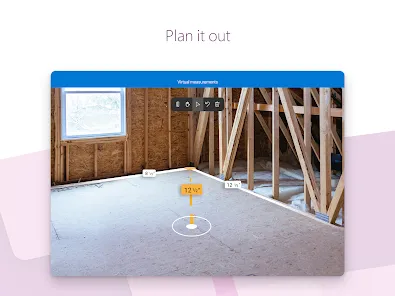
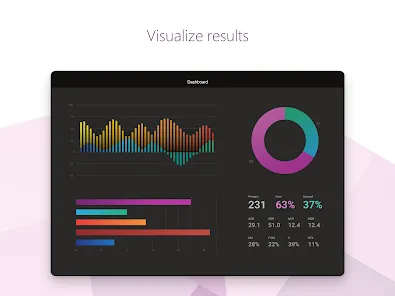
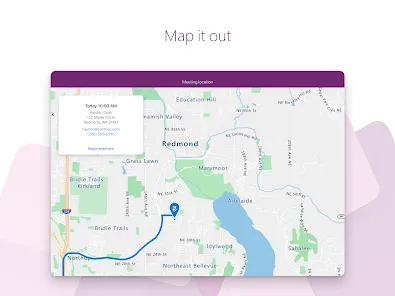
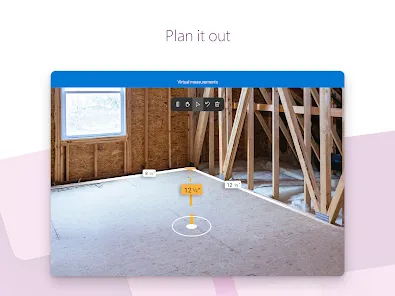
Power Apps is a powerful low-code development platform that enables users to create custom applications tailored to their business needs. With its intuitive interface, users can design apps quickly, automate workflows, and integrate data from various sources. Whether you're a professional developer or a business user, Power Apps empowers you to innovate and streamline processes, enhancing productivity and collaboration across your organization. Unlock the potential of your data and transform ideas into impactful applications effortlessly.
Advertisement
```html
Features of Power Apps
Power Apps is a versatile platform that enables users to create custom applications with ease. One of its standout features is the drag-and-drop interface, which allows users to design apps without extensive coding knowledge. This user-friendly approach empowers both technical and non-technical users to build applications tailored to their specific needs.
Another significant feature is the integration capabilities. Power Apps seamlessly connects with various Microsoft services, such as SharePoint, Dynamics 365, and Azure, as well as third-party applications through connectors. This integration facilitates data sharing and enhances the functionality of the apps created.
Additionally, Power Apps supports responsive design, ensuring that applications work well on different devices, including smartphones, tablets, and desktops. The platform also offers pre-built templates, which can accelerate the app development process by providing a foundation that users can customize further.
Lastly, Power Apps includes robust security features, allowing organizations to manage user permissions and data access effectively. This ensures that sensitive information is protected while still enabling collaboration among team members.
How to Use Power Apps
Using Power Apps begins with accessing the platform through the Microsoft 365 suite. Once logged in, users can choose to create a new app from scratch or utilize one of the many available templates. The intuitive interface guides users through the app-building process, allowing them to add various elements such as forms, buttons, and data connections.
To start, users can select the type of app they want to create, such as a canvas app or a model-driven app. Canvas apps offer more design flexibility, while model-driven apps are based on data models and provide a more structured approach. After selecting the app type, users can connect to data sources, which can include Excel files, SharePoint lists, or databases.
Once the data connections are established, users can customize the app's layout and functionality by dragging and dropping components onto the canvas. Power Apps also allows for the incorporation of logic through formulas, similar to Excel, enabling users to create dynamic and interactive applications.
After building the app, users can test it within the Power Apps environment and make any necessary adjustments. Once satisfied, the app can be published and shared with others in the organization, making it accessible for use on various devices.
Pros & Cons of Power Apps
Power Apps offers numerous advantages, making it a popular choice for organizations looking to develop custom applications. One of the primary benefits is its accessibility; users with minimal coding experience can create functional apps quickly, reducing the reliance on IT departments. Additionally, the platform's integration with other Microsoft services enhances its utility, allowing for seamless data management and collaboration.
Another advantage is the rapid development cycle. Power Apps enables organizations to prototype and deploy applications in a fraction of the time it would take using traditional development methods. This agility can lead to faster responses to business needs and improved operational efficiency.
However, there are also some drawbacks to consider. One notable con is the potential for high costs, especially for organizations that require extensive use of premium connectors or additional features. Furthermore, while Power Apps is user-friendly, there may still be a learning curve for those unfamiliar with app development concepts.
Lastly, the performance of apps created on Power Apps can vary based on the complexity of the application and the data sources used. In some cases, users may experience limitations in functionality compared to fully custom-developed applications. Balancing these pros and cons is essential for organizations considering Power Apps as a solution for their application needs.
``` Google Play
  App Store
 Top Apps





Similar Apps

DoorDash - Dasher
Business

4.3

Duo Mobile
Business
4.5

Google Chat
Business
4.4

LinkedIn: Jobs & Business News
Business
4.2

Microsoft Authenticator
Business
4.6

Microsoft Teams
Business
4.7

Uber - Driver: Drive & Deliver
Business
4.6

TeamViewer Remote Control
Business
4.4

Slack
Business
4.7

Zoom Workplace
Business
4.1

Workday
Business
4.3

AnyDesk Remote Desktop
Business
2.6
Advertisement
Laden…