
 Home
Home  Apps
Apps  Games
Games  About Us
  Cookies & Privacy Policy
  Terms of Service
Microsoft Power BI
Version: 2.2.251204.21280310
Developer: Microsoft Corporation
 Verified App
 Advertisement
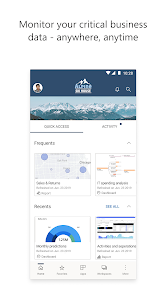

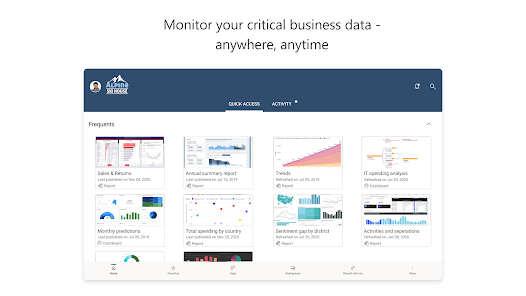
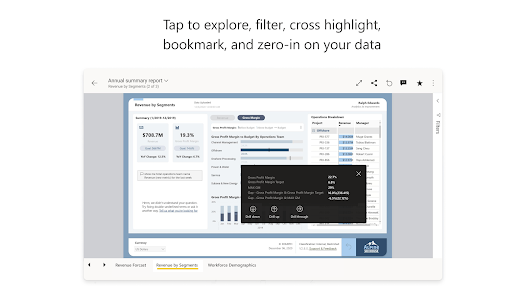
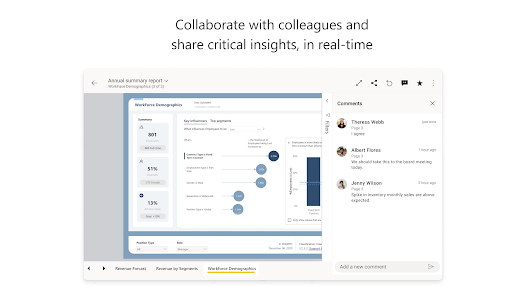
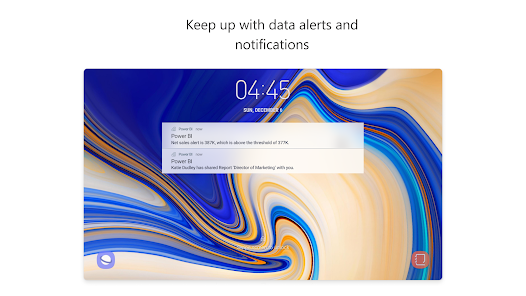
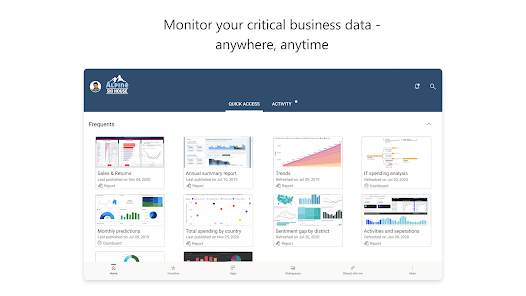
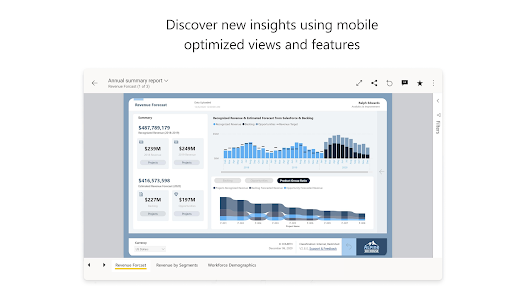
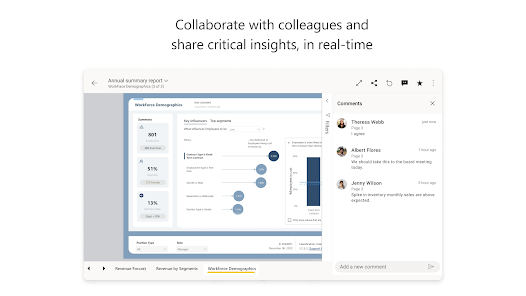
Microsoft Power BI is a powerful business analytics tool that enables users to visualize data and share insights across their organization. With its intuitive interface, users can create interactive reports and dashboards, transforming raw data into meaningful information. Power BI integrates seamlessly with various data sources, allowing for real-time analysis and collaboration. Whether for small businesses or large enterprises, it empowers decision-makers to make informed choices based on data-driven insights.
Advertisement
```html
```
Features of Microsoft Power BI
Microsoft Power BI is a powerful business analytics tool that provides a range of features designed to help users visualize data and share insights across their organization. One of its key features is the ability to connect to a wide variety of data sources, including cloud-based and on-premises databases, Excel spreadsheets, and web services. This flexibility allows users to aggregate data from multiple sources for comprehensive analysis.
Another notable feature is the interactive dashboards that enable users to create visually appealing reports with drag-and-drop functionality. These dashboards can be customized to display real-time data, making it easier for decision-makers to monitor key performance indicators (KPIs). Additionally, Power BI offers advanced data modeling capabilities, allowing users to create complex calculations and relationships between different data sets.
Power BI also supports natural language queries, enabling users to ask questions about their data in plain English and receive instant visualizations. Furthermore, the tool provides robust sharing and collaboration options, allowing teams to work together on reports and dashboards. With regular updates and a strong community, Power BI continues to evolve, offering new features and enhancements to meet the needs of its users.
How to Use Microsoft Power BI
Using Microsoft Power BI involves several key steps that enable users to transform raw data into meaningful insights. First, users need to download and install Power BI Desktop, which is the primary application for creating reports and dashboards. Once installed, users can connect to various data sources by selecting the "Get Data" option, allowing them to import data from Excel, SQL Server, or other platforms.
After importing the data, users can begin the data transformation process using Power Query Editor. This feature allows for cleaning, shaping, and transforming data to ensure it is ready for analysis. Once the data is prepared, users can create visualizations by dragging and dropping fields onto the report canvas. Power BI offers a variety of visualization options, including charts, graphs, and maps, which can be customized to suit specific needs.
Once the report is complete, users can publish it to the Power BI service, where it can be shared with others in the organization. The service also allows for the creation of dashboards that can display multiple reports in one view. Additionally, users can set up scheduled data refreshes to ensure that the reports always reflect the most current data. Overall, Power BI provides a user-friendly interface that simplifies the process of data analysis and reporting.
Pros & Cons of Microsoft Power BI
Microsoft Power BI offers several advantages that make it a popular choice for businesses looking to enhance their data analytics capabilities. One of the primary pros is its user-friendly interface, which allows users with varying levels of technical expertise to create reports and dashboards easily. Additionally, Power BI's ability to connect to numerous data sources provides flexibility in data integration, enabling organizations to consolidate information from different platforms.
Another significant advantage is the cost-effectiveness of Power BI, especially for small to medium-sized businesses. The pricing model is competitive, with a free version available that includes many essential features. Furthermore, Power BI's strong community support and regular updates ensure that users have access to the latest tools and resources.
 Google Play
  App Store
 Top Apps





Similar Apps

DoorDash - Dasher
Business

4.3

Duo Mobile
Business
4.5

Google Chat
Business
4.4

LinkedIn: Jobs & Business News
Business
4.2

Microsoft Authenticator
Business
4.6

Microsoft Teams
Business
4.7

Uber - Driver: Drive & Deliver
Business
4.6

TeamViewer Remote Control
Business
4.4

Slack
Business
4.7

Power Apps
Business
4.5

Zoom Workplace
Business
4.1

Workday
Business
4.3
Advertisement
Laden…