
 Home
Home  Apps
Apps  Games
Games  About Us
  Cookies & Privacy Policy
  Terms of Service
Google Chat
Version: 2025.11.17.833210462.Release
Developer: Google LLC
 Verified App
 Advertisement
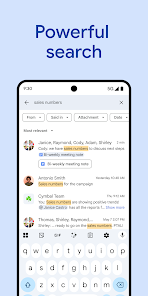
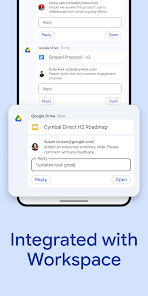
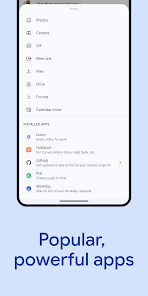
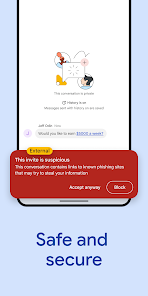


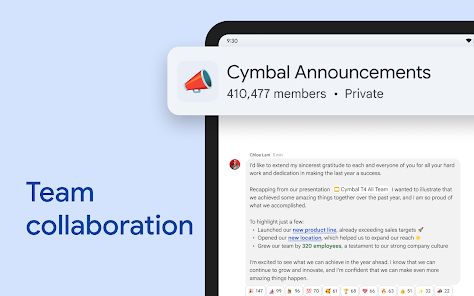
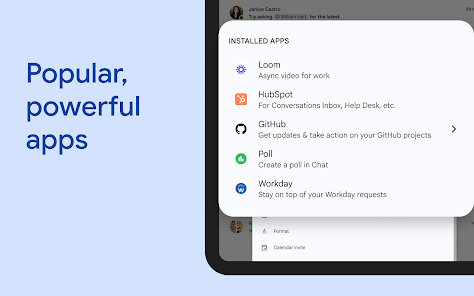
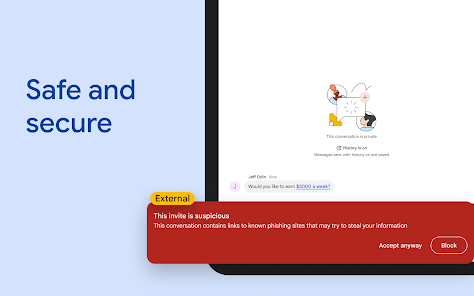
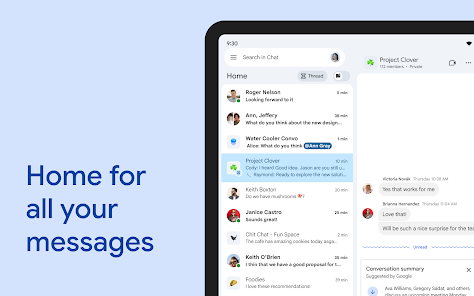
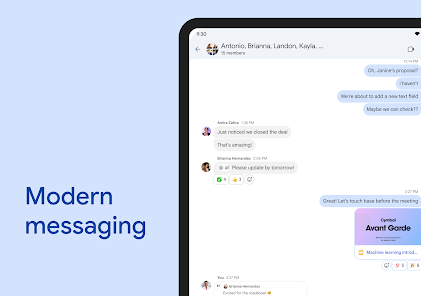
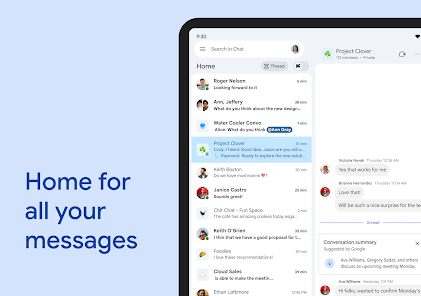
Google Chat is a messaging platform designed for teams and organizations, enabling seamless communication and collaboration. Integrated with Google Workspace, it offers features like direct messaging, group chats, and threaded conversations, allowing users to share files, schedule meetings, and collaborate in real-time. With a user-friendly interface and robust security, Google Chat enhances productivity by connecting teams across various devices, making it an essential tool for modern workplaces.
Advertisement
Features of Google Chat
Google Chat is a messaging platform designed for teams and organizations, offering a variety of features to enhance collaboration and communication. One of its primary features is the ability to create dedicated chat rooms, allowing users to organize discussions around specific projects or topics. These rooms can be public or private, enabling teams to control who has access to sensitive information.
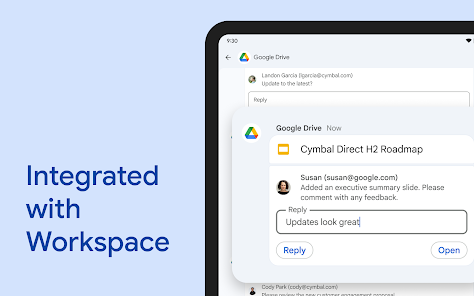
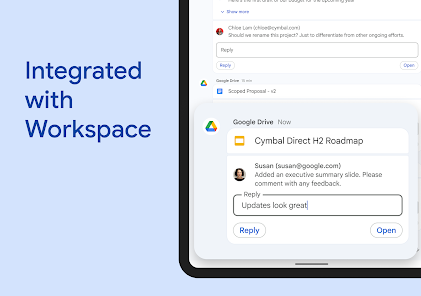
Another notable feature is the integration with other Google Workspace applications, such as Google Drive and Google Calendar. This integration allows users to share files, schedule meetings, and access documents directly within the chat interface, streamlining workflows. Additionally, Google Chat supports direct messaging, enabling one-on-one conversations for more personal discussions.
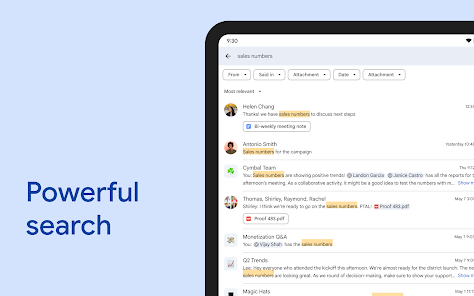
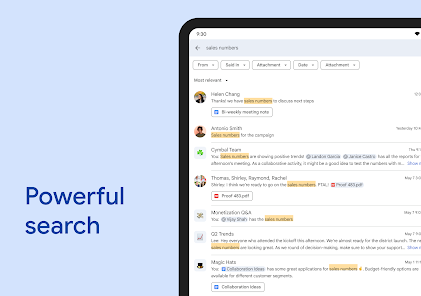
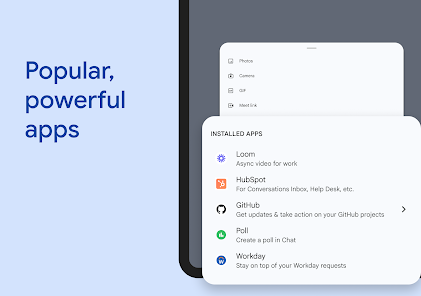
Google Chat also includes advanced search capabilities, making it easy to find past conversations and shared files. Users can utilize bots and automation to enhance productivity, such as setting reminders or pulling in information from other apps. Overall, Google Chat is designed to facilitate seamless communication and collaboration within teams, making it a valuable tool for modern workplaces.
How to Use Google Chat
Using Google Chat is straightforward and user-friendly. To get started, users need a Google account, which provides access to the platform. Once logged in, users can access Google Chat through the web interface or mobile app. The interface is intuitive, featuring a sidebar that displays all active conversations and chat rooms.
To initiate a conversation, users can click on the "+" icon to start a new chat or create a room. In a chat, users can send text messages, share files, and even use emojis to enhance communication. For group discussions, creating a room allows multiple participants to collaborate in one space, where they can post messages, share documents, and hold discussions in real-time.
Additionally, users can customize notifications to stay updated on important messages without being overwhelmed by constant alerts. Google Chat also supports video calls through Google Meet, allowing for face-to-face interactions when needed. Overall, Google Chat is designed to be a versatile tool for effective communication and collaboration in both personal and professional settings.
Pros & Cons of Google Chat
Google Chat offers several advantages that make it a popular choice for teams and organizations. One of the main pros is its seamless integration with other Google Workspace tools, which enhances productivity by allowing users to access documents, calendars, and emails without leaving the chat interface. The platform is also user-friendly, making it easy for new users to adapt quickly. Additionally, the ability to create dedicated chat rooms fosters organized discussions and collaboration among team members.
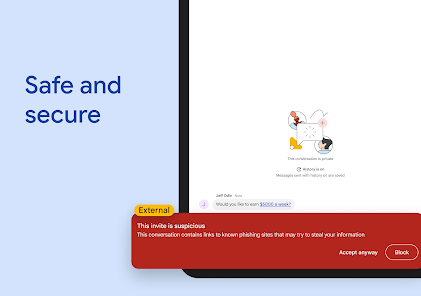
However, there are some drawbacks to consider. One con is that Google Chat may not be as feature-rich as some other messaging platforms, lacking certain advanced functionalities that users might expect. Additionally, while the integration with Google Workspace is beneficial, it may limit flexibility for teams that use a variety of other tools and platforms. Privacy concerns can also arise, as conversations are stored on Google’s servers, which may not be ideal for organizations handling sensitive information.
In summary, while Google Chat provides a solid platform for team communication and collaboration, it is essential for users to weigh its pros and cons based on their specific needs and preferences.
 Google Play
  App Store
 Top Apps





Similar Apps

DoorDash - Dasher
Business

4.3

Duo Mobile
Business
4.5

LinkedIn: Jobs & Business News
Business
4.2

Microsoft Authenticator
Business
4.6
Microsoft Teams
Business
4.7

Uber - Driver: Drive & Deliver
Business
4.6

TeamViewer Remote Control
Business
4.4

Slack
Business
4.7

Power Apps
Business
4.5

Zoom Workplace
Business
4.1

Workday
Business
4.3

AnyDesk Remote Desktop
Business
2.6
Advertisement
Laden…