Version: 2.36
Developer: 2kit consulting
 Verified App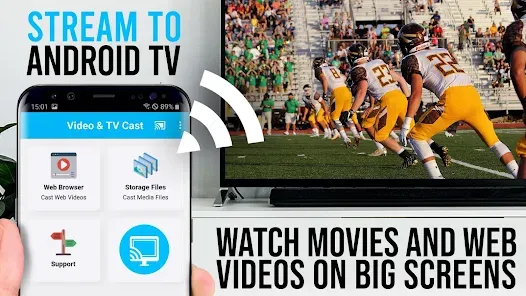
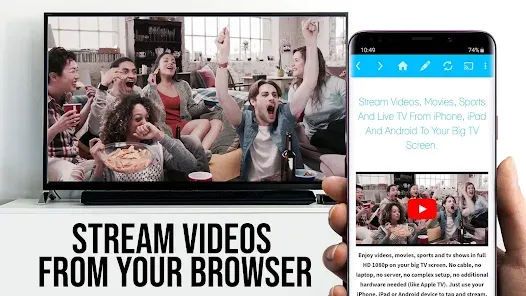
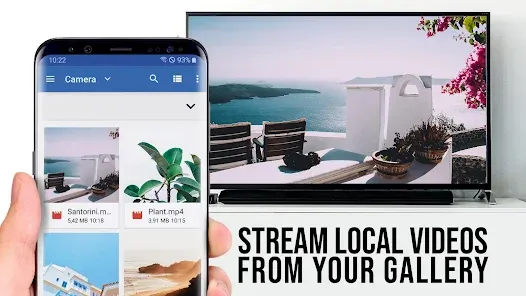
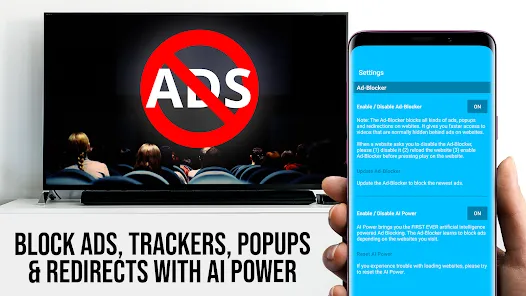
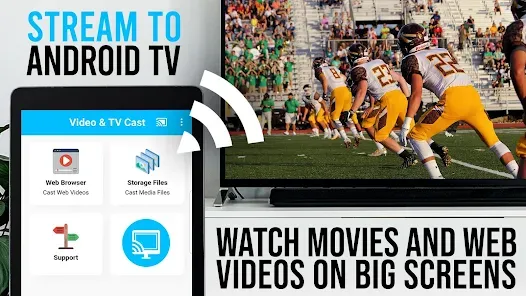
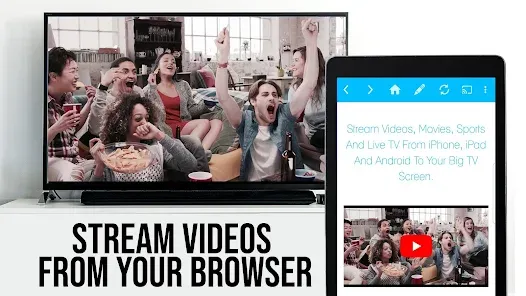
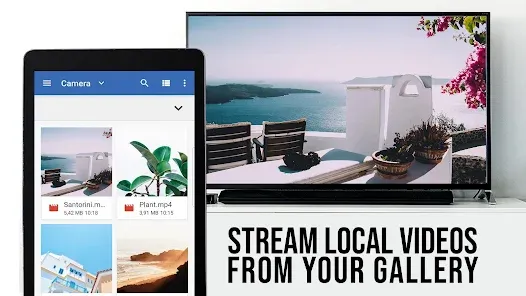
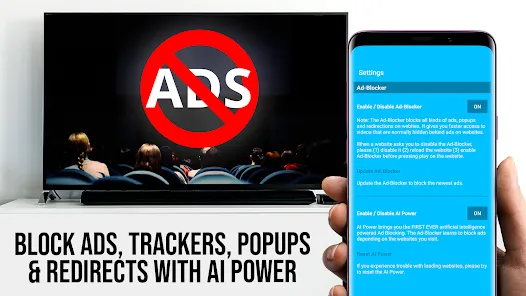
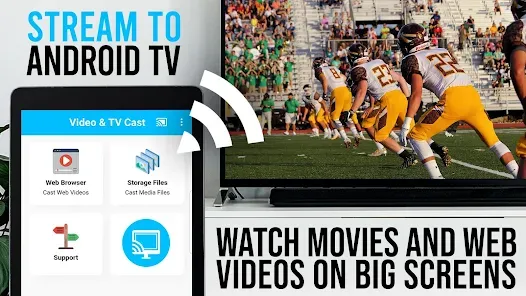
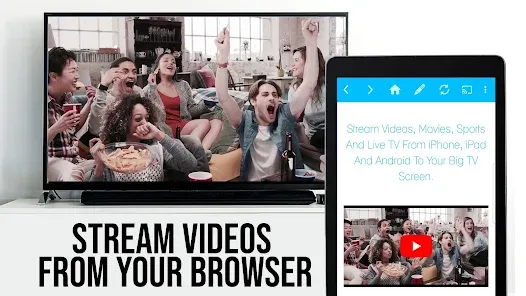
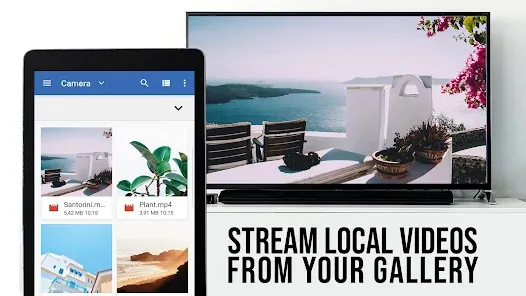
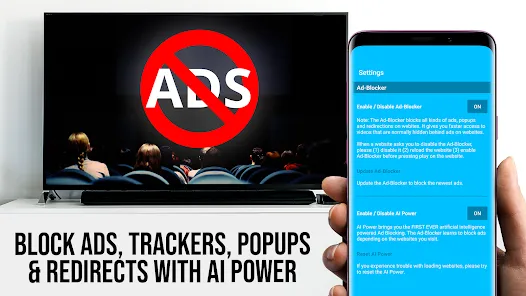
"TV Cast Pro for Android TV" is a versatile application designed to enhance your streaming experience. One of its standout features is the ability to cast videos, photos, and music from your Android device directly to your TV. This seamless integration allows users to enjoy their favorite content on a larger screen without the hassle of cables. The app supports various formats, ensuring compatibility with a wide range of media files.
Another notable feature is the user-friendly interface, which simplifies navigation and makes it easy for users of all ages to operate. The app also includes a built-in web browser, allowing users to search for online content and cast it directly to their TV. Additionally, "TV Cast Pro" supports multiple streaming protocols, enhancing its versatility and performance. Users can also enjoy high-definition streaming, ensuring that the quality of the content remains top-notch. Overall, the app is designed to provide a comprehensive casting solution for Android TV users.
Using "TV Cast Pro for Android TV" is a straightforward process that can be completed in just a few steps. First, ensure that both your Android device and your Android TV are connected to the same Wi-Fi network. Once connected, download and install the "TV Cast Pro" app from the Google Play Store on your Android device. After installation, open the app, and it will automatically detect your Android TV.
Next, select your TV from the list of available devices. You can then choose the type of content you wish to cast, whether it be videos, photos, or music. Simply navigate to the desired media on your device, tap the cast icon, and select your TV. The content will begin streaming on your TV screen almost instantly. For web content, use the built-in browser to find what you want to watch, and cast it directly. With these simple steps, you can enjoy a seamless streaming experience on your Android TV.
"TV Cast Pro for Android TV" comes with several advantages that enhance its appeal. One of the primary pros is its ease of use, making it accessible for users of all technical backgrounds. The app supports a wide range of media formats, ensuring that users can cast almost any type of content without compatibility issues. Additionally, the high-definition streaming capability provides an excellent viewing experience, making it ideal for movie nights or binge-watching sessions.
However, there are some drawbacks to consider. Some users have reported occasional connectivity issues, which can disrupt the streaming experience. Additionally, while the app is feature-rich, certain advanced functionalities may require a premium subscription, which could deter some users. Lastly, the app's performance may vary depending on the strength of your Wi-Fi connection, potentially affecting streaming quality. Overall, while "TV Cast Pro" offers a robust casting solution, users should weigh these pros and cons before making a decision.
Spotify Wrapped is an annual feature that summarizes your listening habits, including your most-played songs and artists of the year.
To create a playlist, click "Your Library," then "Playlists," and select "Create Playlist." Add songs by searching or browsing.
Yes, with a Spotify Premium subscription, you can download songs and playlists for offline listening.
Spotify offers a free tier with ads, as well as a Premium subscription that removes ads and adds features.
Click the three dots next to the song, select "Share," and choose your preferred sharing method, like social media or a link.












 Google Play
  App Store