
 Home
Home  Apps
Apps  Games
Games  About Us
  Cookies & Privacy Policy
  Terms of Service
AirMirror: AirPlay Receiver
Version: 1.4
Developer: NeoYantra
 Verified App
 Advertisement
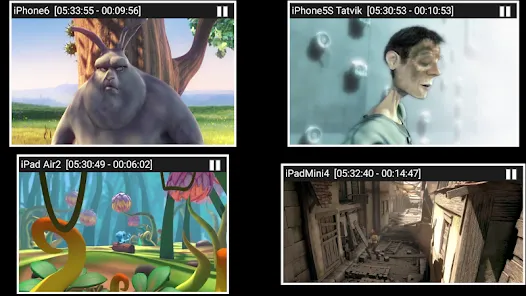
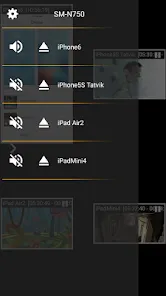
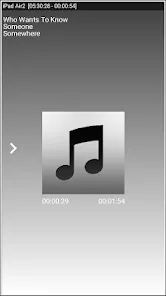
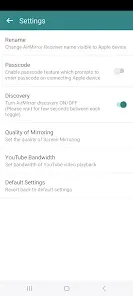
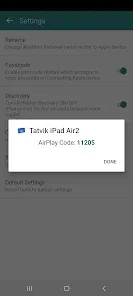
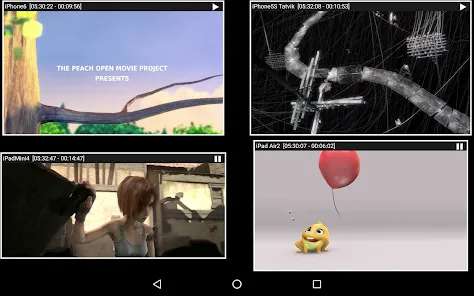
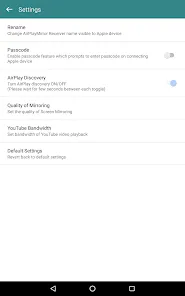
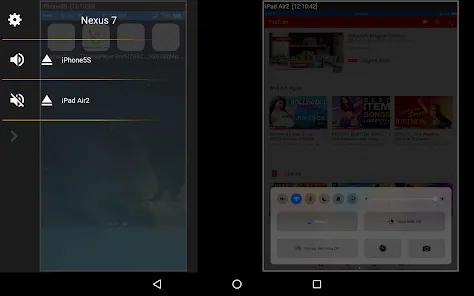
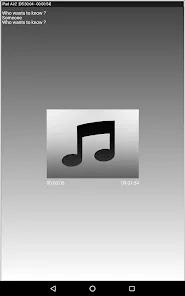
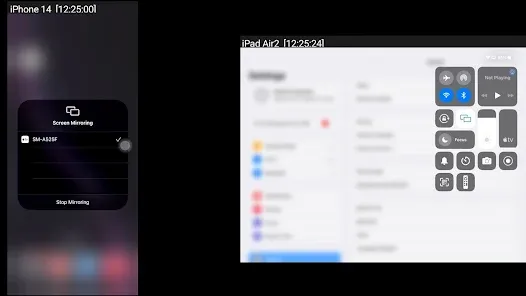
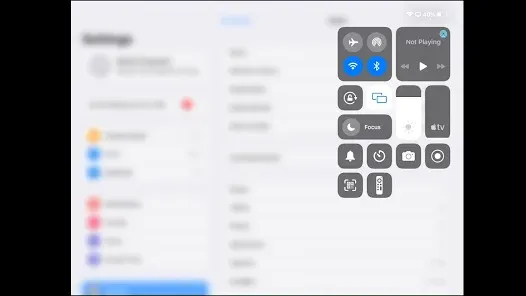
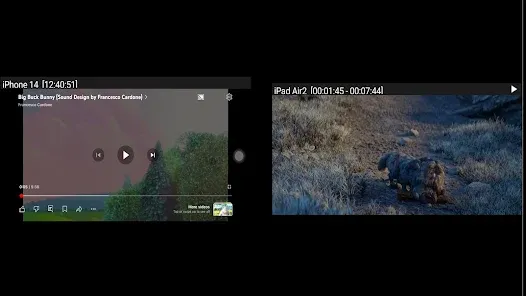
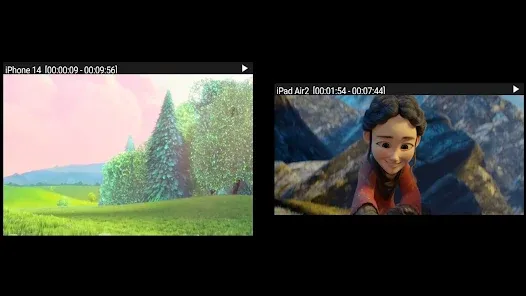

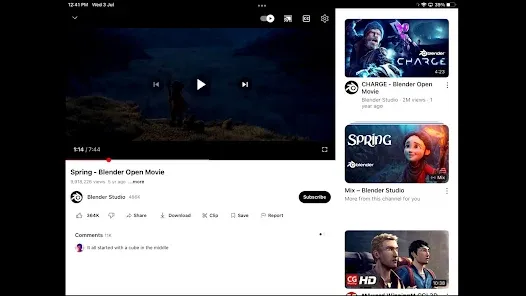
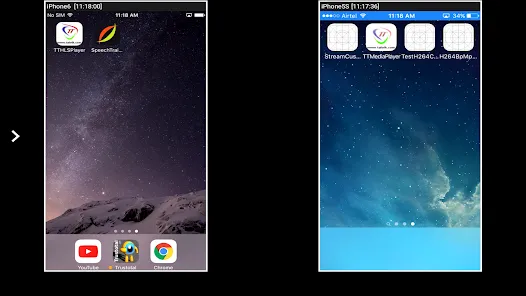
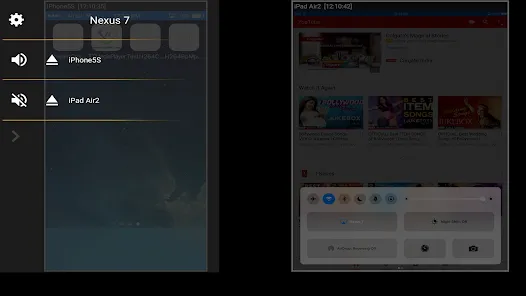

AirMirror: AirPlay Receiver is a versatile app that transforms your device into a seamless AirPlay receiver, allowing you to stream audio, video, and mirror your screen effortlessly. With its user-friendly interface, you can easily connect your iOS devices and enjoy high-quality media playback on larger screens. Whether for presentations, gaming, or sharing content with friends, AirMirror enhances your multimedia experience, making it simple to enjoy your favorite content wirelessly.
Advertisement
Features of "AirMirror: AirPlay Receiver"
"AirMirror: AirPlay Receiver" is a versatile application that allows users to mirror their iOS devices to a larger screen seamlessly. One of its standout features is the ability to support multiple devices, enabling users to connect various iPhones, iPads, and Macs simultaneously. This makes it ideal for presentations or group activities where multiple screens are beneficial.
Another notable feature is its high-definition streaming capability, which ensures that videos and images are displayed in crisp quality without lag. The app also supports audio streaming, allowing users to enjoy music and sound from their devices through external speakers. Additionally, "AirMirror" offers a user-friendly interface, making it easy for users of all ages to navigate and utilize its features effectively.
Furthermore, the app includes customizable settings, allowing users to adjust resolution and aspect ratios according to their preferences. It also provides a reliable connection, minimizing interruptions during use. Overall, "AirMirror: AirPlay Receiver" combines functionality and ease of use, making it a popular choice for those looking to enhance their media experience.
How to Use "AirMirror: AirPlay Receiver"
Using "AirMirror: AirPlay Receiver" is a straightforward process that can be completed in just a few steps. First, ensure that both your iOS device and the receiving device, such as a smart TV or computer, are connected to the same Wi-Fi network. This is crucial for establishing a successful connection between the devices.
Next, download and install the "AirMirror" app on your receiving device. Once installed, open the app and follow the on-screen instructions to set it up. On your iOS device, swipe down from the top-right corner to access the Control Center. Tap on the "Screen Mirroring" option, and you should see the name of your receiving device listed. Select it to initiate the mirroring process.
After a few moments, your iOS screen should appear on the larger display. You can now enjoy your content, whether it’s videos, games, or presentations, on a bigger screen. To stop mirroring, simply return to the Control Center and tap "Stop Mirroring." This easy-to-follow process makes "AirMirror: AirPlay Receiver" accessible for everyone, enhancing the way users share and enjoy media.
Pros & Cons of the App
Like any application, "AirMirror: AirPlay Receiver" has its advantages and disadvantages. One of the primary pros is its ability to support multiple devices, which is particularly useful for group settings or collaborative work. The high-definition streaming quality is another significant benefit, providing users with a visually appealing experience. Additionally, the app's user-friendly interface makes it accessible for users of all skill levels, ensuring that anyone can utilize its features without difficulty.
However, there are some cons to consider. One potential drawback is that the app requires a stable Wi-Fi connection for optimal performance, which may not always be available. Users may also experience occasional lag or connectivity issues, especially when streaming high-resolution content. Furthermore, while the app is generally reliable, some users have reported compatibility issues with certain devices, which can limit its usability. Overall, while "AirMirror: AirPlay Receiver" offers many benefits, users should weigh these pros and cons based on their specific needs and circumstances.
 Google Play
  App Store
 Top Apps





Similar Apps

Kodi
Video Players & Editors

3.6

CapCut - Video Editor
Video Players & Editors
3.4

Blue Iris
Video Players & Editors
2.5
IPTV Extreme Pro
Video Players & Editors
3.8

IPTV Pro
Video Players & Editors
4.7

MX Player Pro
Video Players & Editors
4.3

Screen Recorder - Vidma Record
Video Players & Editors
4.5
StbEmu (Pro)
Video Players & Editors
3.6
TV Cast Pro for Android TV
Video Players & Editors
4.4
TV Cast Pro for Fire TV
Video Players & Editors
4.5
TV Cast Pro for LG webOS
Video Players & Editors
4.0
TV Cast Pro for Roku
Video Players & Editors
4.6
Advertisement
Laden…