
 Home
Home  Apps
Apps  Games
Games  About Us
  Cookies & Privacy Policy
  Terms of Service
TV Cast Pro for Samsung TV
Version: 2.64
Developer: 2kit consulting
 Verified App
 Advertisement
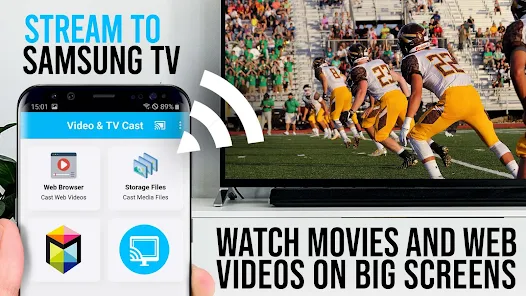
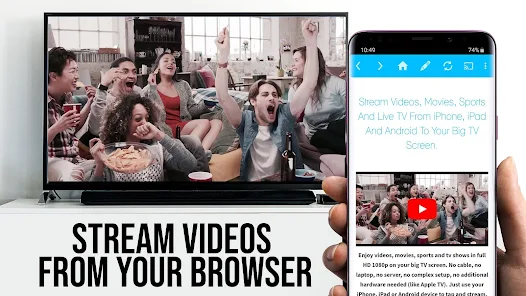
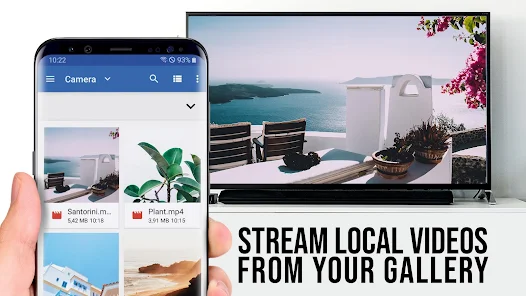
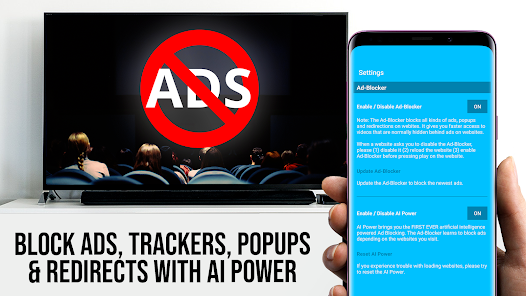
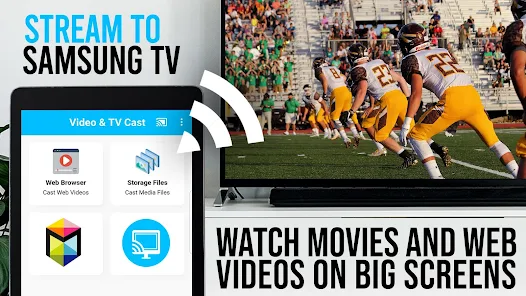
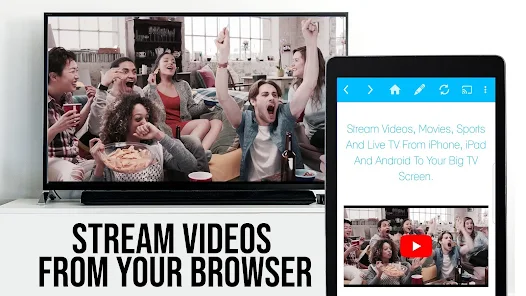
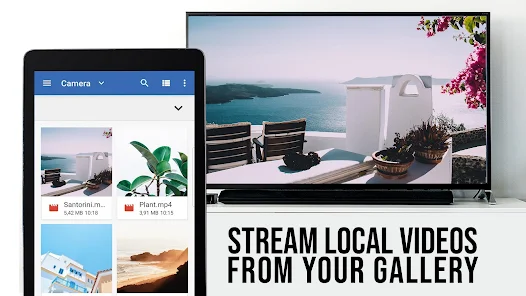
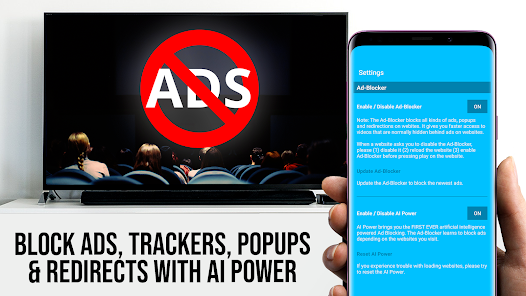
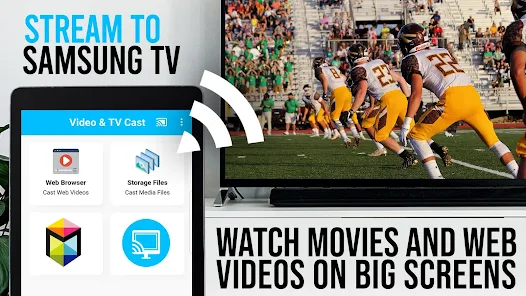
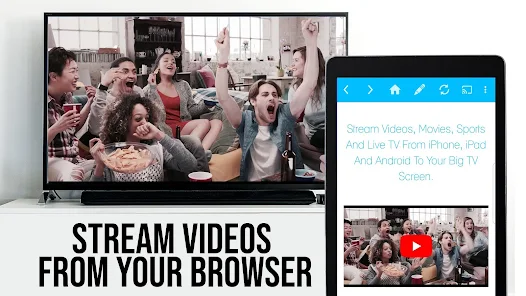
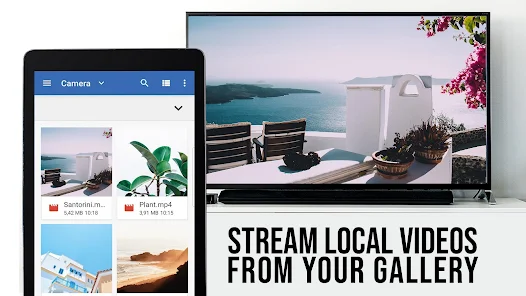
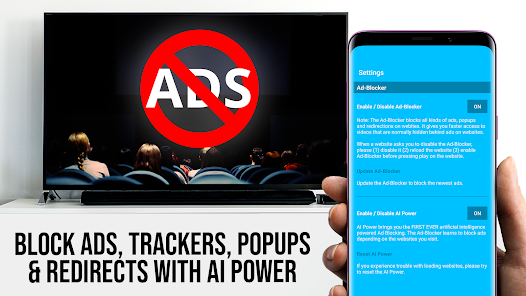
TV Cast Pro for Samsung TV is your ultimate streaming companion, allowing you to effortlessly cast videos, photos, and music from your mobile device to your Samsung Smart TV. With a user-friendly interface and seamless connectivity, you can enjoy your favorite content on the big screen in high quality. Whether it's movies, shows, or personal media, TV Cast Pro enhances your viewing experience, making it easy to share and enjoy entertainment with family and friends.
Advertisement
Features of "TV Cast Pro for Samsung TV"
"TV Cast Pro for Samsung TV" is a versatile application designed to enhance your viewing experience by allowing seamless streaming from your mobile device to your Samsung TV. One of its standout features is the ability to cast various media formats, including videos, music, and photos, directly from your smartphone or tablet. This app supports high-definition streaming, ensuring that your content is displayed in the best possible quality.
Another notable feature is the user-friendly interface, which makes it easy for users of all ages to navigate and utilize the app effectively. The app also supports multiple file formats, allowing for a wide range of content to be cast without compatibility issues. Additionally, "TV Cast Pro" offers a screen mirroring function, enabling users to display their device's screen on the TV, which is perfect for presentations or sharing content with a larger audience.
Furthermore, the app includes a built-in media player, allowing users to play content directly within the app before casting it to the TV. This feature enhances convenience and provides a smoother user experience. Overall, "TV Cast Pro for Samsung TV" combines functionality and ease of use, making it a valuable tool for anyone looking to enjoy their media on a larger screen.
How to Use "TV Cast Pro for Samsung TV"
Using "TV Cast Pro for Samsung TV" is a straightforward process that can be completed in just a few steps. First, ensure that both your Samsung TV and mobile device are connected to the same Wi-Fi network. This is crucial for the app to function correctly. Once connected, download and install the "TV Cast Pro" app from your device's app store.
After installation, open the app and follow the on-screen instructions to establish a connection with your Samsung TV. The app will automatically detect your TV if it is on the same network. Once connected, you can browse through your media library within the app. Select the content you wish to cast, whether it be a video, photo, or music file.
To cast, simply tap the cast icon and choose your Samsung TV from the list of available devices. Your selected content will begin streaming on the TV screen. Additionally, you can use the screen mirroring feature by selecting the appropriate option in the app, allowing you to display your entire device screen on the TV. This makes it easy to share presentations, photos, or any other content with friends and family.
Pros & Cons of the App
Like any application, "TV Cast Pro for Samsung TV" has its advantages and disadvantages. One of the primary pros is its ease of use; the app is designed with a user-friendly interface that allows even those who are not tech-savvy to navigate it effortlessly. Additionally, the ability to cast various media formats and the inclusion of a built-in media player enhance its functionality, making it a versatile tool for streaming content.
Another significant advantage is the high-definition streaming capability, which ensures that users enjoy their media in excellent quality. The screen mirroring feature is also a plus, as it allows for a broader range of uses beyond just media consumption, such as presentations and gaming.
On the downside, some users may experience connectivity issues, particularly if their Wi-Fi network is unstable. Additionally, while the app is generally reliable, occasional bugs or glitches can occur, which may disrupt the streaming experience. Furthermore, some advanced features may require a premium version, which could deter users looking for a completely free solution. Overall, while "TV Cast Pro for Samsung TV" offers many benefits, potential users should weigh these pros and cons before deciding to download the app.
Check All Versions  Google Play
  App Store
Google Play App Store Top Apps





Similar Apps

Kodi
Video Players & Editors

3.6

CapCut - Video Editor
Video Players & Editors
3.4
AirMirror: AirPlay Receiver
Video Players & Editors
3.6

Blue Iris
Video Players & Editors
2.5
IPTV Extreme Pro
Video Players & Editors
3.8

IPTV Pro
Video Players & Editors
4.7

MX Player Pro
Video Players & Editors
4.3

Screen Recorder - Vidma Record
Video Players & Editors
4.5

StbEmu (Pro)
Video Players & Editors
3.6

TV Cast Pro for Android TV
Video Players & Editors
4.4

TV Cast Pro for Fire TV
Video Players & Editors
4.5

TV Cast Pro for LG webOS
Video Players & Editors
4.0
Advertisement
Laden…