
 Home
Home  Apps
Apps  Games
Games  About Us
  Cookies & Privacy Policy
  Terms of Service
TV Cast Pro for LG webOS
Version: 2.37
Developer: 2kit consulting
 Verified App
 Advertisement
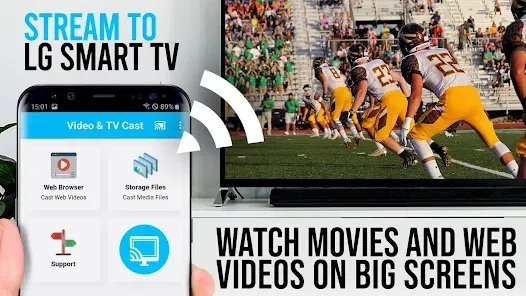
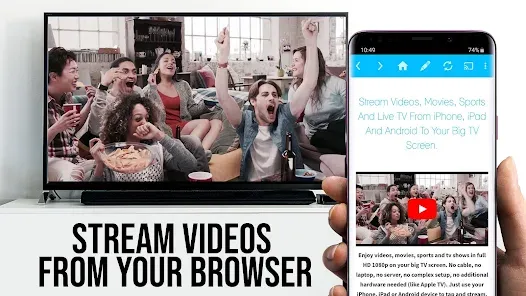
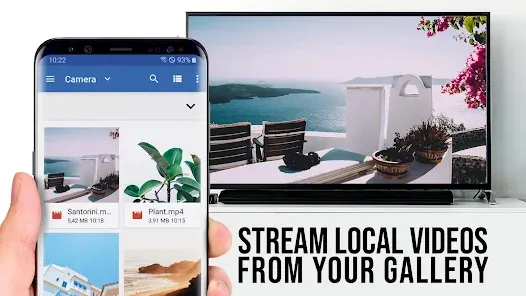
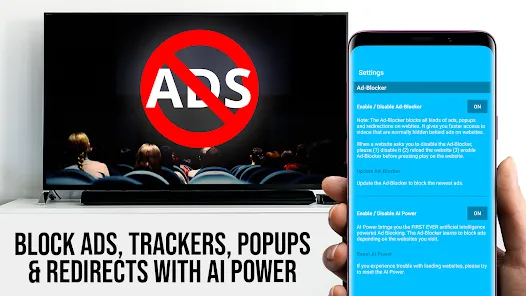
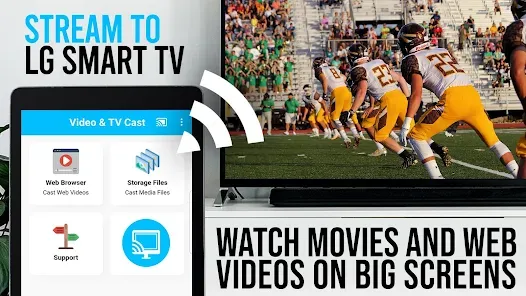
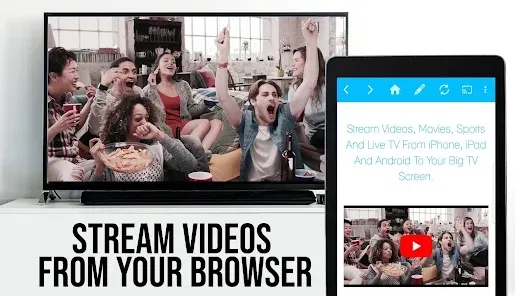
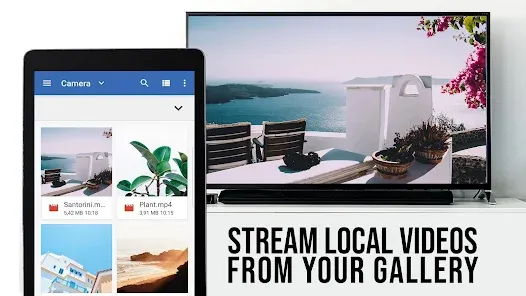
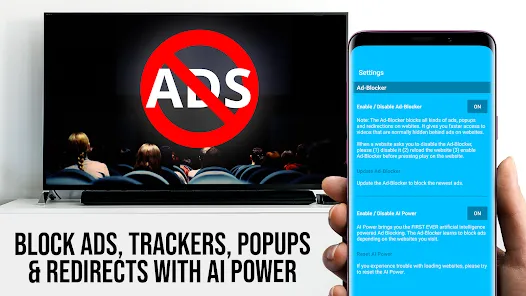
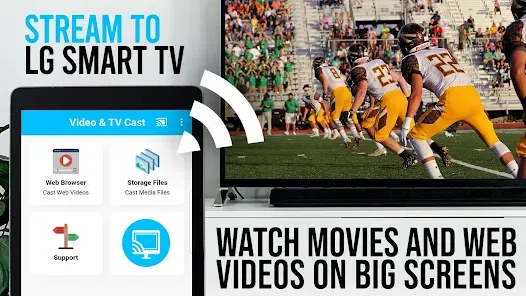
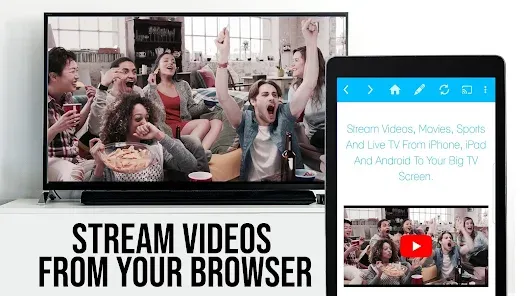
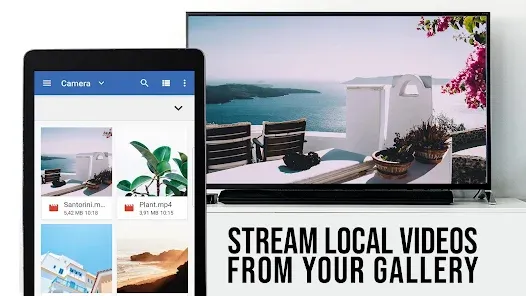
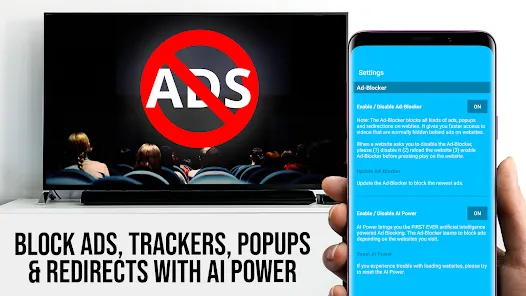
TV Cast Pro for LG webOS allows you to effortlessly stream content from your mobile device to your LG Smart TV. With a user-friendly interface, this app supports various media formats, enabling you to cast videos, photos, and music seamlessly. Enjoy high-quality playback and easy navigation, making it perfect for sharing your favorite moments with family and friends. Transform your viewing experience and take full advantage of your LG webOS TV with TV Cast Pro.
Advertisement
Features of "TV Cast Pro for LG webOS"
"TV Cast Pro for LG webOS" is a versatile application designed to enhance your streaming experience on LG smart TVs. One of its standout features is the ability to cast videos, photos, and music directly from your mobile device to your TV, allowing for seamless sharing of content. The app supports a wide range of formats, ensuring compatibility with various media types, which enhances its usability.
Another notable feature is the user-friendly interface, which simplifies navigation and makes it easy for users of all ages to operate. The app also includes a built-in web browser, enabling users to search for content online and cast it directly to their TV. Additionally, "TV Cast Pro" supports multiple devices, allowing you to connect various smartphones and tablets simultaneously, making it perfect for family gatherings or parties.
Moreover, the app offers high-definition streaming capabilities, ensuring that your viewing experience is not compromised. It also includes a screen mirroring feature, which allows you to display your device's screen on the TV, making it ideal for presentations or sharing apps. Overall, "TV Cast Pro for LG webOS" combines functionality and ease of use, making it a must-have for LG TV owners.
How to Use "TV Cast Pro for LG webOS"
Using "TV Cast Pro for LG webOS" is a straightforward process that can be completed in just a few steps. First, ensure that your LG smart TV and mobile device are connected to the same Wi-Fi network. Once confirmed, download and install the "TV Cast Pro" app from the Google Play Store or Apple App Store on your mobile device.
After installation, open the app and follow the on-screen instructions to connect to your LG TV. The app will automatically detect your TV, and you can select it from the list of available devices. Once connected, you can start casting content by selecting videos, photos, or music from your device. Simply tap the cast icon, and your chosen media will be displayed on the TV screen.
For web browsing, use the built-in browser within the app to search for online content. You can cast any video or image directly from the browser to your TV. Additionally, if you want to mirror your device's screen, select the screen mirroring option in the app settings. This feature is particularly useful for sharing presentations or displaying apps on a larger screen. With these simple steps, you can enjoy a rich media experience on your LG smart TV.
Pros & Cons of the App
"TV Cast Pro for LG webOS" comes with several advantages that enhance its appeal to users. One of the primary pros is its ease of use; the intuitive interface allows even those who are not tech-savvy to navigate the app effortlessly. Additionally, the app supports a wide variety of media formats, ensuring that users can cast almost any type of content without compatibility issues. The high-definition streaming capability is another significant advantage, providing a superior viewing experience.
However, the app is not without its drawbacks. One of the main cons is that it requires a stable Wi-Fi connection for optimal performance, which can be a limitation in areas with poor connectivity. Some users have also reported occasional lag during casting, which can disrupt the viewing experience. Furthermore, while the app is feature-rich, certain advanced functionalities may require a premium subscription, which could deter some users from fully utilizing its capabilities.
In summary, "TV Cast Pro for LG webOS" offers a blend of convenience and functionality, making it a valuable tool for LG TV owners. However, potential users should weigh the pros and cons to determine if it meets their specific needs and expectations.
Check All Versions  Google Play
  App Store
Google Play App Store Top Apps





Similar Apps

Kodi
Video Players & Editors

3.6
CapCut - Video Editor
Video Players & Editors
3.4
AirMirror: AirPlay Receiver
Video Players & Editors
3.6

Blue Iris
Video Players & Editors
2.5
IPTV Extreme Pro
Video Players & Editors
3.8

IPTV Pro
Video Players & Editors
4.7

MX Player Pro
Video Players & Editors
4.3

Screen Recorder - Vidma Record
Video Players & Editors
4.5

StbEmu (Pro)
Video Players & Editors
3.6
TV Cast Pro for Android TV
Video Players & Editors
4.4
TV Cast Pro for Fire TV
Video Players & Editors
4.5
TV Cast Pro for Roku
Video Players & Editors
4.6
Advertisement
Laden…