
 Home
Home  Apps
Apps  Games
Games  About Us
  Cookies & Privacy Policy
  Terms of Service
StbEmu (Pro)
Version: v2.0.17.05
Developer: M Vasilchuk
 Verified App
 Advertisement
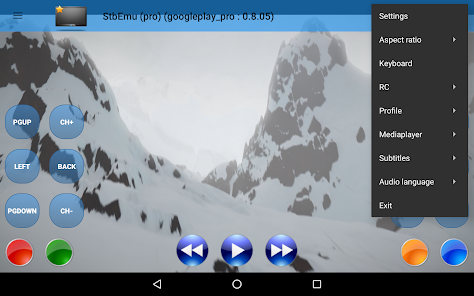
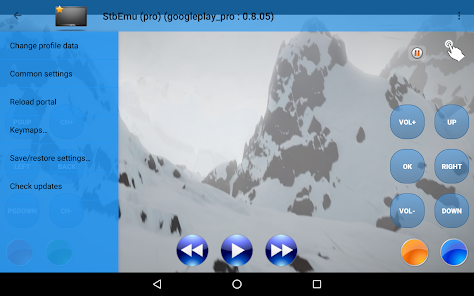
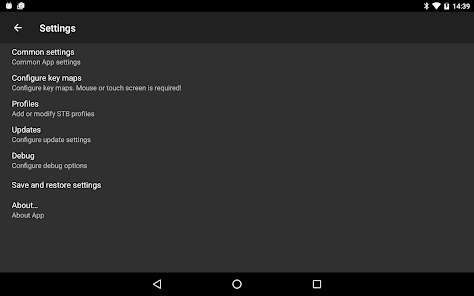
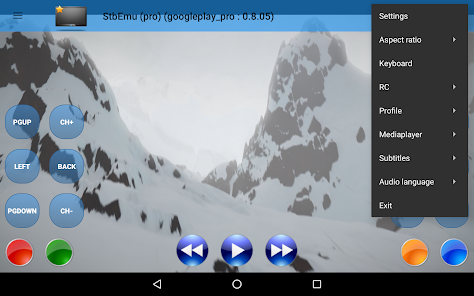
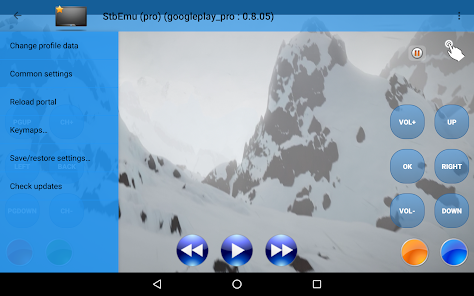
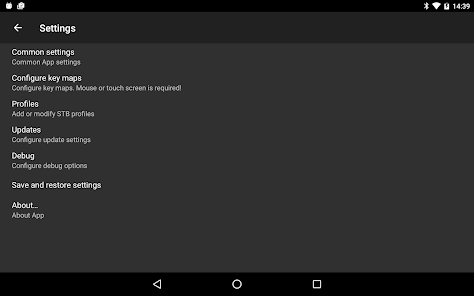
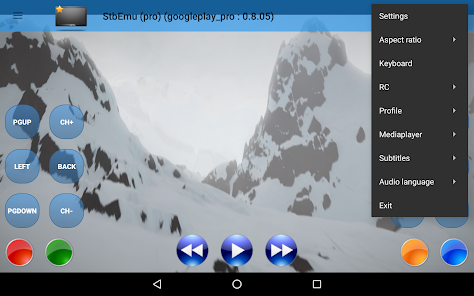
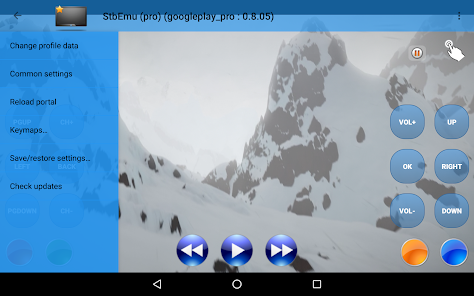
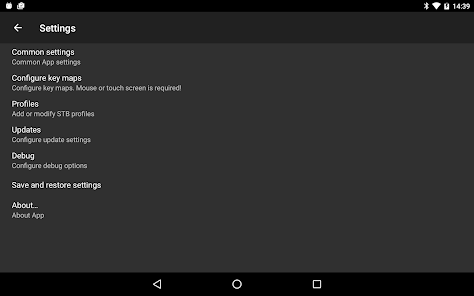
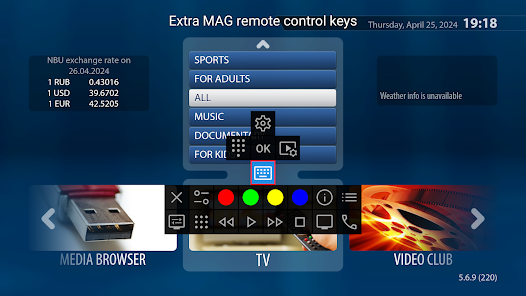
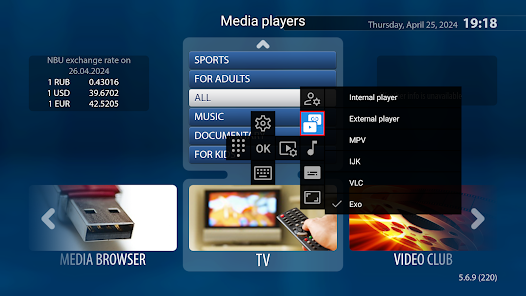
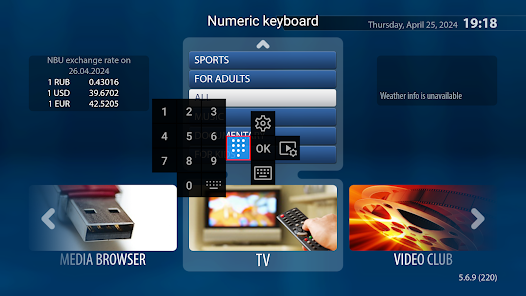
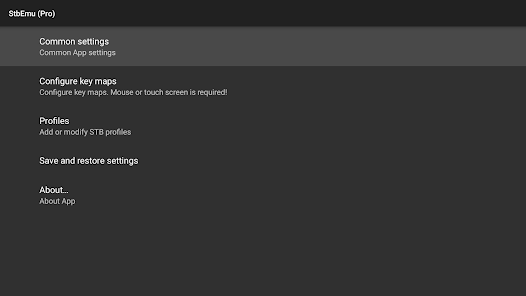
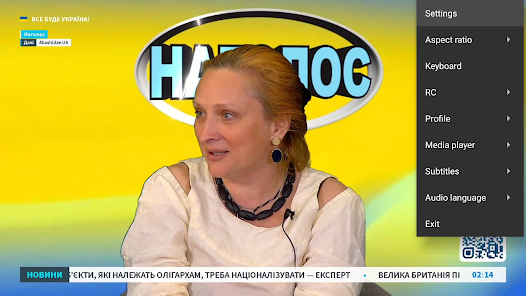
StbEmu (Pro) is a powerful application designed for streaming IPTV content on Android devices. It emulates set-top boxes, allowing users to access their favorite TV channels, movies, and shows seamlessly. With a user-friendly interface and customizable settings, StbEmu (Pro) enhances the viewing experience by supporting various formats and protocols. Ideal for IPTV service subscribers, it offers flexibility and convenience, making it a popular choice for entertainment enthusiasts. Enjoy a world of content at your fingertips!
Advertisement
Features of "StbEmu (Pro)"
StbEmu (Pro) is a versatile application designed for users who want to access IPTV services on their devices. One of its standout features is the ability to emulate various set-top boxes, allowing users to enjoy a wide range of IPTV content without needing the actual hardware. The app supports multiple protocols, including HTTP, RTSP, and HLS, ensuring compatibility with various streaming services.
Another notable feature is its user-friendly interface, which can be customized to suit individual preferences. Users can easily navigate through channels, create favorites lists, and manage their playlists. StbEmu (Pro) also supports EPG (Electronic Program Guide), providing users with detailed information about upcoming shows and schedules. Additionally, the app allows for parental controls, enabling users to restrict access to certain content based on age ratings.
Furthermore, StbEmu (Pro) offers advanced settings for experienced users, including options for adjusting video quality and buffering settings. The app is regularly updated to enhance performance and introduce new features, ensuring a seamless streaming experience. Overall, StbEmu (Pro) combines functionality and ease of use, making it a popular choice among IPTV enthusiasts.
How to Use "StbEmu (Pro)"
Using StbEmu (Pro) is straightforward, even for those who may not be tech-savvy. First, download and install the app from a trusted source, such as the Google Play Store or the official website. Once installed, launch the application, and you will be greeted with a setup wizard that guides you through the initial configuration process.
The next step involves entering your IPTV service provider's portal URL. This URL is crucial as it connects the app to your IPTV service. After entering the URL, you may need to input additional credentials, such as a username and password, depending on your provider's requirements. Once the setup is complete, you can start browsing through channels and content available through your IPTV service.
To enhance your experience, take advantage of the app's customization options. You can create a favorites list for quick access to your preferred channels and adjust settings to optimize video quality. Additionally, familiarize yourself with the EPG feature to stay updated on upcoming shows. With these steps, you can enjoy a seamless IPTV experience using StbEmu (Pro).
Pros & Cons of the App
StbEmu (Pro) comes with several advantages that make it a popular choice among IPTV users. One of the primary pros is its flexibility; the app can emulate various set-top boxes, allowing users to access a wide range of IPTV services without needing specific hardware. Additionally, its user-friendly interface makes navigation easy, even for beginners. The app also supports multiple streaming protocols, ensuring compatibility with various content sources.
However, there are some drawbacks to consider. One of the main cons is that the app requires a stable internet connection for optimal performance. Users may experience buffering or interruptions if their connection is weak. Furthermore, StbEmu (Pro) relies on third-party IPTV services, which can vary in quality and reliability. This dependency means that users may encounter issues if their service provider experiences downtime or technical difficulties.
Another potential downside is that while the app offers customization options, some users may find the advanced settings overwhelming. Overall, while StbEmu (Pro) has its pros and cons, it remains a solid choice for those looking to enhance their IPTV viewing experience.
Check All Versions  Google Play
  App Store
Google Play App Store Top Apps





Similar Apps

Kodi
Video Players & Editors

3.6
CapCut - Video Editor
Video Players & Editors
3.4

AirMirror: AirPlay Receiver
Video Players & Editors
3.6

Blue Iris
Video Players & Editors
2.5
IPTV Extreme Pro
Video Players & Editors
3.8

IPTV Pro
Video Players & Editors
4.7

MX Player Pro
Video Players & Editors
4.3

Screen Recorder - Vidma Record
Video Players & Editors
4.5

TV Cast Pro for Android TV
Video Players & Editors
4.4
TV Cast Pro for Fire TV
Video Players & Editors
4.5

TV Cast Pro for LG webOS
Video Players & Editors
4.0
TV Cast Pro for Roku
Video Players & Editors
4.6
Advertisement
Laden…