
 Home
Home  Apps
Apps  Games
Games  About Us
  Cookies & Privacy Policy
  Terms of Service
tinyCam Monitor PRO for IP Cam
Version: 15.3.4 - Google Play
Developer: Tiny Solutions LLC
 Verified App
 Advertisement
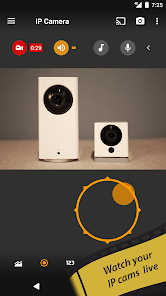
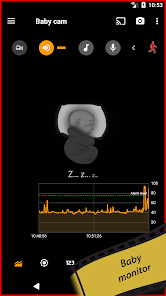
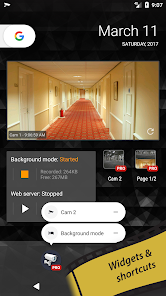
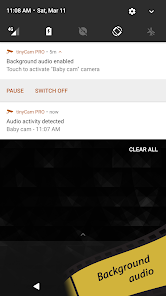
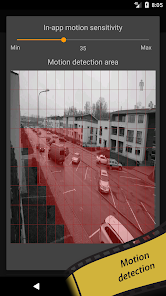
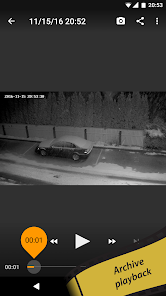
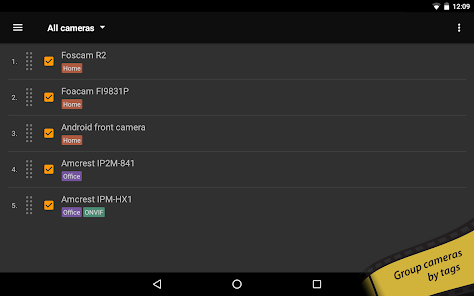
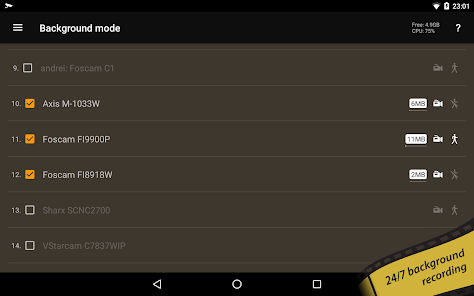
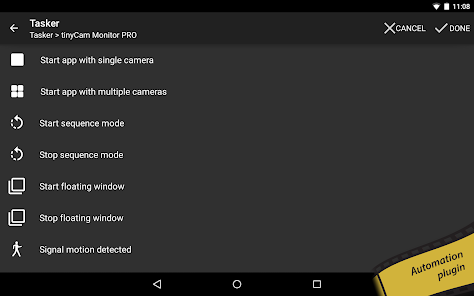
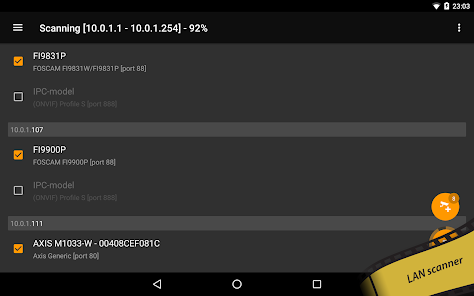
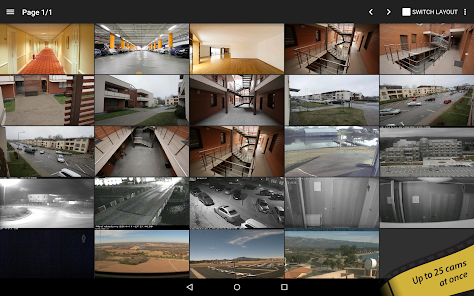
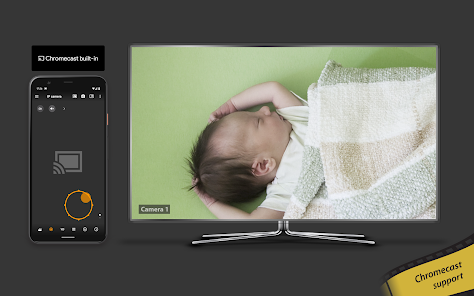
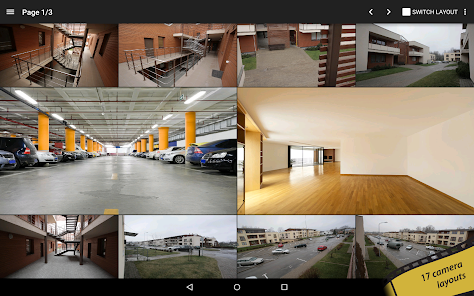
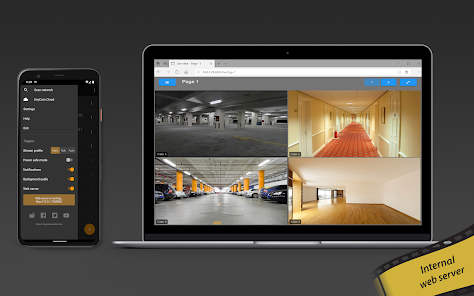
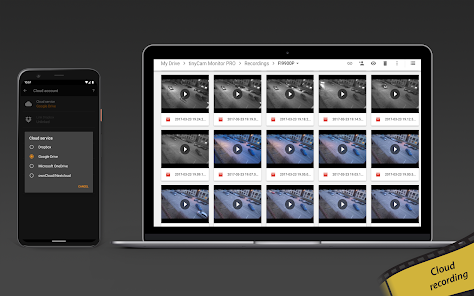
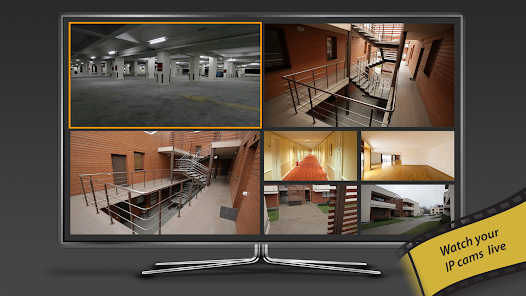
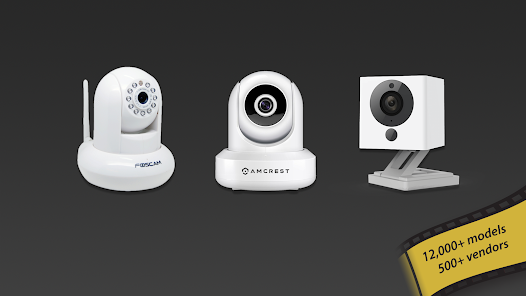
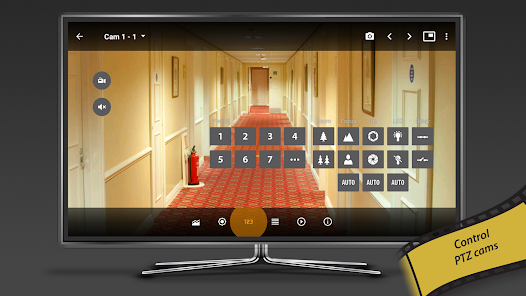
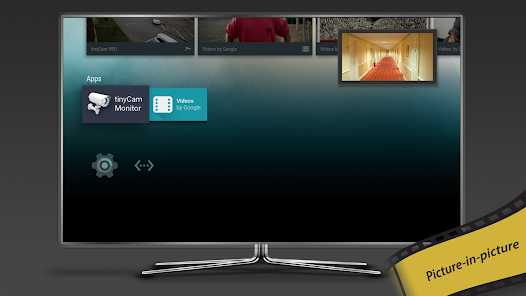
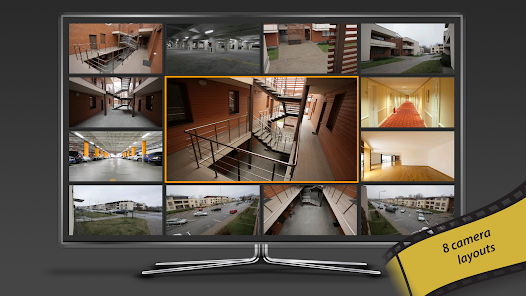
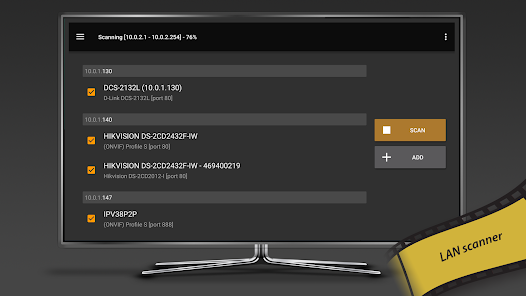
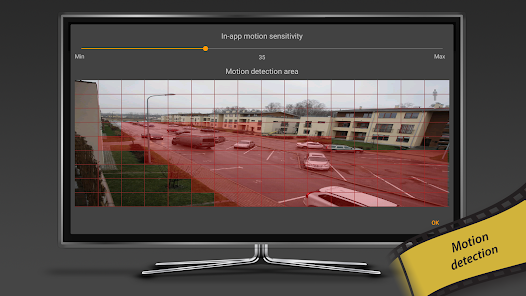
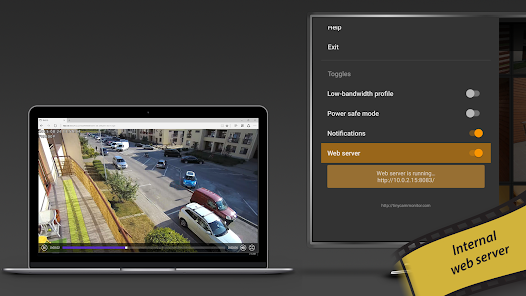
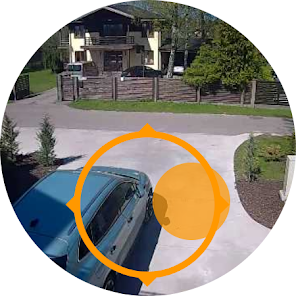
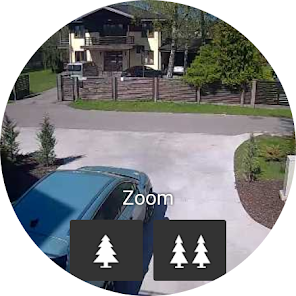
tinyCam Monitor PRO is a powerful app designed for monitoring IP cameras, webcams, and DVRs. It offers a user-friendly interface, allowing you to view live feeds, record video, and manage multiple cameras seamlessly. With features like motion detection, cloud storage, and remote access, tinyCam Monitor PRO enhances your security experience, making it ideal for home or business surveillance. Stay connected and keep an eye on your property anytime, anywhere with this versatile monitoring solution.
Advertisement
Features of "tinyCam Monitor PRO for IP Cam"
tinyCam Monitor PRO for IP Cam is a versatile application designed for monitoring IP cameras, webcams, and DVRs. One of its standout features is the ability to support a wide range of camera brands and models, making it highly compatible with various devices. The app offers real-time video streaming, allowing users to view live feeds from their cameras directly on their mobile devices.
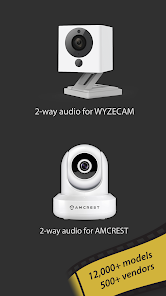
Another notable feature is the multi-camera support, which enables users to monitor multiple cameras simultaneously. The app also includes advanced motion detection capabilities, sending alerts to users when movement is detected. Additionally, tinyCam Monitor PRO provides cloud storage options for recorded footage, ensuring that important moments are never lost. Users can also take snapshots and record video directly from the app, enhancing its functionality. Furthermore, the app supports two-way audio, allowing for communication through the camera, making it ideal for home security and monitoring pets.
How to Use "tinyCam Monitor PRO for IP Cam"
Using tinyCam Monitor PRO for IP Cam is straightforward and user-friendly. First, download and install the app from the Google Play Store or the official website. Once installed, open the app and create an account or log in if you already have one. The next step is to add your IP camera by selecting the 'Add Camera' option. You can either manually enter the camera's IP address or use the auto-discovery feature to find compatible devices on your network.
After adding the camera, configure the settings according to your preferences, such as resolution, frame rate, and audio options. Once set up, you can access the live feed from your camera directly on your device. The app also allows you to customize notifications for motion detection and other events. To enhance your experience, explore the various features, such as recording video, taking snapshots, and adjusting camera angles if supported. Regularly check for app updates to ensure you have the latest features and improvements.
Pros & Cons of the App
tinyCam Monitor PRO for IP Cam comes with several advantages that make it a popular choice among users. One of the primary pros is its extensive compatibility with a wide range of IP cameras and devices, which allows users to integrate it into their existing security systems seamlessly. The app's user-friendly interface makes it easy for both beginners and experienced users to navigate and utilize its features effectively. Additionally, the multi-camera support and advanced motion detection capabilities enhance its functionality, making it suitable for comprehensive surveillance needs.
However, there are some cons to consider. Some users have reported occasional connectivity issues, particularly with certain camera models, which can be frustrating. Additionally, while the app offers a wealth of features, some users may find the initial setup process a bit complex, especially if they are not tech-savvy. Lastly, the app is a paid version, which may deter some users who are looking for free alternatives. Overall, while tinyCam Monitor PRO has its drawbacks, its robust features and capabilities make it a valuable tool for IP camera monitoring.
Check All Versions  Google Play
  App Store
Google Play App Store Top Apps





Similar Apps

Kodi
Video Players & Editors

3.6
CapCut - Video Editor
Video Players & Editors
3.4
AirMirror: AirPlay Receiver
Video Players & Editors
3.6

Blue Iris
Video Players & Editors
2.5
IPTV Extreme Pro
Video Players & Editors
3.8

IPTV Pro
Video Players & Editors
4.7

MX Player Pro
Video Players & Editors
4.3

Screen Recorder - Vidma Record
Video Players & Editors
4.5

StbEmu (Pro)
Video Players & Editors
3.6
TV Cast Pro for Android TV
Video Players & Editors
4.4
TV Cast Pro for Fire TV
Video Players & Editors
4.5
TV Cast Pro for LG webOS
Video Players & Editors
4.0
Advertisement
Laden…