
Version: 15.8(251270159)(f9d5310600)
Developer: Mega Ltd
 Verified App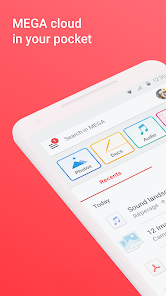
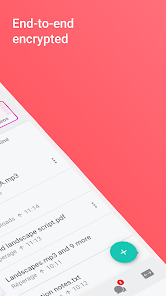
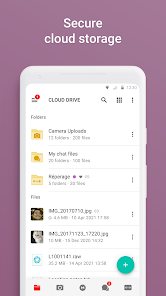
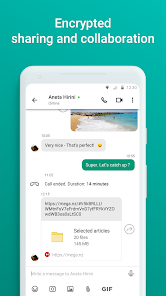
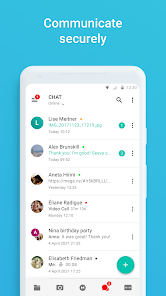
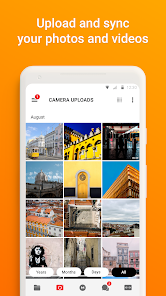
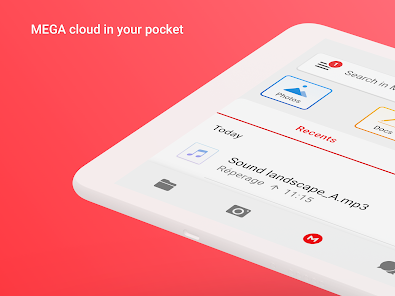
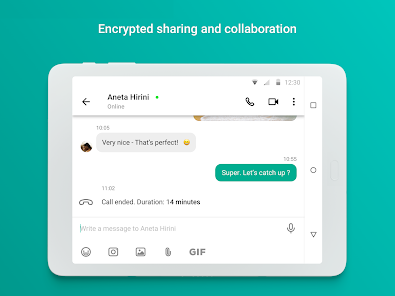
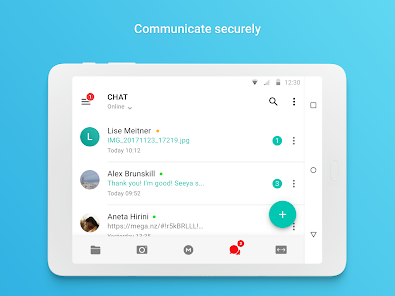
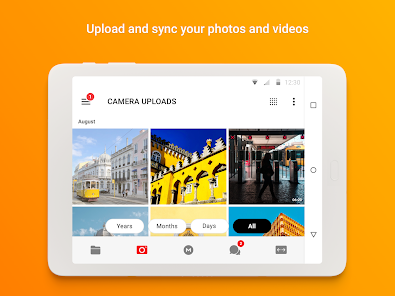
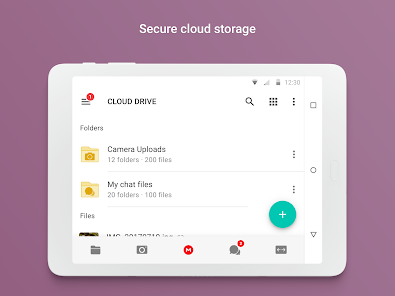
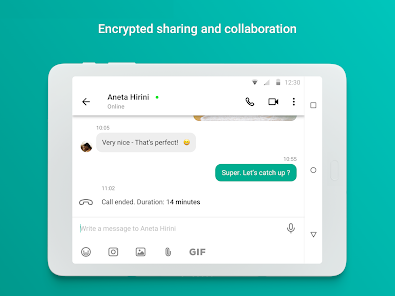
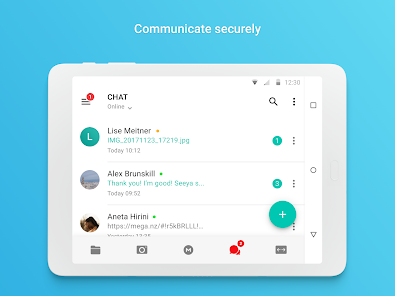
MEGA is a cloud storage service that offers a combination of secure file storage, sharing capabilities, and user-friendly features. Here are some core highlights that make MEGA stand out in the crowded cloud storage market:
As a freelance writer, I often juggle multiple projects and clients. MEGA has become an indispensable tool in my daily routine. For instance, I frequently collaborate with graphic designers who need to access images and drafts I’ve created. By utilizing MEGA’s file-sharing capabilities, I can send large files without worrying about email attachment limits. Just last week, I had to share a comprehensive report with a client. Instead of hosting the file on a traditional email service, I generated a MEGA link and sent it over. The client could access it instantly, which saved us both valuable time.
Upon first opening the MEGA app, I was greeted by an intuitive interface that made navigation a breeze. The layout is clean, with clear labels and easy-to-find menu options. Uploading files is straightforward—just drag and drop, and they begin uploading immediately. I appreciate how MEGA allows me to organize my files into folders, making it easy to locate specific documents quickly. Performance-wise, the app is responsive, with minimal lag during uploads or downloads. Overall, using MEGA has been a positive experience; it’s efficient and user-friendly, which is crucial when I'm balancing multiple deadlines.
MEGA offers a free plan that provides 20 GB of storage, which is perfect for casual users. However, for those who need more space, MEGA has several competitive paid plans, starting from around $5.50 per month for 400 GB to $35.00 per month for 16 TB. This range makes it accessible for both individual users and businesses needing extensive storage solutions.
MEGA frequently updates its app to enhance performance and introduce new features. I’ve noticed improvements in speed and additional functionalities in the last few updates. Customer support is responsive as well; I had a minor issue with my account and reached out to their support team. They addressed my concern promptly, which positively reinforced my trust in their service.
As a user concerned with security and privacy, MEGA’s commitment to these aspects is one of the main reasons I opted for this service. MEGA is available on both the App Store and Google Play, making it easily accessible for both iOS and Android users. Upon registration, MEGA requires minimal personal data, which is a refreshing change from many other services that demand extensive information.
One of the standout features is that MEGA does not track user behavior or serve ads, ensuring a clean and uninterrupted user experience. The end-to-end encryption means that even MEGA cannot access your files, providing peace of mind that my sensitive documents are safe from prying eyes. Overall, MEGA has established itself as a reliable storage option for users who prioritize security and privacy.

 Experience seamless file sharing Enjoy 50GB of free storage End-to-end encryption for security Cross-platform access anytime User-friendly interface for all
 Limited file size limits Reliance on internet speeds Complex user interface Privacy concerns with sharing
 Yes, MEGA offers mobile applications for both Android and iOS devices. Users can access their files, upload new content, and manage their storage directly from their smartphones or tablets, providing flexibility and convenience.
Yes, users can choose to encrypt their files before uploading them to MEGA for an additional layer of security. Although MEGA provides end-to-end encryption, personal encryption offers extra peace of mind for sensitive information.
Yes, MEGA provides a "Trash" feature that allows users to recover deleted files within a specific timeframe. Files in the Trash can be restored easily, but once they are permanently deleted from the Trash, recovery is not possible.
Yes, MEGA is suitable for business use. It offers various plans designed for teams and organizations, providing additional features such as enhanced security, increased storage, and collaboration tools that facilitate teamwork and file sharing.
While MEGA primarily operates online, the desktop application allows users to access synced files offline. However, users will need an internet connection to upload new files or sync changes made to their cloud storage.
You can reach MEGA customer service through their official support page or by emailing support
After registration, check your email for an activation link from MEGA. Click it to activate your account.
Your customer number is usually found in your account settings or in the welcome email you received upon registration.
To log in, visit the MEGA website or use the app, enter your email and password, then click "Log in."















 Google Play
  App Store