
 Home
Home  Apps
Apps  Games
Games  About Us
  Cookies & Privacy Policy
  Terms of Service
Acode - code editor | FOSS
Version: 0.1.14.110
Developer: Foxbiz Software Pvt. Ltd.
 Verified App
 Advertisement

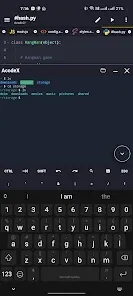
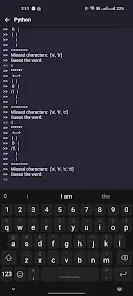
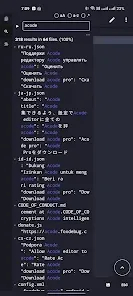

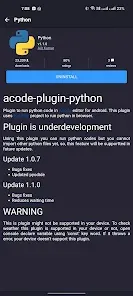
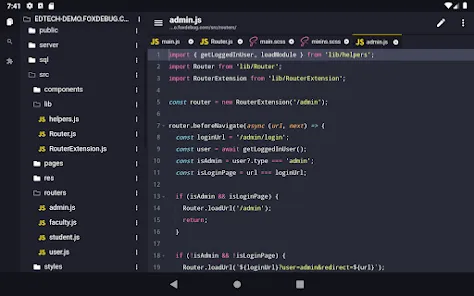
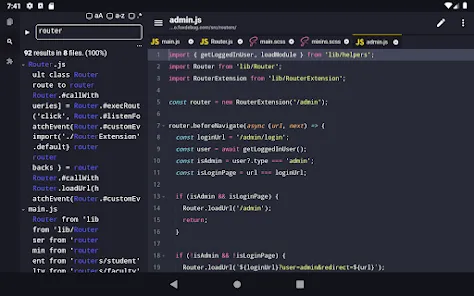
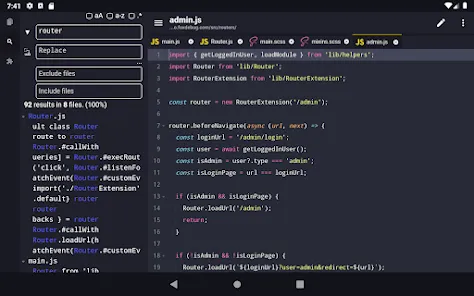
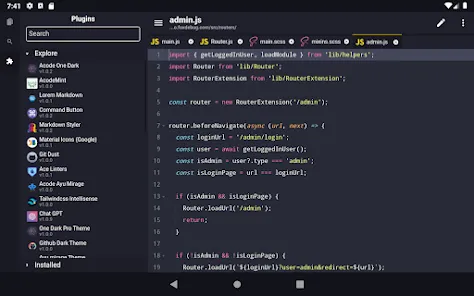
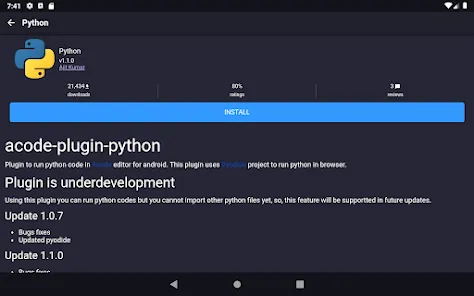
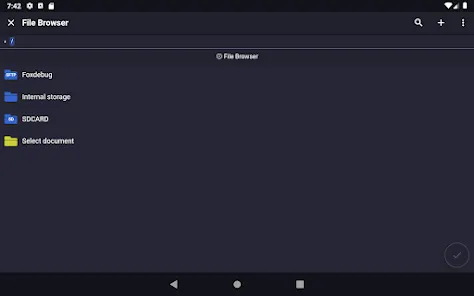
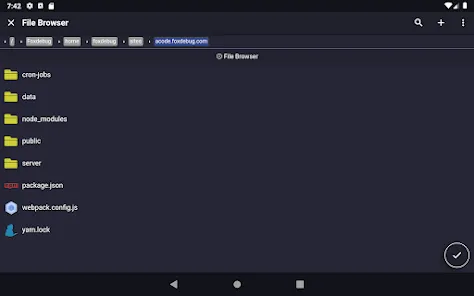
Acode is a powerful, open-source code editor designed for developers on the go. With a user-friendly interface and robust features, it supports multiple programming languages, syntax highlighting, and real-time previews. Ideal for both beginners and experienced coders, Acode allows you to edit, run, and debug your code seamlessly on mobile devices. Embrace the freedom of coding anywhere with this versatile and efficient tool, tailored for a smooth development experience.
Advertisement
Features of "Acode - Code Editor | FOSS"
Acode is a versatile code editor designed for developers who seek a lightweight yet powerful tool for coding on mobile devices. One of its standout features is syntax highlighting, which supports a wide range of programming languages, making it easier to read and write code. The editor also includes a built-in file manager, allowing users to navigate through their project files seamlessly. Additionally, Acode supports real-time collaboration, enabling multiple users to work on the same project simultaneously, which is particularly useful for team projects.
Another notable feature is the integrated terminal, which allows users to run commands directly within the app, enhancing productivity by eliminating the need to switch between different applications. Acode also offers customizable themes and layouts, enabling users to tailor the interface to their preferences. Furthermore, it supports various plugins, extending its functionality and allowing users to add features as needed. Overall, Acode combines essential coding tools with a user-friendly interface, making it an excellent choice for both novice and experienced developers.
How to Use "Acode - Code Editor | FOSS"
Using Acode is straightforward, making it accessible for users of all skill levels. To get started, download and install the app from your device's app store. Once installed, open Acode and create a new project by selecting the 'New File' option. You can choose the programming language you wish to work with, and the editor will automatically apply the appropriate syntax highlighting.
To manage your files, utilize the built-in file manager to create folders, rename files, or delete unnecessary ones. You can also open existing files by navigating through your device's storage. As you code, take advantage of the integrated terminal to run commands or scripts without leaving the app. For collaboration, share your project link with team members, allowing them to join and contribute in real-time. Lastly, customize your workspace by exploring the settings menu, where you can adjust themes, fonts, and other preferences to enhance your coding experience.
Pros & Cons of the App
Acode - Code Editor | FOSS comes with several advantages that make it appealing to developers. One of the primary pros is its open-source nature, which allows users to modify and contribute to the codebase, fostering a community-driven development environment. The app is lightweight and runs smoothly on mobile devices, making it convenient for coding on the go. Additionally, its support for multiple programming languages and real-time collaboration features enhances its versatility, catering to a wide range of coding needs.
However, Acode is not without its drawbacks. Some users may find the mobile interface limiting compared to desktop code editors, particularly for larger projects that require extensive navigation and file management. Additionally, while the app supports various plugins, the selection may not be as extensive as that of more established desktop editors. Lastly, users who prefer advanced features like debugging tools or integrated version control may find Acode lacking in these areas. Overall, while Acode is a solid choice for mobile coding, it may not fully replace desktop environments for all developers.
Check All Versions  Google Play
  App Store
Google Play App Store Top Apps





Similar Apps

Microsoft Word: Edit Documents
Productivity

4.8

HotSchedules
Productivity
3.4

MediaFire
Productivity
3.8

@Voice Premium License
Productivity
4.5

Adobe Acrobat Reader: Edit PDF
Productivity
4.5

CRUMB
Productivity
4.7

CamScanner- scanner, PDF maker
Productivity
4.8

Dropbox: Secure Cloud Storage
Productivity
4.4

Duet Display
Productivity
4.2
Easy Voice Recorder Pro
Productivity
4.7

Evernote - Note Organizer
Productivity
3.5

Google One
Productivity
4.1
Advertisement
Laden…