
 Home
Home  Apps
Apps  Games
Games  About Us
  Cookies & Privacy Policy
  Terms of Service
CamScanner- scanner, PDF maker
Version: 6.75.0.2411050000
Developer: CamSoft Information
 Verified App
 Advertisement
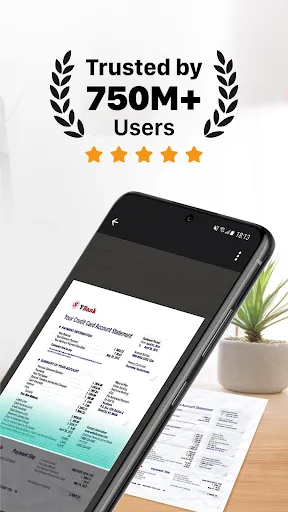
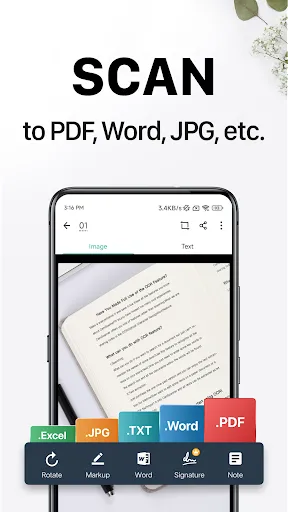
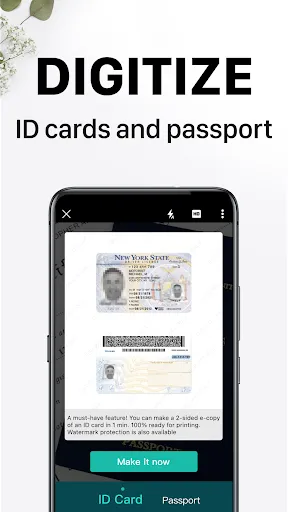
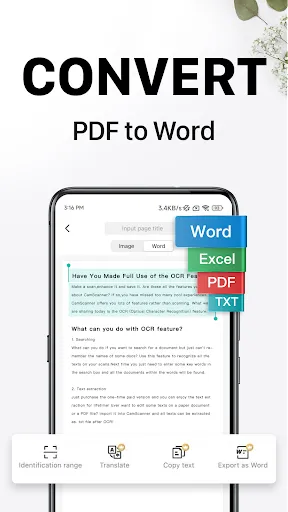
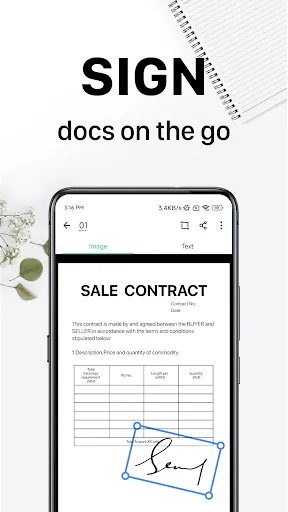
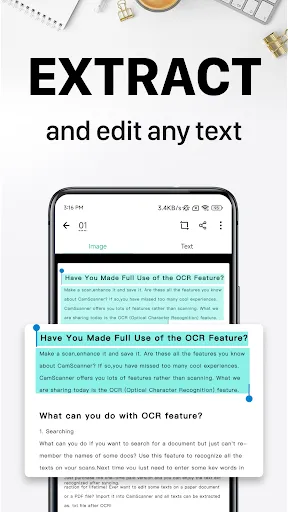
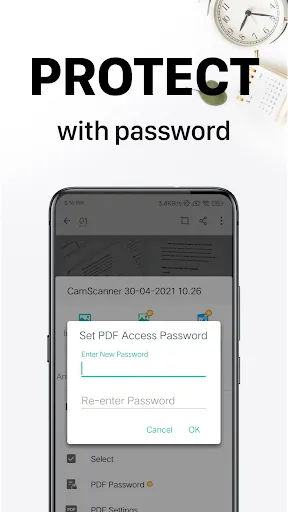
CamScanner is a powerful mobile scanning app that transforms your smartphone into a portable document scanner. With features like high-quality PDF creation, OCR text recognition, and easy sharing options, it simplifies the process of digitizing documents. Whether you need to scan receipts, notes, or business cards, CamScanner ensures clarity and convenience, making it an essential tool for students, professionals, and anyone on the go. Experience seamless document management right at your fingertips!
Advertisement
Features of "CamScanner - Scanner, PDF Maker"
CamScanner is a versatile mobile application designed to transform your smartphone into a portable scanner. One of its standout features is the ability to scan documents in high quality, capturing text and images with precision. The app utilizes advanced image processing technology to enhance scanned documents, ensuring clarity and readability. Users can easily convert scanned images into PDF or JPEG formats, making it convenient for sharing and storage.
Another notable feature is the OCR (Optical Character Recognition) capability, which allows users to extract text from images, making it easier to edit and share information. CamScanner also offers cloud storage integration, enabling users to save their documents on platforms like Google Drive, Dropbox, and OneDrive. Additionally, the app includes options for adding annotations, watermarks, and signatures, enhancing the functionality for professional use. With its user-friendly interface, batch scanning, and the ability to organize documents into folders, CamScanner is an essential tool for students, professionals, and anyone needing to digitize documents on the go.
How to Use "CamScanner - Scanner, PDF Maker"
Using CamScanner is straightforward and user-friendly. To begin, download and install the app from your device's app store. Once installed, open the app and tap the camera icon to start scanning. Position your document within the frame, and the app will automatically detect the edges, capturing the image with a single tap. After scanning, you can adjust the crop and enhance the image quality using the built-in editing tools.
Once you are satisfied with the scan, you can save it as a PDF or JPEG file. The app allows you to add multiple pages to a single document, making it easy to compile related materials. To share your scanned documents, simply select the share option, and choose your preferred method, whether via email, messaging apps, or cloud storage. Additionally, you can utilize the OCR feature to extract text from your scans, which can be edited or copied as needed. Overall, CamScanner provides a seamless experience for digitizing and managing documents efficiently.
Pros & Cons of the App
CamScanner offers several advantages that make it a popular choice among users. One of the primary benefits is its high-quality scanning capabilities, which produce clear and professional-looking documents. The OCR feature is another significant advantage, allowing users to convert images into editable text, saving time and effort. The app's cloud integration ensures that documents are easily accessible from multiple devices, enhancing convenience for users who work on the go. Additionally, the user-friendly interface makes it easy for anyone to navigate and utilize the app's features effectively.
However, there are some drawbacks to consider. One of the main concerns is the presence of ads in the free version, which can be distracting and may hinder the user experience. Some users have also reported occasional issues with the OCR accuracy, particularly with complex layouts or handwriting. Furthermore, while the app offers a range of features, some advanced functionalities require a subscription, which may not be ideal for casual users. Overall, while CamScanner is a powerful tool for document scanning, potential users should weigh these pros and cons based on their specific needs.
Check All Versions  Google Play
  App Store
Google Play App Store Top Apps





Similar Apps

Microsoft Word: Edit Documents
Productivity

4.8

HotSchedules
Productivity
3.4

MediaFire
Productivity
3.8

@Voice Premium License
Productivity
4.5

Acode - code editor | FOSS
Productivity
4.3
Adobe Acrobat Reader: Edit PDF
Productivity
4.5
CRUMB
Productivity
4.7

Dropbox: Secure Cloud Storage
Productivity
4.4

Duet Display
Productivity
4.2
Easy Voice Recorder Pro
Productivity
4.7

Evernote - Note Organizer
Productivity
3.5

Google One
Productivity
4.1
Advertisement
Laden…