
 Home
Home  Apps
Apps  Games
Games  About Us
  Cookies & Privacy Policy
  Terms of Service
MediaFire
Version: 4.2.2
Developer: MediaFire
 Verified App
 Advertisement
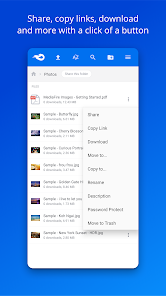
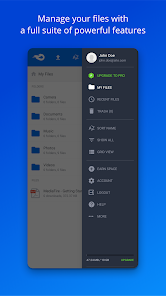
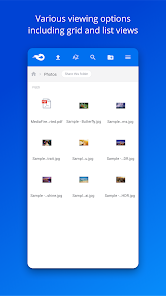
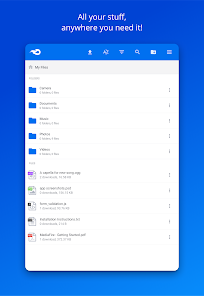
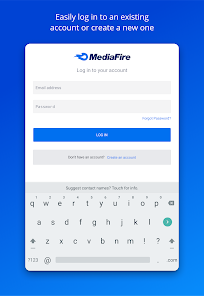
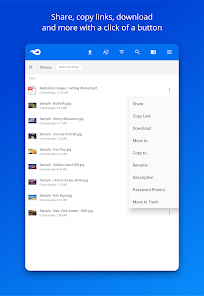
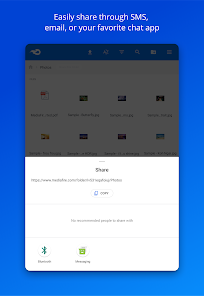
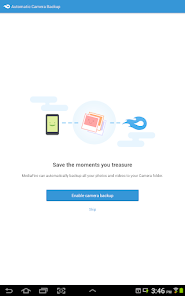
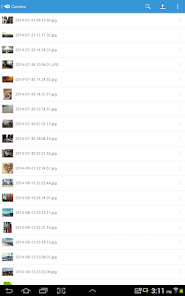
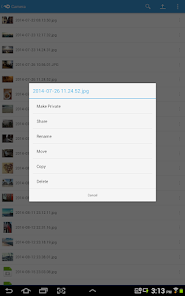
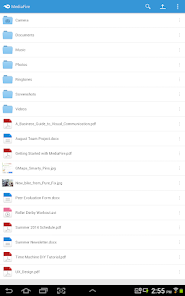
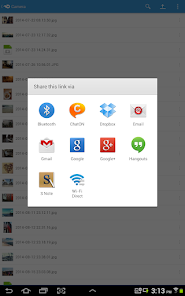
MediaFire is a cloud storage and file-sharing app that allows users to easily upload, store, and share files across devices. With a user-friendly interface, it offers seamless access to documents, photos, and videos from anywhere. MediaFire provides generous free storage options and robust sharing features, making it ideal for personal and professional use. Whether collaborating on projects or backing up important files, MediaFire ensures your data is secure and accessible at all times.
Advertisement
Features of MediaFire
MediaFire is a cloud storage service that offers a variety of features designed to enhance user experience and file management. One of its primary features is the ability to upload and store files of up to 20 GB each, making it suitable for large documents, images, and videos. Users can easily share files with others through direct links, which can be customized for privacy settings. Additionally, MediaFire provides a user-friendly interface that allows for easy navigation and file organization.
Another notable feature is the ability to access files from any device with internet connectivity, including smartphones, tablets, and computers. MediaFire also supports file versioning, enabling users to revert to previous versions of their documents. Furthermore, the platform offers a robust search function, making it easy to locate specific files among a large collection. With options for both free and paid plans, MediaFire caters to a wide range of users, from casual file sharers to businesses needing extensive storage solutions.
How to Use MediaFire
Using MediaFire is straightforward and user-friendly, making it accessible for individuals of all tech levels. To get started, users need to create an account on the MediaFire website. Once registered, they can log in and begin uploading files by clicking the "Upload" button. Users can drag and drop files directly into the upload area or select them from their device. After uploading, files can be organized into folders for better management.
Sharing files is also simple; users can generate shareable links that can be sent via email or social media. For those who need to collaborate, MediaFire allows users to invite others to view or edit files. Additionally, users can manage their storage space by deleting unnecessary files or upgrading to a paid plan for more capacity. Overall, MediaFire's intuitive design ensures that users can efficiently store, manage, and share their files with ease.
Pros & Cons of MediaFire
MediaFire comes with several advantages that make it a popular choice for cloud storage. One of the main pros is its generous free storage option, which allows users to store up to 10 GB without any cost. The platform also supports large file uploads, making it ideal for users who need to share high-resolution images or lengthy videos. Additionally, MediaFire's straightforward interface and easy sharing options enhance user experience, allowing for quick access and collaboration.
However, MediaFire is not without its drawbacks. One significant con is the presence of ads on the free version, which can be distracting for users. Furthermore, while the free plan offers a decent amount of storage, users may find it limiting compared to other cloud services that provide more space for free. Additionally, some users have reported concerns regarding file security and privacy, which may be a consideration for those handling sensitive information. Overall, while MediaFire has its strengths, potential users should weigh these pros and cons before deciding if it meets their needs.
 Google Play
  App Store
 Top Apps





Similar Apps

Microsoft Word: Edit Documents
Productivity

4.8

HotSchedules
Productivity
3.4

@Voice Premium License
Productivity
4.5

Acode - code editor | FOSS
Productivity
4.3

Adobe Acrobat Reader: Edit PDF
Productivity
4.5

CRUMB
Productivity
4.7

CamScanner- scanner, PDF maker
Productivity
4.8

Dropbox: Secure Cloud Storage
Productivity
4.4

Duet Display
Productivity
4.2

Easy Voice Recorder Pro
Productivity
4.7

Evernote - Note Organizer
Productivity
3.5

Google One
Productivity
4.1
Advertisement
Laden…