
 Home
Home  Apps
Apps  Games
Games  About Us
  Cookies & Privacy Policy
  Terms of Service
Duet Display
Version: 0.6.2.0
Developer: Duet, Inc.
 Verified App
 Advertisement
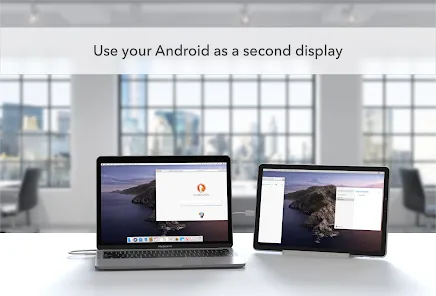
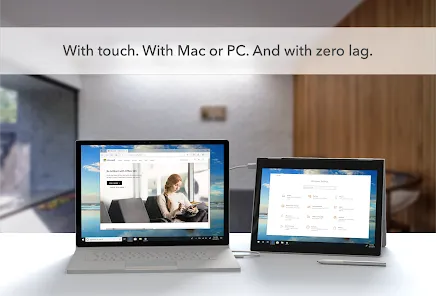
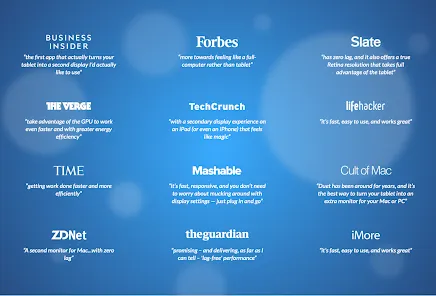
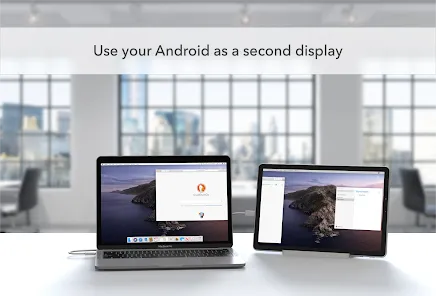
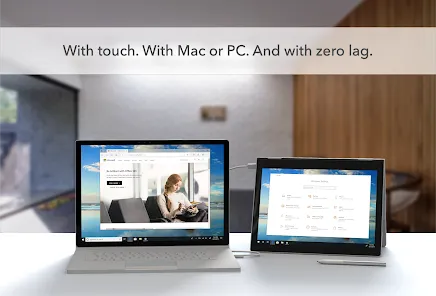
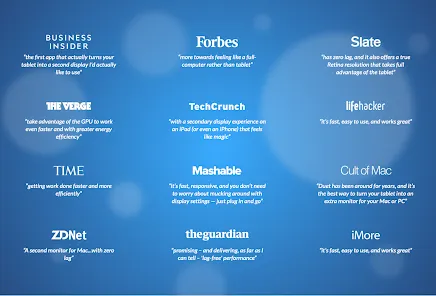
Duet Display is a versatile app that transforms your iPad or iPhone into a high-performance second display for your Mac or Windows PC. Designed for seamless integration, it enhances productivity by allowing users to extend their desktop workspace, making multitasking easier and more efficient. With low latency and high-resolution support, Duet Display provides a smooth and responsive experience, perfect for professionals and creatives looking to maximize their screen real estate on the go.
Advertisement
Features of Duet Display
Duet Display is a versatile application designed to enhance productivity by transforming your iPad or iPhone into a secondary display for your Mac or Windows computer. One of its standout features is its seamless connectivity, allowing users to connect their devices via USB or Wi-Fi, ensuring a stable and responsive experience. The app supports both portrait and landscape orientations, giving users flexibility in how they arrange their screens.
Another notable feature is its high-resolution support, which allows for crisp visuals and clear text, making it ideal for tasks that require precision, such as graphic design or coding. Duet Display also offers touch support, enabling users to interact with their desktop applications directly from their mobile device. Additionally, the app includes customizable settings, allowing users to adjust the display resolution and frame rate according to their preferences and hardware capabilities.
Furthermore, Duet Display is designed to be user-friendly, with a straightforward setup process that requires minimal technical knowledge. It also provides a smooth experience with low latency, ensuring that movements and interactions are fluid. Overall, Duet Display is a powerful tool for anyone looking to expand their workspace and improve their workflow.
How to Use Duet Display
Using Duet Display is a straightforward process that can significantly enhance your productivity. First, you need to download and install the Duet Display app on both your computer and your mobile device. Once installed, connect your iPad or iPhone to your computer using a USB cable for the best performance. Alternatively, you can connect via Wi-Fi, but a wired connection is recommended for reduced latency.
After connecting, launch the Duet Display app on both devices. Your mobile device should automatically recognize the connection and begin mirroring or extending your desktop display. You can adjust the display settings within the app to optimize performance, such as changing the resolution or frame rate. If you prefer to use your mobile device as a touchscreen interface, simply tap on the screen to interact with your desktop applications.
For users who want to customize their experience further, Duet Display offers various settings that can be accessed through the app. You can choose between different display modes, such as mirroring or extending your desktop, depending on your workflow needs. With these simple steps, you can effectively utilize Duet Display to create a more efficient and flexible working environment.
Pros & Cons of Duet Display
Duet Display comes with several advantages that make it a popular choice among users looking to expand their workspace. One of the primary benefits is its ease of use; the setup process is quick and intuitive, allowing users to get started without extensive technical knowledge. The app also provides a high-quality display with minimal latency, making it suitable for various tasks, from casual browsing to professional graphic design. Additionally, the ability to use touch gestures on your mobile device adds a layer of interactivity that can enhance productivity.
However, there are some drawbacks to consider. One of the main cons is that Duet Display requires a paid subscription for access to all features, which may not be ideal for users on a budget. Furthermore, while the app performs well with a wired connection, the wireless experience can sometimes be less stable, leading to potential lag or disconnections. Additionally, some users have reported compatibility issues with certain applications, which can hinder their workflow. Overall, while Duet Display offers significant benefits, potential users should weigh these pros and cons before making a decision.
Check All Versions  Google Play
  App Store
Google Play App Store Top Apps





Similar Apps

Microsoft Word: Edit Documents
Productivity

4.8

HotSchedules
Productivity
3.4

MediaFire
Productivity
3.8

@Voice Premium License
Productivity
4.5

Acode - code editor | FOSS
Productivity
4.3

Adobe Acrobat Reader: Edit PDF
Productivity
4.5
CRUMB
Productivity
4.7

CamScanner- scanner, PDF maker
Productivity
4.8

Dropbox: Secure Cloud Storage
Productivity
4.4
Easy Voice Recorder Pro
Productivity
4.7

Evernote - Note Organizer
Productivity
3.5

Google One
Productivity
4.1
Advertisement
Laden…