
 Home
Home  Apps
Apps  Games
Games  About Us
  Cookies & Privacy Policy
  Terms of Service
Penly: Digital Planner & Notes
Version: 1.23.17
Developer: Penly
 Verified App
 Advertisement
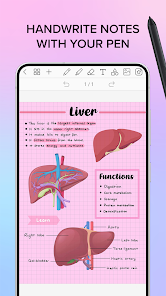
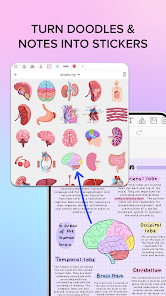
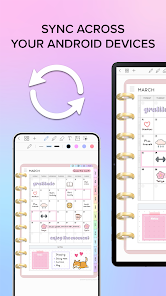
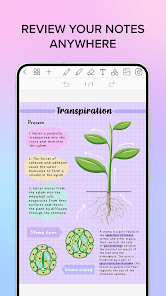
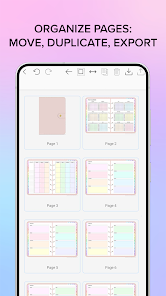
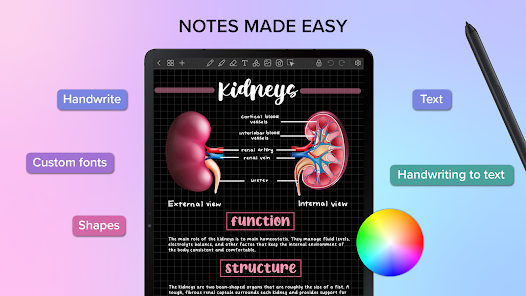
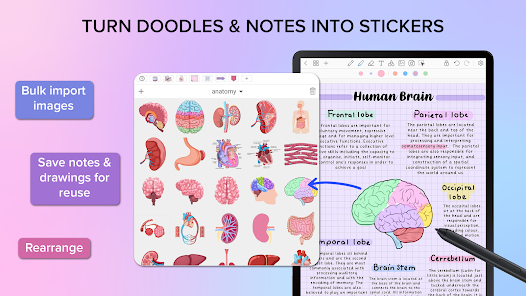
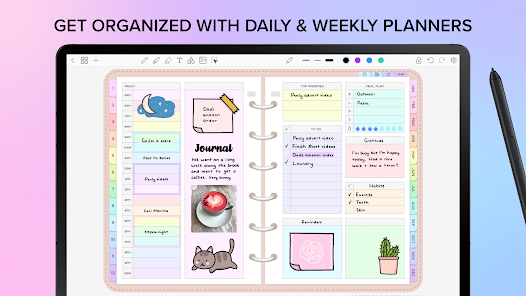
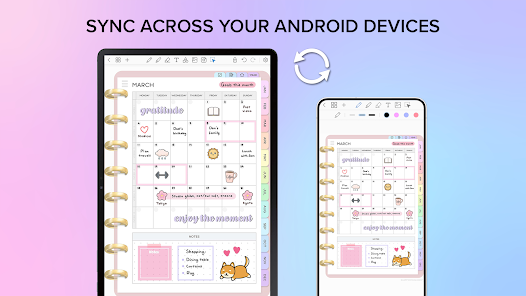
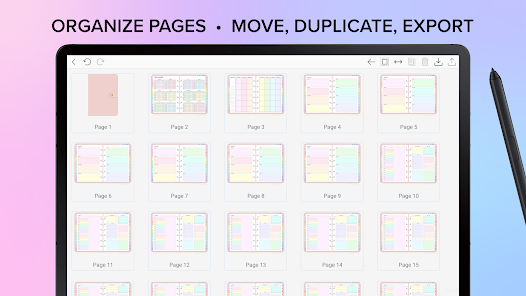
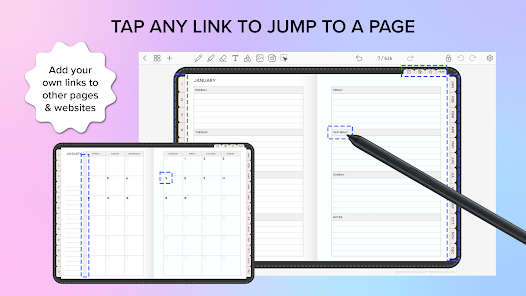
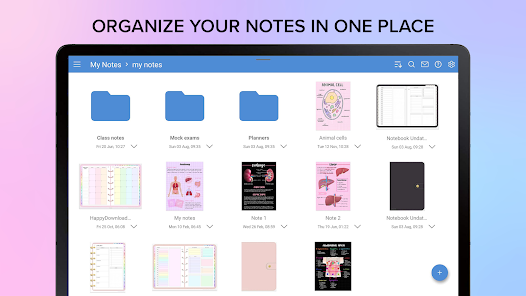
Introducing Penly: Digital Planner & Notes, your all-in-one solution for organizing thoughts, tasks, and schedules seamlessly. Designed for productivity enthusiasts, Penly combines intuitive note-taking with powerful planning features, allowing you to manage your day efficiently. With customizable templates, easy-to-use tools, and a sleek interface, Penly transforms the way you approach planning and note-taking. Elevate your productivity and stay on top of your goals with Penly, where creativity meets organization.
Advertisement
Features of "Penly: Digital Planner & Notes"
"Penly: Digital Planner & Notes" is a versatile application designed to enhance productivity and organization. One of its standout features is the customizable planner interface, allowing users to tailor their planning experience according to personal preferences. Users can choose from various templates, colors, and layouts to create a planner that suits their style.
Another significant feature is the note-taking capability, which supports handwritten notes, typed text, and even voice memos. This flexibility ensures that users can capture their thoughts in the way that works best for them. Additionally, Penly offers task management tools, enabling users to set reminders, deadlines, and priorities for their tasks.
The app also includes a calendar integration, allowing users to sync their schedules seamlessly. Furthermore, Penly supports cloud storage, ensuring that notes and plans are accessible across multiple devices. With its user-friendly interface and rich feature set, Penly is an excellent choice for anyone looking to streamline their planning and note-taking processes.
How to Use "Penly: Digital Planner & Notes"
Using "Penly: Digital Planner & Notes" is straightforward and intuitive. To get started, download the app from your device's app store and create an account. Once logged in, you can explore the various templates available for your planner. Choose one that resonates with your organizational style and customize it by adding colors, stickers, or personal touches.
To create notes, simply select the note-taking feature, where you can write or type your thoughts. You can also record voice memos for quick ideas. For task management, navigate to the task section, where you can add tasks, set deadlines, and prioritize them according to urgency. The calendar feature allows you to view your schedule at a glance, making it easy to plan your days effectively.
Lastly, ensure that you regularly sync your notes and plans to the cloud for easy access across devices. By utilizing these features, you can maximize your productivity and keep your life organized with Penly.
Pros & Cons of the App
Like any application, "Penly: Digital Planner & Notes" has its advantages and disadvantages. One of the primary pros is its user-friendly interface, which makes navigation simple for users of all ages. The app's customization options allow for a personalized experience, catering to individual preferences in planning and note-taking.
Another significant advantage is the integration of various features, such as task management, calendar syncing, and cloud storage, all in one platform. This all-in-one approach can significantly enhance productivity and organization. However, there are some cons to consider. Some users may find that the app requires a learning curve to fully utilize all its features effectively.
Additionally, while the app is feature-rich, some users may desire more advanced functionalities that are available in other dedicated apps. Lastly, depending on the pricing model, some features may be locked behind a paywall, which could deter users looking for a free solution. Overall, Penly offers a solid balance of features, but potential users should weigh these pros and cons before committing.
Check All Versions  Google Play
  App Store
Google Play App Store Top Apps





Similar Apps

Microsoft Word: Edit Documents
Productivity

4.8

HotSchedules
Productivity
3.4

MediaFire
Productivity
3.8

@Voice Premium License
Productivity
4.5

Acode - code editor | FOSS
Productivity
4.3
Adobe Acrobat Reader: Edit PDF
Productivity
4.5
CRUMB
Productivity
4.7

CamScanner- scanner, PDF maker
Productivity
4.8

Dropbox: Secure Cloud Storage
Productivity
4.4

Duet Display
Productivity
4.2
Easy Voice Recorder Pro
Productivity
4.7

Evernote - Note Organizer
Productivity
3.5
Advertisement
Laden…