Version: 5.12.2.2474.3831418
Developer: Ad Hoc Labs, Inc
 Verified App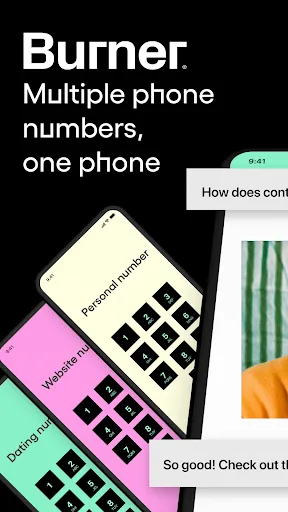
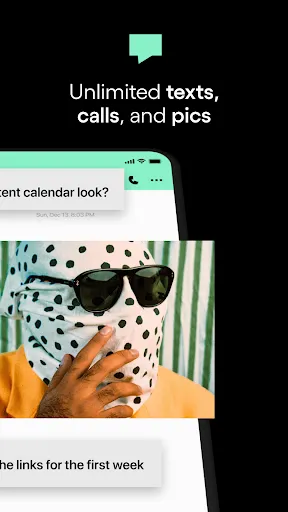
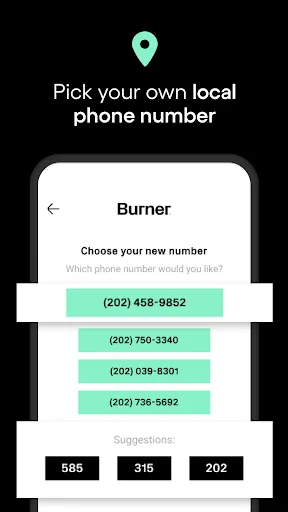
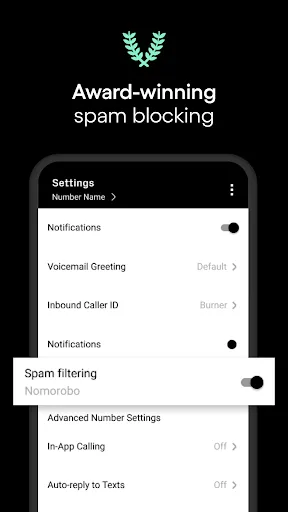
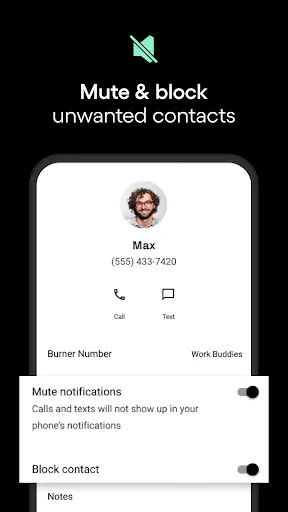
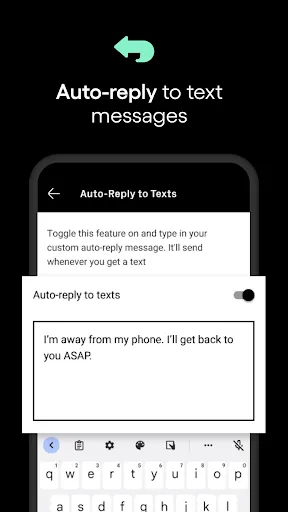
"Burner: Second Phone Number" is a versatile app designed to provide users with temporary phone numbers for various purposes. One of its standout features is the ability to create multiple phone numbers that can be used for different situations, such as online dating, business communications, or privacy protection. Each number can be customized with a unique area code, allowing users to choose a local presence.
Another key feature is the ability to send and receive text messages and phone calls through these temporary numbers, ensuring that personal information remains private. Users can also set up voicemail for each number, providing a professional touch for business interactions. The app includes options for auto-reply messages and call forwarding, enhancing its usability. Additionally, users can easily delete or "burn" numbers when they are no longer needed, making it a flexible solution for managing privacy and communication needs.
Lastly, the app offers a user-friendly interface, making it easy to navigate and manage multiple numbers. With subscription plans available, users can choose the level of service that best fits their needs, whether for short-term use or long-term communication solutions.
Using "Burner: Second Phone Number" is straightforward and user-friendly. First, download the app from the App Store or Google Play Store and create an account. Once registered, you can select a new phone number from a list of available options. The app allows you to choose an area code that suits your needs, making it easy to establish a local presence.
After obtaining your new number, you can start using it immediately for calls and texts. The app's interface allows you to manage your conversations seamlessly, with options to send messages, make calls, and check voicemail. If you wish to customize your experience, you can set up features like auto-replies or call forwarding to ensure you never miss an important message.
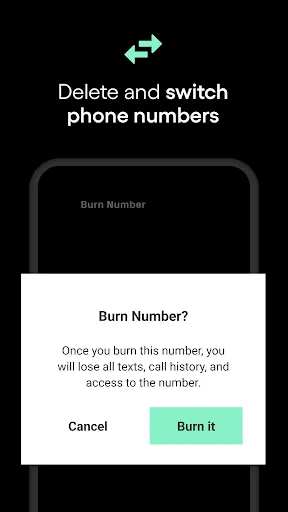
When you no longer need a number, simply navigate to the settings and select the option to "burn" the number. This action permanently deletes the number and all associated data, ensuring your privacy is maintained. Overall, the app is designed to be intuitive, making it accessible for users of all tech levels.
Like any app, "Burner: Second Phone Number" has its advantages and disadvantages. One of the primary pros is the enhanced privacy it offers. Users can communicate without revealing their personal phone numbers, which is particularly beneficial for online transactions or dating. The ability to create multiple numbers for different purposes allows for better organization and management of communications.
Another advantage is the app's user-friendly interface, which makes it easy to navigate and utilize its features. The option to customize voicemail and set up auto-replies adds a professional touch for business users. Additionally, the flexibility to "burn" numbers when they are no longer needed ensures that users can maintain control over their privacy.
On the downside, some users may find the subscription costs to be a drawback, especially if they only need a temporary number for a short period. Additionally, while the app is generally reliable, there may be occasional connectivity issues that can affect call quality. Lastly, some features may be limited in the free version, prompting users to upgrade for full functionality. Overall, weighing these pros and cons can help users determine if the app meets their specific needs.
 Google Play
  App Store
 Spotify Wrapped is an annual feature that summarizes your listening habits, including your most-played songs and artists of the year.
To create a playlist, click "Your Library," then "Playlists," and select "Create Playlist." Add songs by searching or browsing.
Yes, with a Spotify Premium subscription, you can download songs and playlists for offline listening.
Spotify offers a free tier with ads, as well as a Premium subscription that removes ads and adds features.
Click the three dots next to the song, select "Share," and choose your preferred sharing method, like social media or a link.