
 Home
Home  Apps
Apps  Games
Games  About Us
  Cookies & Privacy Policy
  Terms of Service
Tayasui Sketches
Version: 1.5.41
Developer: Tayasui Sketches
 Verified App
 Advertisement
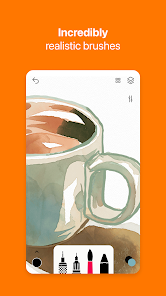
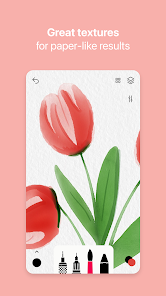
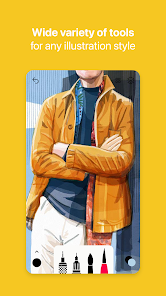
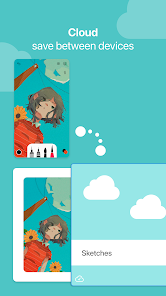
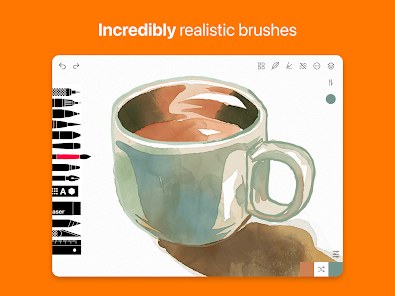
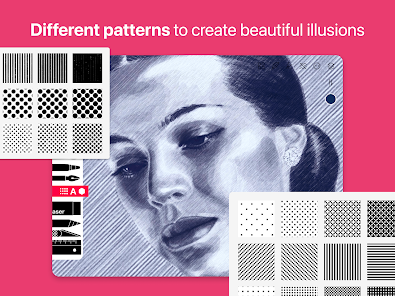
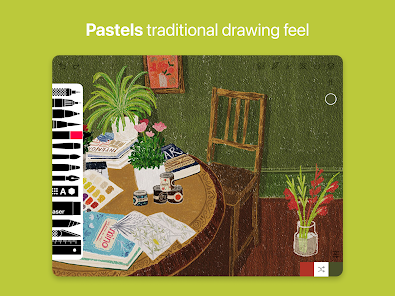
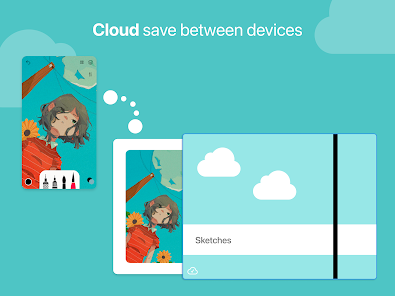
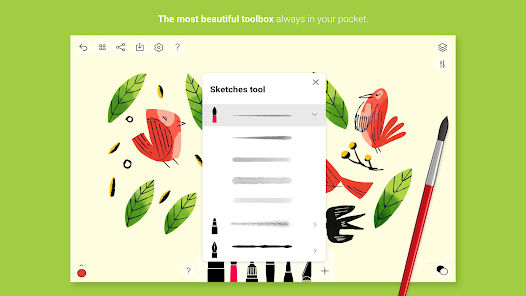
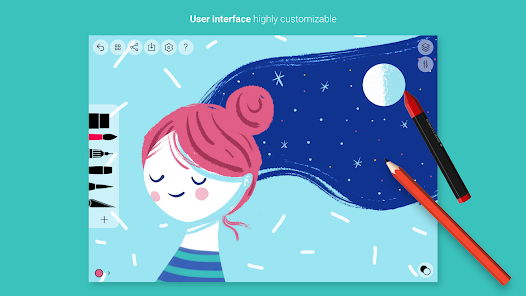
Tayasui Sketches is a powerful yet user-friendly drawing app designed for artists of all skill levels. With a variety of realistic brushes, tools, and layers, it allows for endless creativity and expression. The intuitive interface makes it easy to create stunning artwork, whether you're sketching, painting, or doodling. Ideal for both casual users and professionals, Tayasui Sketches transforms your device into a portable canvas, enabling you to bring your artistic visions to life anytime, anywhere.
Advertisement
Features of "Tayasui Sketches"
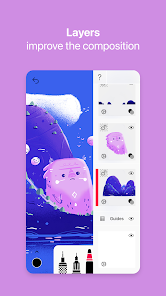
"Tayasui Sketches" is a versatile drawing application that offers a wide array of features tailored for both amateur and professional artists. One of its standout features is the realistic brush engine, which simulates various traditional art tools such as pencils, watercolors, and markers. This allows users to create stunning artwork that mimics real-life techniques. The app also includes layers, enabling artists to work on different elements of their drawings independently, which is essential for complex compositions.
Another notable feature is the intuitive user interface, designed to facilitate a seamless drawing experience. Users can easily access tools and settings without clutter, making it suitable for quick sketches or detailed illustrations. Additionally, "Tayasui Sketches" supports high-resolution canvases, ensuring that artwork can be printed or shared without losing quality. The app also offers a variety of export options, allowing users to save their creations in different formats. Overall, "Tayasui Sketches" combines simplicity with powerful features, making it a favorite among digital artists.
How to Use "Tayasui Sketches"
Using "Tayasui Sketches" is straightforward, making it accessible for users of all skill levels. To get started, download the app from the App Store or Google Play and open it. Upon launching, you’ll be greeted with a clean interface where you can create a new canvas by selecting the desired size. Once your canvas is ready, you can choose from a variety of brushes and tools located in the toolbar. Simply tap on the tool you wish to use, and adjust its settings, such as size and opacity, to suit your needs.
As you begin drawing, you can utilize layers to separate different elements of your artwork. To add a new layer, tap the layers icon and select 'Add Layer.' This feature allows for greater flexibility and control over your work. Additionally, you can easily undo or redo actions, ensuring that you can experiment without fear of making irreversible mistakes. Once you’re satisfied with your creation, you can save or share it directly from the app. Overall, "Tayasui Sketches" provides a user-friendly platform for unleashing your creativity.
Pros & Cons of the App
"Tayasui Sketches" comes with several advantages that make it a popular choice among digital artists. One of the primary pros is its user-friendly interface, which allows beginners to navigate the app with ease. The realistic brush engine is another highlight, providing a natural drawing experience that closely resembles traditional art techniques. Additionally, the app supports layers, enabling users to create complex artwork without hassle. The variety of export options also makes it convenient for sharing creations across different platforms.
However, there are some drawbacks to consider. One con is that while the app offers a free version, many advanced features are locked behind a paywall, which may deter some users. Additionally, some users have reported occasional performance issues, particularly when working with larger canvases or more complex projects. Lastly, while the app is feature-rich, it may lack some advanced tools found in other professional-grade software, which could be a limitation for experienced artists. Overall, "Tayasui Sketches" is a solid choice for casual and intermediate users, but professionals may seek more robust alternatives.
Check All Versions  Google Play
  App Store
Google Play App Store Top Apps





Similar Apps
FlipaClip: Create 2D Animation
Art & Design

4.4
AR Art Projector: Da Vinci Eye
Art & Design
4.1

GIMP
Art & Design
2.8
Rainbow Brainskull Oracle Deck
Art & Design
4.8
Sketchbook
Art & Design
4.0

Adobe Capture: Illustrator,Ps
Art & Design
4.6
Floor Plan Creator
Art & Design
4.0

Infinite Painter
Art & Design
4.5

Pixelcut AI Photo Editor
Art & Design
4.3
Dawn AI - Avatar Generator
Art & Design
2.0
Poseit
Art & Design
3.8
Pixel Studio: pixel art editor
Art & Design
4.7
Advertisement
Laden…