Version: 4.2.1
Developer: Visual Blasters LLC
 Verified App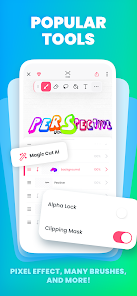
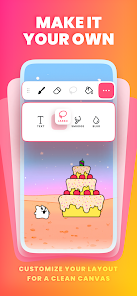
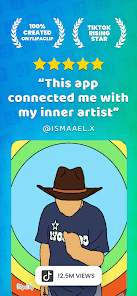
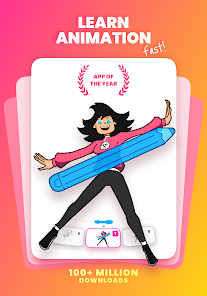
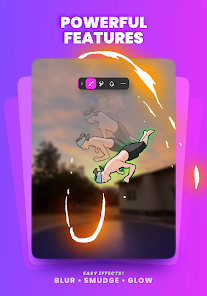
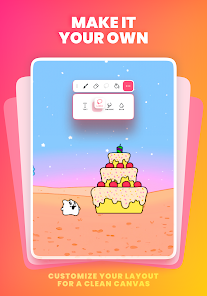
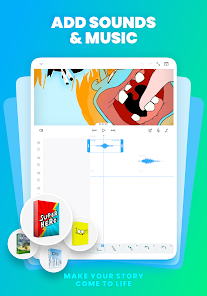
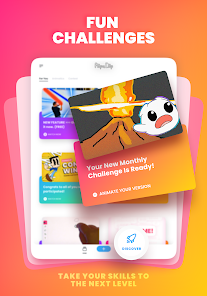
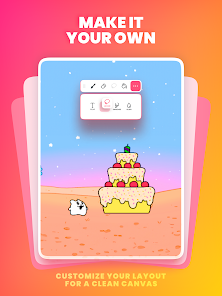
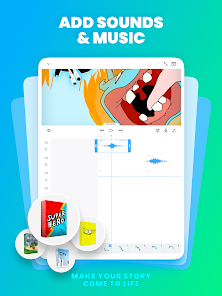
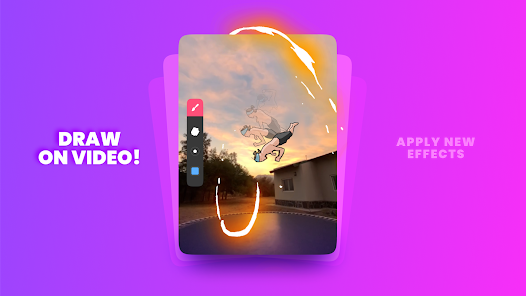
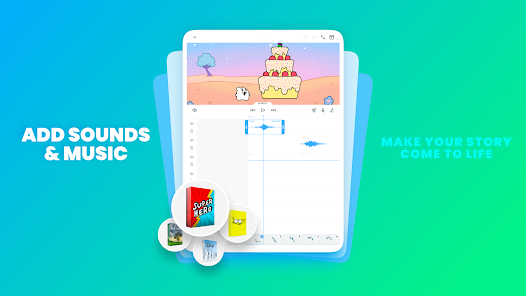
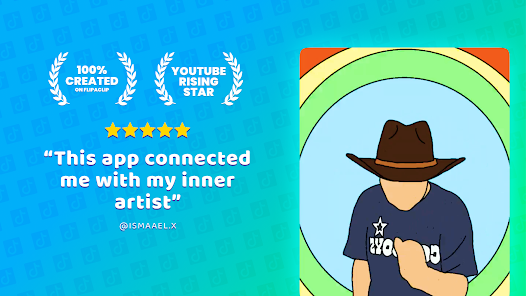
FlipaClip: Create 2D Animation is a versatile app designed for both beginners and experienced animators. One of its standout features is the intuitive user interface, which allows users to easily navigate through various tools and options. The app supports multiple layers, enabling animators to create complex scenes with depth and detail. Additionally, it offers a variety of brushes and drawing tools, allowing for customization and creativity in animation styles.
Another notable feature is the frame-by-frame animation capability, which lets users create smooth animations by adjusting each frame individually. The app also includes a timeline feature, making it easy to manage and organize frames. Users can import audio files to sync with their animations, enhancing the overall experience. Furthermore, FlipaClip provides a community platform where users can share their creations, receive feedback, and collaborate with others, fostering a sense of community among animators.
Using FlipaClip is straightforward, making it accessible for users of all skill levels. To get started, download the app from your device's app store and open it. Once inside, you can create a new project by selecting the canvas size and frame rate that suits your animation needs. The app provides a blank canvas where you can begin sketching your first frame using the various drawing tools available.
After creating your initial frame, you can add additional frames by duplicating the previous one or starting fresh. Utilize the onion skinning feature to see previous frames as you draw, which helps maintain consistency in your animation. Once you have completed your frames, you can preview your animation by pressing the play button. If you wish to add sound, simply import audio files and sync them with your animation. Finally, export your finished project to share it with others or save it for personal use.
FlipaClip: Create 2D Animation comes with several advantages that make it a popular choice among animators. One of the main pros is its user-friendly interface, which simplifies the animation process for beginners. The app's extensive range of drawing tools and features, such as layers and onion skinning, allows for detailed and professional-looking animations. Additionally, the ability to import audio enhances the storytelling aspect of animations, making it a versatile tool for creators.
However, there are some drawbacks to consider. One con is that while the app is free, certain features and tools may require in-app purchases, which can be a limitation for some users. Additionally, the performance may vary depending on the device used, with older devices potentially experiencing lag during complex animations. Lastly, while the community aspect is beneficial, it may also lead to distractions for some users who prefer a more focused working environment. Overall, FlipaClip offers a solid platform for 2D animation with both strengths and weaknesses.
Spotify Wrapped is an annual feature that summarizes your listening habits, including your most-played songs and artists of the year.
To create a playlist, click "Your Library," then "Playlists," and select "Create Playlist." Add songs by searching or browsing.
Yes, with a Spotify Premium subscription, you can download songs and playlists for offline listening.
Spotify offers a free tier with ads, as well as a Premium subscription that removes ads and adds features.
Click the three dots next to the song, select "Share," and choose your preferred sharing method, like social media or a link.








 Google Play
  App Store