
 Home
Home  Apps
Apps  Games
Games  About Us
  Cookies & Privacy Policy
  Terms of Service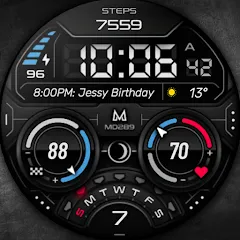
MD289 Digital watch face
Version: 5.0.1
Developer: Matteo Dini MD ® Watch Faces
 Verified App
 Advertisement
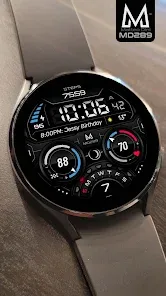
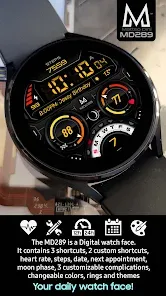
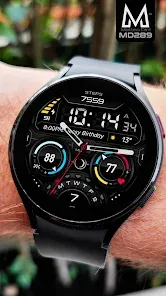
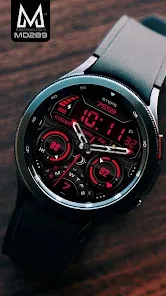
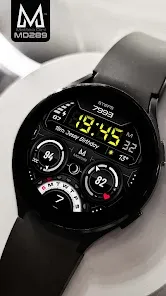
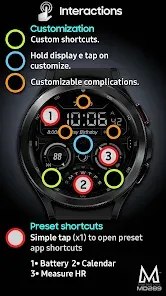
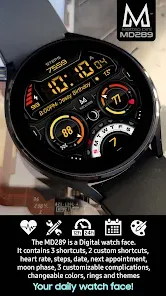
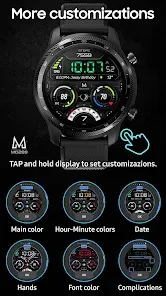
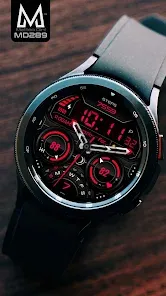
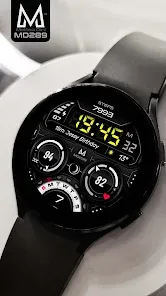
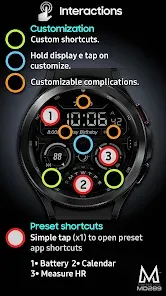
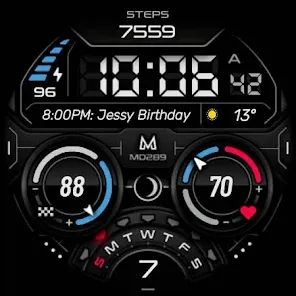
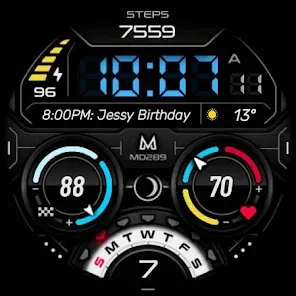
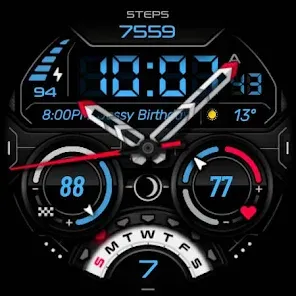
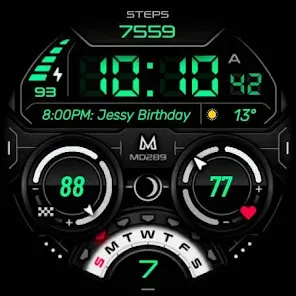
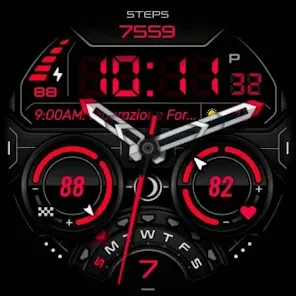
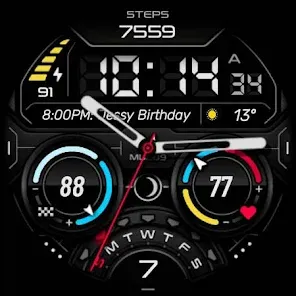
Introducing the MD289 Digital Watch Face app, where style meets functionality! Elevate your smartwatch experience with a sleek, customizable digital watch face that offers a perfect blend of modern design and essential features. Track your fitness, monitor notifications, and personalize your display with various themes and colors. Whether you're at work or play, the MD289 adapts to your lifestyle, ensuring you stay connected and on time. Transform your smartwatch into a statement piece today!
Advertisement
Features of "MD289 Digital Watch Face"
The MD289 Digital Watch Face is designed to offer a blend of functionality and style, making it a popular choice among smartwatch users. One of its standout features is the customizable display, allowing users to choose from various themes and colors to match their personal style. The watch face includes a clear digital time display, which is easy to read at a glance, even in low-light conditions.
Additionally, the MD289 provides essential information such as date, battery level, and step count, all conveniently displayed on the main screen. Users can also access multiple complications, which can be tailored to show weather updates, heart rate, and other fitness metrics. The watch face is compatible with various smartwatch platforms, ensuring a wide range of usability. Furthermore, it boasts a sleek and modern design that appeals to both casual and fitness-oriented users, making it a versatile accessory for any occasion.
How to Use "MD289 Digital Watch Face"
Using the MD289 Digital Watch Face is straightforward and user-friendly. To get started, first, ensure that your smartwatch is compatible with the watch face and that you have downloaded it from the appropriate app store. Once installed, navigate to your watch's settings or watch face selection menu. Here, you can find the MD289 watch face among your available options.
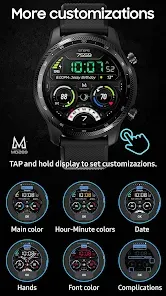
After selecting the MD289, you can customize its features to suit your preferences. Tap on the watch face to access the customization menu, where you can change colors, themes, and complications. Adjust the settings to display the information that matters most to you, such as fitness stats or weather updates. Once you’ve made your selections, simply save your changes, and the watch face will be updated accordingly. Regularly check for updates to ensure you have the latest features and improvements for an optimal experience.
Pros & Cons of the App
The MD289 Digital Watch Face comes with several advantages that enhance its appeal. One of the primary pros is its high level of customization, allowing users to tailor the watch face to their liking. This feature ensures that users can express their individuality while also accessing important information at a glance. Additionally, the watch face is designed for clarity, making it easy to read in various lighting conditions, which is a significant benefit for daily wear.
However, there are some drawbacks to consider. Some users may find that the app consumes more battery life than expected, especially when multiple complications are active. Additionally, while the customization options are extensive, they may be overwhelming for users who prefer a more straightforward interface. Lastly, compatibility issues may arise with certain smartwatch models, limiting accessibility for some users. Overall, the MD289 Digital Watch Face offers a balanced mix of features, but potential users should weigh these pros and cons before making a decision.
Check All Versions  Google Play
  App Store
Google Play App Store Top Apps





Similar Apps
ARC Launcher® Pro Themes DIY
Personalization

4.7

Auric Icon Pack
Personalization
4.6
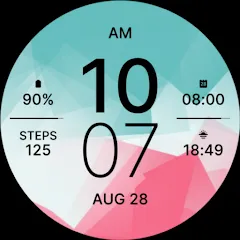
Beauty Sporty Fit Watch Face
Personalization
3.3
Black Pie - Icon Pack
Personalization
4.7

Blaze Backless Icon Pack
Personalization
4.6

Blaze Dark Icon Pack
Personalization
4.5

Borealis - Icon Pack
Personalization
4.6
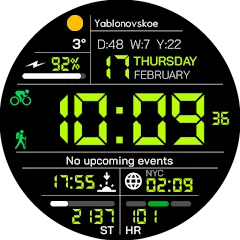
Chester inform LCD
Personalization
3.7

Crayon Icon Pack
Personalization
4.4
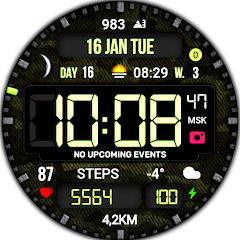
Digital Mod Black watchface
Personalization
3.8
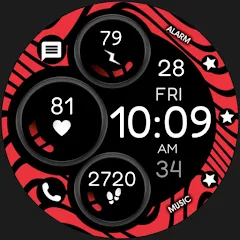
Digital Red watch face
Personalization
4.0

Facemoji AI Emoji Keyboard
Personalization
4.7
Advertisement
Laden…