
 Home
Home  Apps
Apps  Games
Games  About Us
  Cookies & Privacy Policy
  Terms of Service
Borealis - Icon Pack
Version: 2.154.0
Developer: UNVOID
 Verified App
 Advertisement
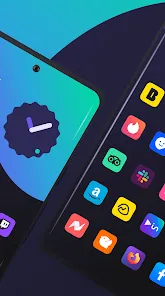
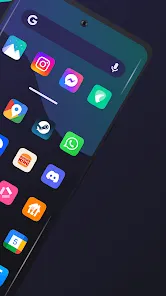
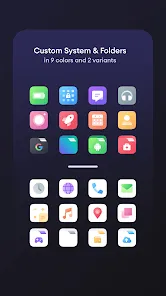
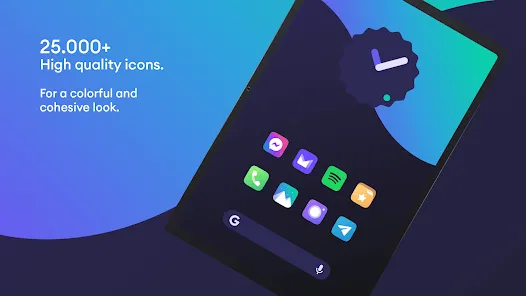
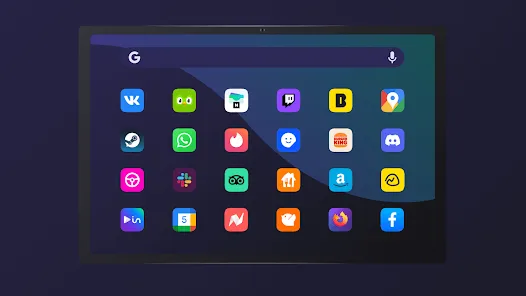
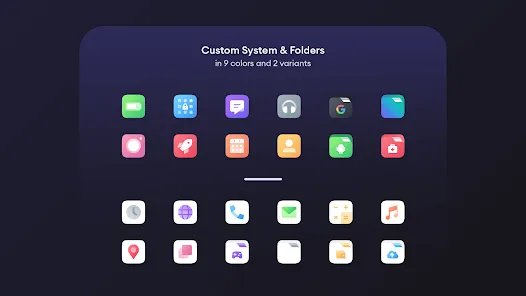
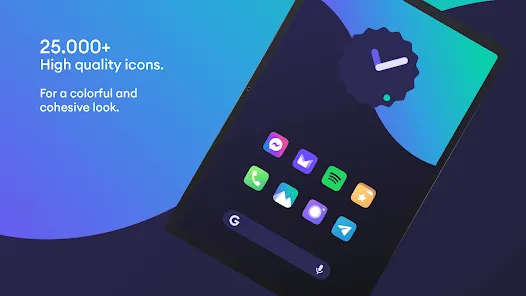
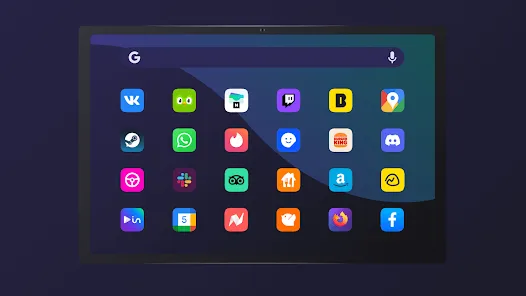
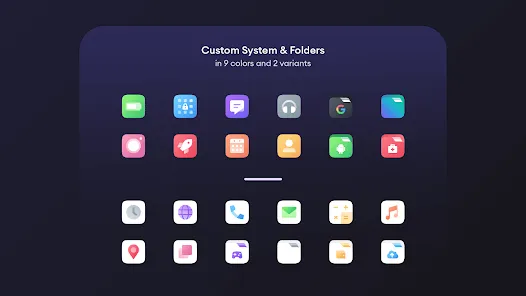
Borealis - Icon Pack offers a stunning collection of beautifully designed icons to elevate your device's aesthetic. With a focus on vibrant colors and sleek shapes, this pack transforms your home screen into a visual masterpiece. Compatible with various launchers, Borealis ensures easy customization and a unique look for every user. Discover endless possibilities to personalize your device and make it truly yours with this captivating icon pack.
Advertisement
Features of "Borealis - Icon Pack"
"Borealis - Icon Pack" is a visually stunning icon pack designed to enhance the aesthetic appeal of your device. One of its standout features is the extensive collection of over 3,000 uniquely crafted icons, each designed with a modern and vibrant style that can transform the look of your home screen. The icons are compatible with various launchers, making it easy to integrate into your existing setup.
Another notable feature is the dynamic calendar support, which allows the icons to update automatically based on the current date, providing a fresh look every day. Additionally, "Borealis" includes a variety of wallpapers that complement the icons, ensuring a cohesive design throughout your device. The pack is regularly updated, ensuring that new icons are added frequently, keeping the collection fresh and relevant. Furthermore, the user-friendly dashboard makes it easy to apply icons and customize settings, catering to both novice and experienced users alike.
How to Use "Borealis - Icon Pack"
Using "Borealis - Icon Pack" is a straightforward process that enhances your device's visual appeal. First, download and install the icon pack from the Google Play Store. Once installed, open the app, and you will be greeted with a user-friendly interface that showcases all available icons. To apply the icons, you need to have a compatible launcher installed, such as Nova Launcher, Apex Launcher, or others.
After ensuring you have a compatible launcher, navigate to the settings of your launcher and look for the option to change the icon pack. Select "Borealis" from the list, and the icons will be applied automatically. You can also customize individual app icons by long-pressing the app on your home screen and selecting the option to change the icon. This allows you to personalize your device further, making it truly unique to your style.
Pros & Cons of the App
Like any app, "Borealis - Icon Pack" comes with its own set of advantages and disadvantages. On the positive side, the icon pack boasts a vast collection of over 3,000 icons, providing users with a wide variety of choices to customize their devices. The vibrant and modern design of the icons is another significant advantage, as it can significantly enhance the overall look of your home screen. Regular updates ensure that new icons are added, keeping the collection fresh and appealing.
However, there are some drawbacks to consider. One potential con is that the icon pack requires a compatible launcher, which may limit its usability for some users. Additionally, while the icons are visually appealing, some users may find that not all app icons are included, leading to inconsistencies in the overall look. Lastly, the app may not be suitable for those who prefer a more minimalist design, as the vibrant style may not appeal to everyone. Overall, "Borealis - Icon Pack" is a great choice for users looking to enhance their device's aesthetics, but it may not be for everyone.
Check All Versions  Google Play
  App Store
Google Play App Store Top Apps





Similar Apps
ARC Launcher® Pro Themes DIY
Personalization

4.7
Auric Icon Pack
Personalization
4.6
Beauty Sporty Fit Watch Face
Personalization
3.3
Black Pie - Icon Pack
Personalization
4.7

Blaze Backless Icon Pack
Personalization
4.6

Blaze Dark Icon Pack
Personalization
4.5
Chester inform LCD
Personalization
3.7

Crayon Icon Pack
Personalization
4.4
Digital Mod Black watchface
Personalization
3.8
Digital Red watch face
Personalization
4.0

Facemoji AI Emoji Keyboard
Personalization
4.7
Fake GPS Joystick & Routes Go
Personalization
3.7
Advertisement
Laden…