
 Home
Home  Apps
Apps  Games
Games  About Us
  Cookies & Privacy Policy
  Terms of Service
Threema. The Secure Messenger
Version: 5.6.0
Developer: Threema GmbH
 Verified App
 Advertisement
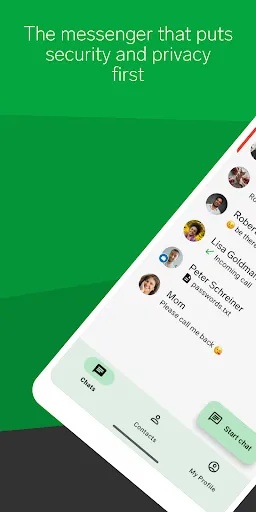
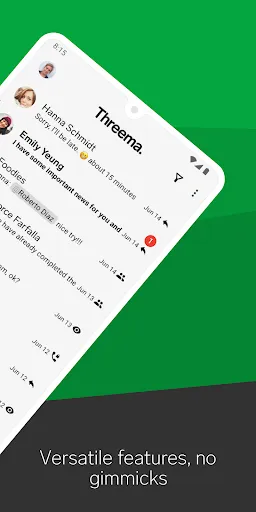
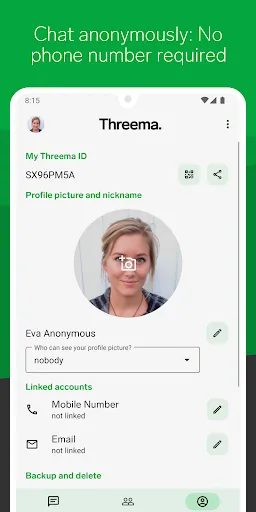
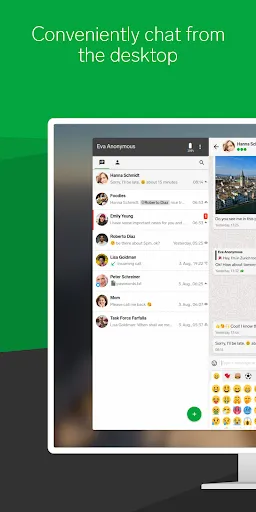
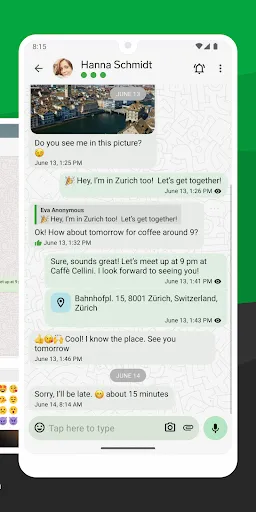
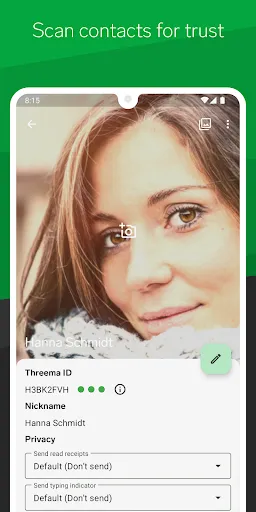
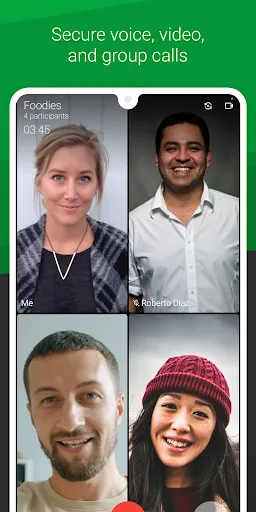
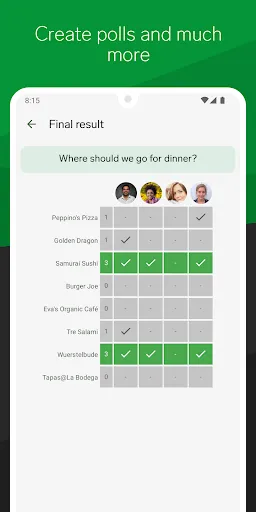
Threema is a secure messaging app designed to prioritize user privacy and data protection. With end-to-end encryption, it ensures that messages, calls, and shared files remain confidential and accessible only to intended recipients. Threema does not require a phone number or email for registration, allowing users to communicate anonymously. Its user-friendly interface and robust security features make it an ideal choice for those seeking a reliable and private messaging solution.
Advertisement
Features of "Threema. The Secure Messenger"
Threema is a privacy-focused messaging application that prioritizes user security and data protection. One of its standout features is end-to-end encryption, ensuring that only the sender and recipient can read the messages. This encryption extends to all forms of communication within the app, including text messages, voice calls, and file sharing. Additionally, Threema does not require a phone number or email address for registration, allowing users to maintain anonymity while using the service.
Another notable feature is the ability to create polls and surveys, making it a versatile tool for group communication. Threema also supports voice and video calls, providing a comprehensive communication platform. Users can send multimedia files, including images and videos, with the assurance that their data remains secure. The app includes a built-in chat backup feature, allowing users to save their conversations securely. Furthermore, Threema is designed to be user-friendly, with an intuitive interface that makes navigation simple for all users.
How to Use "Threema. The Secure Messenger"
Using Threema is straightforward and user-friendly. To get started, download the app from your device's app store and install it. Upon opening the app, you will be prompted to create a Threema ID, which serves as your unique identifier within the platform. Unlike other messaging apps, Threema does not require personal information, allowing for a more private experience.
Once your Threema ID is set up, you can begin adding contacts. You can do this by sharing your Threema ID with friends or scanning their QR codes. After adding contacts, you can start sending messages, making voice or video calls, and sharing files securely. The app also allows you to create groups for easier communication with multiple people. To enhance your experience, explore the app's settings to customize notifications, privacy options, and backup features. Overall, Threema provides a seamless and secure messaging experience for users who value their privacy.
Pros & Cons of the App
Threema offers several advantages that make it a compelling choice for users seeking a secure messaging platform. One of the primary benefits is its strong emphasis on privacy, with end-to-end encryption ensuring that messages remain confidential. The app's anonymity feature, which does not require personal information for registration, is another significant plus. Additionally, Threema's user-friendly interface and diverse communication options, including polls and multimedia sharing, enhance its appeal. The app also supports secure voice and video calls, making it a comprehensive communication tool.
However, Threema is not without its drawbacks. One notable con is that it is a paid app, which may deter some users who prefer free alternatives. Additionally, while Threema has a growing user base, it may not be as widely adopted as other messaging platforms, potentially limiting your ability to connect with friends and family. Furthermore, some users may find the lack of certain features, such as extensive customization options, to be a limitation. Overall, while Threema excels in security and privacy, potential users should weigh these pros and cons before making a decision.
Check All Versions  Google Play
  App Store
Google Play App Store Top Apps





Similar Apps

AliExpress - Shopping App
others

4.5
Block Box Skyland Sword
others
3.2

BuzzKill Notification Manager
others
4.6

Craft Sword Mini Fun
others
2.9
Fabulous Files - Clean&Booster
others
4.2

PXPlay: Remote Play
others
4.7

PayPal - Pay, Send, Save
others
4.2

Peacock TV: Stream TV & Movies
others
4.4

Shaw Academy - Online Courses
others
3.7

Cash App
others
4.6
Animated North Pole Christmas
others
3.8

Bluesky
others
4.5
Advertisement
Laden…