
 Home
Home  Apps
Apps  Games
Games  About Us
  Cookies & Privacy Policy
  Terms of Service
PXPlay: Remote Play
Version: 6.6.0
Developer: Stream Game Dev
 Verified App
 Advertisement
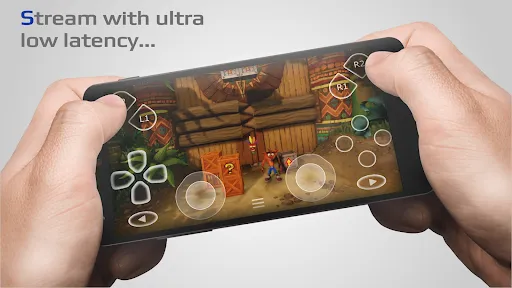
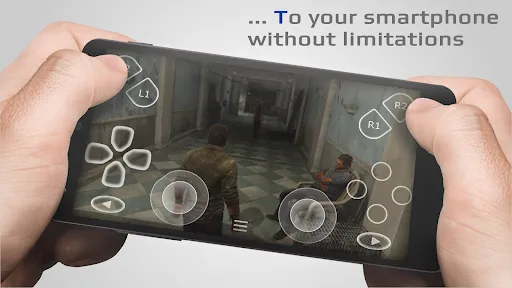
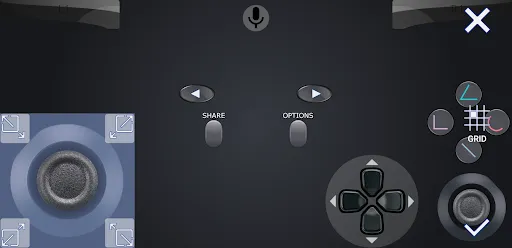
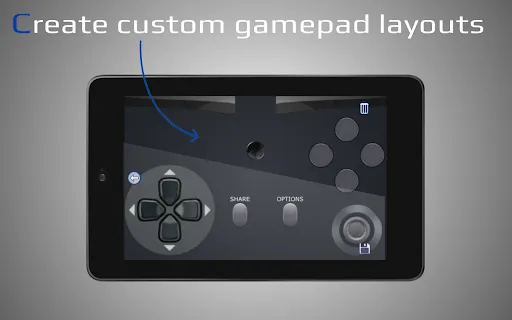
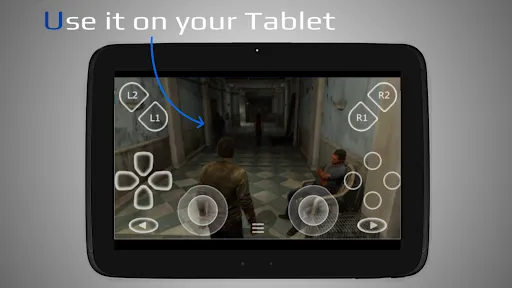
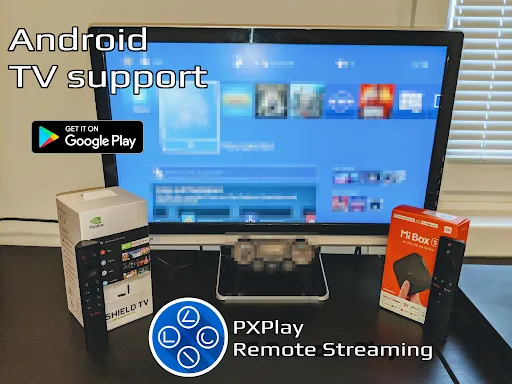
PXPlay: Remote Play is your ultimate solution for seamless gaming on the go. Experience your favorite console games from anywhere, with low latency and high-quality streaming. Designed for gamers who demand flexibility, PXPlay allows you to connect to your console effortlessly, ensuring you never miss a moment of action. Whether you're at home or on the move, enjoy a smooth and immersive gaming experience right from your mobile device. Get ready to play anytime, anywhere!
Advertisement
Features of "PXPlay: Remote Play"
"PXPlay: Remote Play" is a versatile application designed to enhance your gaming experience by allowing you to play your favorite console games remotely. One of its standout features is the ability to connect seamlessly to various gaming consoles, including PlayStation and Xbox, providing a smooth and responsive gaming experience. The app supports high-definition streaming, ensuring that graphics remain sharp and vibrant, even when played on mobile devices.
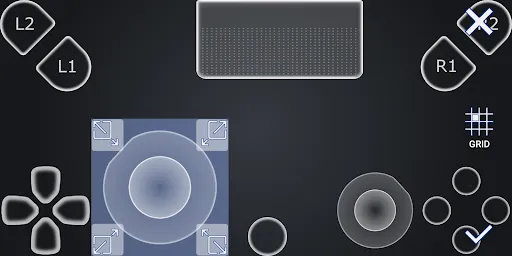
Another notable feature is its customizable control layout, which allows users to tailor the on-screen controls to their preferences for optimal gameplay. Additionally, "PXPlay" offers low-latency performance, minimizing any lag that could disrupt your gaming sessions. The app also includes a built-in chat function, enabling players to communicate with friends while gaming, enhancing the social aspect of remote play. Furthermore, it supports multiple platforms, making it accessible to a wide range of users, regardless of their preferred gaming system.
Overall, "PXPlay: Remote Play" combines functionality and user-friendly design, making it an excellent choice for gamers looking to enjoy their console games on the go.
How to Use "PXPlay: Remote Play"
Using "PXPlay: Remote Play" is a straightforward process that allows gamers to dive into their favorite titles with ease. First, download and install the app from your device's app store. Once installed, launch the application and create an account or log in if you already have one. After logging in, you will need to connect the app to your gaming console. This typically involves entering a code displayed on your console or scanning a QR code, ensuring a secure connection.
Once connected, you can customize your control settings to suit your gaming style. The app provides options to adjust the layout and sensitivity of the on-screen controls. After setting up your controls, you can browse your game library and select the title you wish to play. The app will initiate a remote connection to your console, allowing you to start gaming. Remember to ensure a stable internet connection for the best experience, as this will minimize lag and enhance gameplay quality. With these steps, you can enjoy gaming from anywhere, making "PXPlay: Remote Play" a convenient tool for avid gamers.
In summary, the app's user-friendly interface and straightforward setup process make it accessible for gamers of all skill levels.
Pros & Cons of the App
Like any application, "PXPlay: Remote Play" comes with its own set of advantages and disadvantages. One of the primary pros is its ability to provide high-quality streaming of console games on mobile devices, allowing gamers to enjoy their favorite titles on the go. The customizable control layout is another significant benefit, as it enables users to tailor their gaming experience to their preferences. Additionally, the low-latency performance enhances gameplay, making it feel more like playing directly on the console.
However, there are some cons to consider. One potential drawback is that the app requires a stable and fast internet connection to function optimally, which may not be available in all locations. Users may also experience occasional connectivity issues, which can disrupt gameplay. Furthermore, while the app supports multiple platforms, it may not be compatible with all games, limiting the library of titles available for remote play. Lastly, some users may find the initial setup process a bit complex, especially if they are not tech-savvy.
In conclusion, while "PXPlay: Remote Play" offers a range of features that enhance the gaming experience, potential users should weigh these pros and cons to determine if it meets their needs.
Check All Versions  Google Play
  App Store
Google Play App Store Top Apps





Similar Apps

AliExpress - Shopping App
others

4.5

Block Box Skyland Sword
others
3.2

BuzzKill Notification Manager
others
4.6

Craft Sword Mini Fun
others
2.9

Fabulous Files - Clean&Booster
others
4.2

PayPal - Pay, Send, Save
others
4.2

Peacock TV: Stream TV & Movies
others
4.4

Shaw Academy - Online Courses
others
3.7

Cash App
others
4.6
Animated North Pole Christmas
others
3.8

Bluesky
others
4.5
Digital Material You 2
others
3.8
Advertisement
Laden…