Version: 45604
Developer: Sam Ruston
 Verified App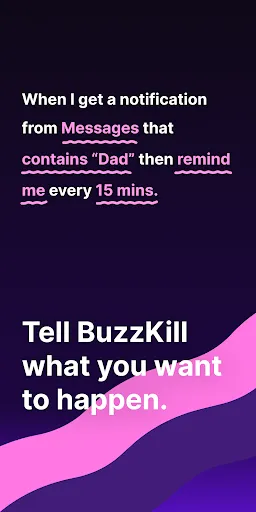
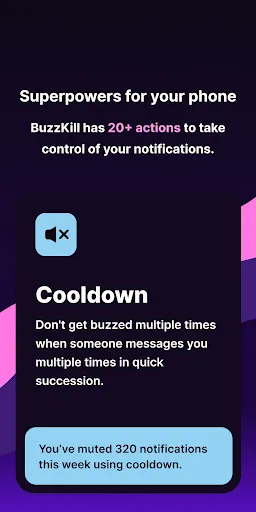
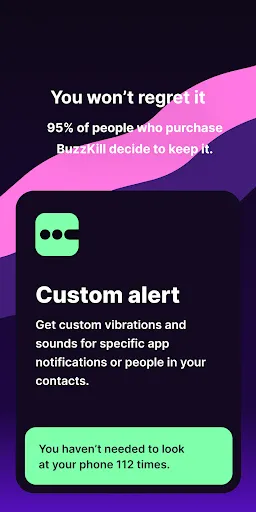
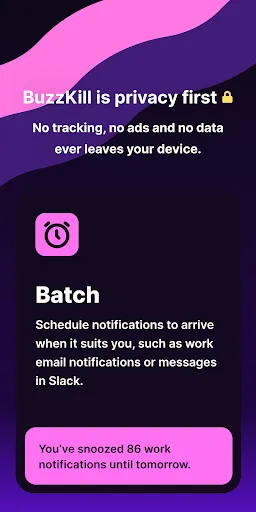
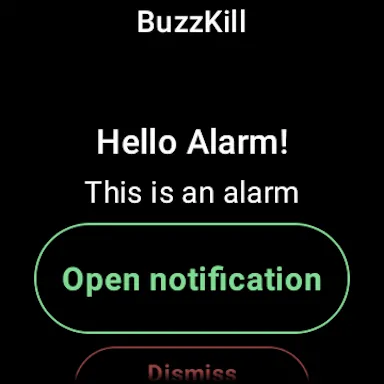
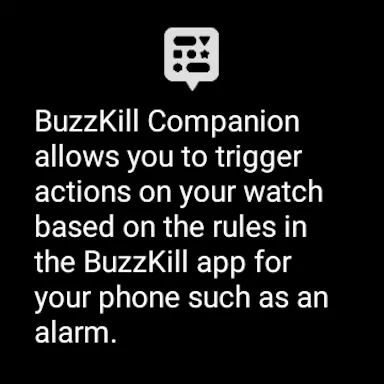
BuzzKill Notification Manager is designed to help users take control of their notifications, providing a streamlined experience that minimizes distractions. One of its standout features is the ability to customize notification settings for individual apps, allowing users to silence or prioritize alerts based on their preferences. This means you can choose to receive notifications from essential apps while muting less important ones.
Another notable feature is the scheduling option, which lets users set specific times when they want to receive notifications. This is particularly useful for maintaining focus during work hours or while engaging in personal activities. Additionally, BuzzKill offers a user-friendly interface that makes it easy to navigate through settings and manage notifications efficiently.
Moreover, the app includes a summary feature that compiles missed notifications, allowing users to catch up on alerts at their convenience without being overwhelmed. The integration with various platforms ensures that users can manage notifications across multiple devices seamlessly. Overall, BuzzKill Notification Manager empowers users to tailor their notification experience to suit their lifestyle.
Using BuzzKill Notification Manager is straightforward and user-friendly. After downloading and installing the app, users are prompted to grant necessary permissions to access notifications from other applications. Once permissions are set, the app will automatically start monitoring incoming notifications.
To customize your notification preferences, navigate to the settings menu within the app. Here, you can select which apps you want to manage and adjust their notification settings individually. You can choose to mute notifications, set specific times for alerts, or even create custom rules based on your daily routine.
Additionally, users can explore the summary feature, which compiles missed notifications into a single view. This allows for easy review without the need to sift through multiple apps. Regularly updating your preferences based on your changing needs will help you maintain an optimal notification experience. Overall, BuzzKill makes it easy to regain control over your digital distractions.
BuzzKill Notification Manager comes with several advantages that enhance the user experience. One of the primary benefits is its ability to significantly reduce distractions by allowing users to customize which notifications they receive. This feature is particularly beneficial for those who find themselves overwhelmed by constant alerts from various apps. The scheduling option also helps users maintain focus during critical tasks or personal time.
However, there are some drawbacks to consider. Some users may find the initial setup process a bit cumbersome, especially when granting permissions for multiple apps. Additionally, while the app is designed to streamline notifications, it may not be compatible with all applications, leading to potential gaps in notification management. Furthermore, users who prefer a more straightforward approach may find the extensive customization options overwhelming.
In summary, BuzzKill Notification Manager offers a powerful solution for managing notifications effectively, but it may require some time to set up and adjust to individual preferences. Weighing the pros and cons can help users determine if this app aligns with their needs for a more organized digital experience.
 Google Play
  App Store
 Spotify Wrapped is an annual feature that summarizes your listening habits, including your most-played songs and artists of the year.
To create a playlist, click "Your Library," then "Playlists," and select "Create Playlist." Add songs by searching or browsing.
Yes, with a Spotify Premium subscription, you can download songs and playlists for offline listening.
Spotify offers a free tier with ads, as well as a Premium subscription that removes ads and adds features.
Click the three dots next to the song, select "Share," and choose your preferred sharing method, like social media or a link.