
 Home
Home  Apps
Apps  Games
Games  About Us
  Cookies & Privacy Policy
  Terms of Service
Cash App
Version: 4.73.0
Developer: Block, Inc.
 Verified App
 Advertisement
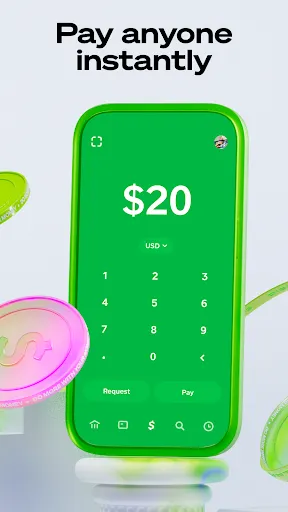
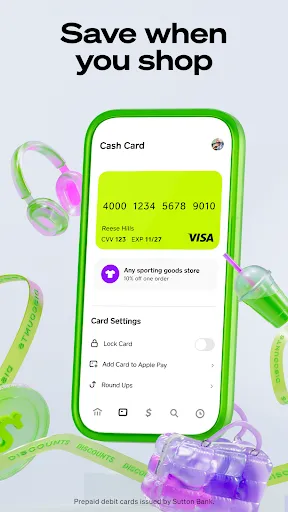
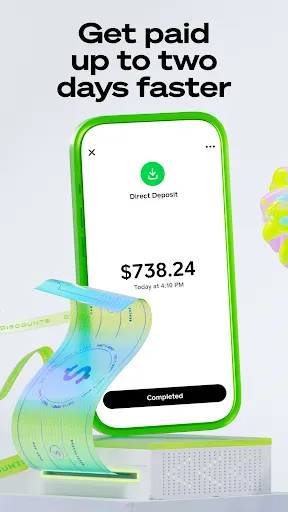
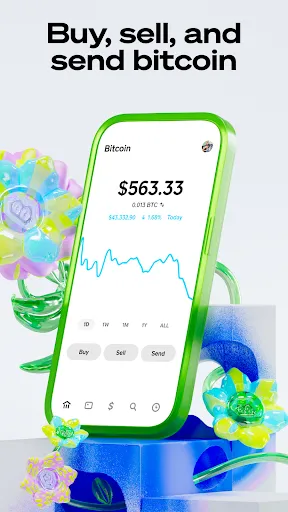
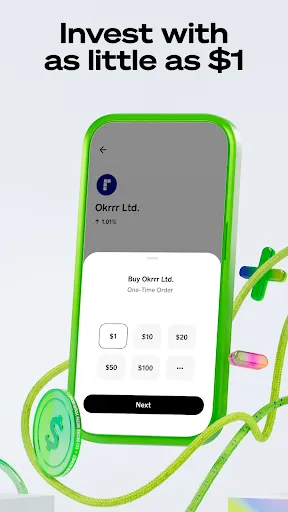
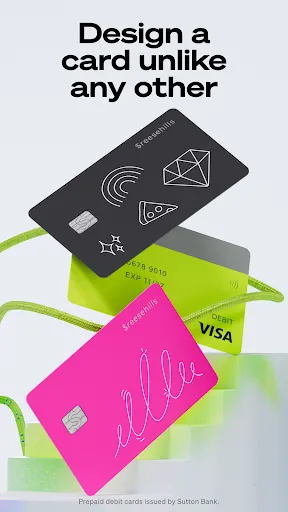
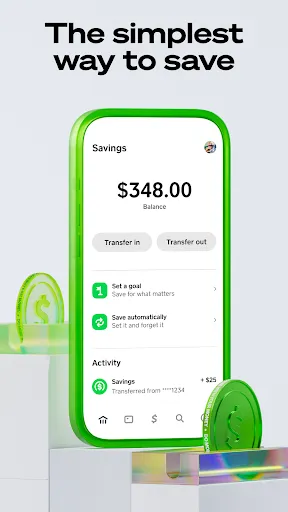

Cash App is a mobile payment service that allows users to send and receive money quickly and easily. Launched by Square, Inc., it offers features like direct deposits, a Cash Card for purchases, and the ability to buy Bitcoin and stocks. With a user-friendly interface, Cash App simplifies financial transactions, making it accessible for everyone, whether for personal use or small business needs. Enjoy seamless money management right from your smartphone.
Advertisement
Features of Cash App
Cash App is a versatile mobile payment service that allows users to send and receive money quickly and easily. One of its standout features is the ability to transfer funds instantly to friends and family using just their phone number or email address. Users can also request payments, making it convenient for splitting bills or collecting money for group activities.
Another notable feature is the Cash Card, a customizable debit card linked to the user's Cash App balance. This card can be used for in-store purchases or online shopping, providing users with easy access to their funds. Additionally, Cash App offers a unique investment feature, allowing users to buy and sell stocks and even invest in Bitcoin directly from the app.
Cash App also includes a direct deposit feature, enabling users to receive their paychecks directly into their Cash App account. Furthermore, the app provides users with the option to set up recurring payments, making it easier to manage regular expenses. With its user-friendly interface and robust features, Cash App has become a popular choice for mobile payments.
How to Use Cash App
Using Cash App is straightforward and user-friendly. To get started, download the app from the App Store or Google Play Store and create an account by providing your email address or phone number. Once your account is set up, you can link your bank account or debit card to fund your Cash App balance.
To send money, simply enter the recipient's phone number or email address, input the amount you wish to send, and add a note if desired. Tap "Pay" to complete the transaction. If you want to receive money, share your unique Cash App $Cashtag with others, making it easy for them to send you funds.
For those interested in investing, navigate to the "Investing" tab to explore stock options or Bitcoin purchases. You can also set up direct deposit by providing your Cash App account and routing numbers to your employer. With these simple steps, you can efficiently manage your finances and transactions using Cash App.
Pros & Cons of Cash App
Cash App offers several advantages that make it appealing to users. One of the primary benefits is its ease of use, allowing for quick money transfers and payments. The app's investment features, including stock trading and Bitcoin purchases, provide users with opportunities to grow their wealth. Additionally, the Cash Card offers flexibility for spending directly from the app balance, and the direct deposit feature simplifies paycheck management.
However, Cash App is not without its drawbacks. One significant concern is the lack of customer support, which can be frustrating for users facing issues. Additionally, while transactions are generally secure, there have been reports of scams and fraud, making it essential for users to exercise caution. Furthermore, Cash App may charge fees for instant transfers and certain transactions, which can add up over time.
In summary, while Cash App provides a convenient and feature-rich platform for managing money, users should weigh the pros and cons carefully to determine if it meets their financial needs.
Check All Versions  Google Play
  App Store
Google Play App Store Top Apps





Similar Apps

AliExpress - Shopping App
others

4.5

Block Box Skyland Sword
others
3.2

BuzzKill Notification Manager
others
4.6

Craft Sword Mini Fun
others
2.9
Fabulous Files - Clean&Booster
others
4.2

PXPlay: Remote Play
others
4.7

PayPal - Pay, Send, Save
others
4.2

Peacock TV: Stream TV & Movies
others
4.4

Shaw Academy - Online Courses
others
3.7
Animated North Pole Christmas
others
3.8

Bluesky
others
4.5
Digital Material You 2
others
3.8
Advertisement
Laden…