
Version: 80.29.6-release+20250918.549b8db
Developer: Sonos, Inc
 Verified App
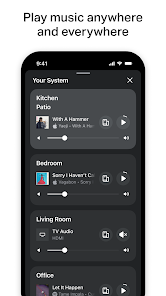
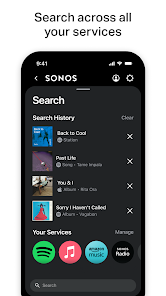
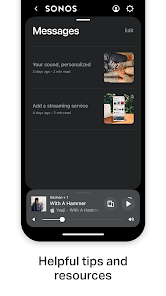
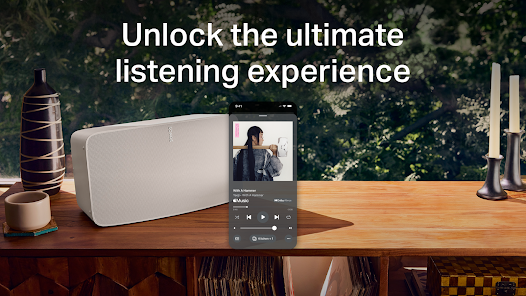
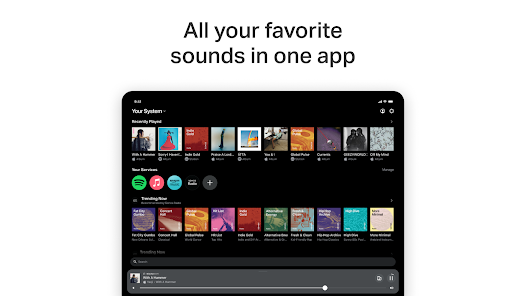
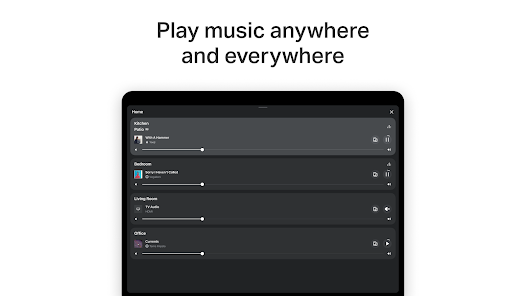
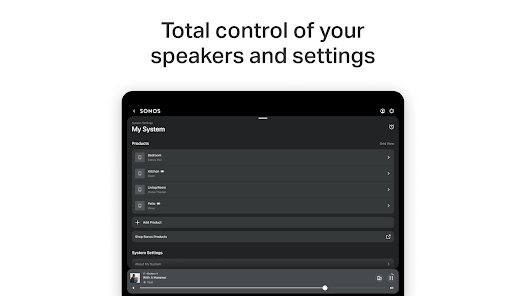
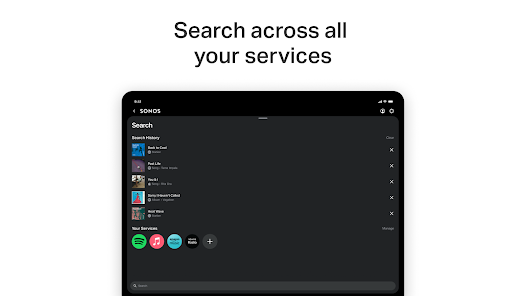
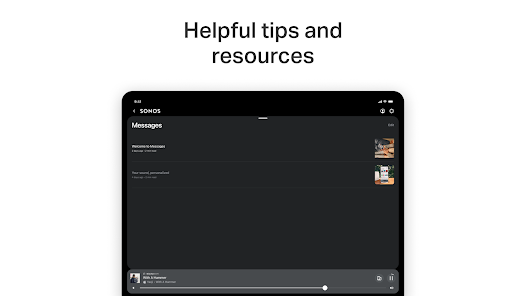
Sonos is a versatile wireless audio system that offers a range of features designed to enhance your listening experience. One of its standout features is multi-room audio, allowing users to play music in different rooms simultaneously or control each room's audio independently. This is facilitated through a user-friendly app that connects seamlessly to various streaming services, including Spotify, Apple Music, and Amazon Music.
Another notable feature is the ability to integrate with voice assistants like Amazon Alexa and Google Assistant, enabling hands-free control of your music. Sonos speakers are also known for their high-quality sound, with many models equipped with advanced audio technologies such as Trueplay, which optimizes sound based on the room's acoustics. Additionally, Sonos supports a wide range of audio formats and can connect to your TV for a complete home theater experience. The system is designed for easy setup and can be expanded over time, allowing users to add more speakers as needed.
Using Sonos is straightforward and user-friendly, making it accessible for everyone. To get started, first, download the Sonos app, available on both iOS and Android devices. Once installed, create an account or log in, and follow the on-screen instructions to set up your Sonos speakers. The app will guide you through connecting your speakers to your Wi-Fi network, ensuring they are ready for use.
After setup, you can easily browse and select music from various streaming services directly within the app. You can create playlists, group speakers for multi-room audio, and adjust settings like volume and equalization. For voice control, simply link your Sonos system to your preferred voice assistant through the app. Additionally, you can customize your listening experience by using features like Trueplay to optimize sound quality based on your room's layout. Overall, the Sonos system is designed for convenience and flexibility, allowing you to enjoy high-quality audio effortlessly.
The Sonos app offers several advantages that enhance the overall user experience. One of the primary benefits is its intuitive interface, which makes navigating through music libraries and streaming services easy. The app supports a wide range of platforms, allowing users to access their favorite music without hassle. Additionally, the ability to control multiple speakers from a single app is a significant advantage, providing seamless multi-room audio capabilities. The integration with voice assistants also adds a layer of convenience, enabling hands-free operation.
However, there are some drawbacks to consider. One common criticism is that the app can occasionally experience connectivity issues, particularly in larger homes with multiple devices. Furthermore, while the app supports many streaming services, some users may find that their preferred service is not available. Additionally, the initial setup process can be somewhat complex for those unfamiliar with technology. Overall, while the Sonos app has many strengths, potential users should weigh these pros and cons to determine if it meets their needs.
```Spotify Wrapped is an annual feature that summarizes your listening habits, including your most-played songs and artists of the year.
To create a playlist, click "Your Library," then "Playlists," and select "Create Playlist." Add songs by searching or browsing.
Yes, with a Spotify Premium subscription, you can download songs and playlists for offline listening.
Spotify offers a free tier with ads, as well as a Premium subscription that removes ads and adds features.
Click the three dots next to the song, select "Share," and choose your preferred sharing method, like social media or a link.

















 Google Play
  App Store