
 Home
Home  Apps
Apps  Games
Games  About Us
  Cookies & Privacy Policy
  Terms of Service
Parental Control App- FamiSafe
Version: 8.1.1.10084
Developer: Shenzhen Wondershare Software Co., Ltd.
 Verified App
 Advertisement
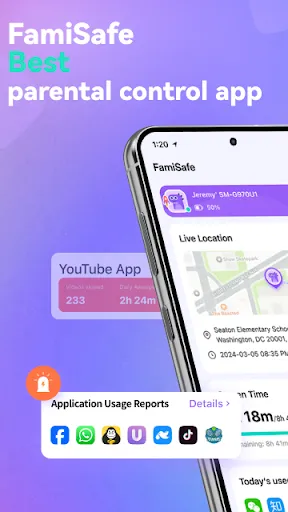
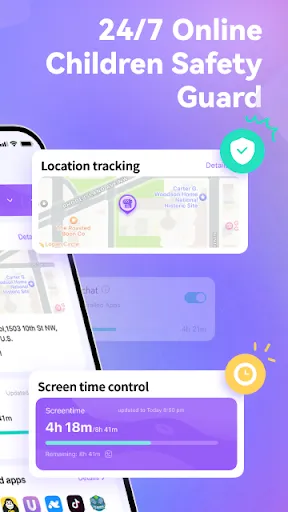
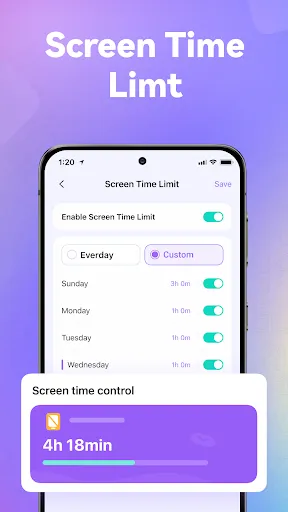
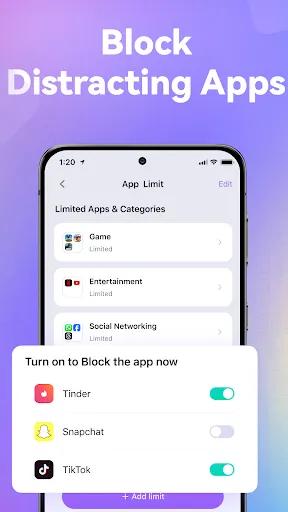
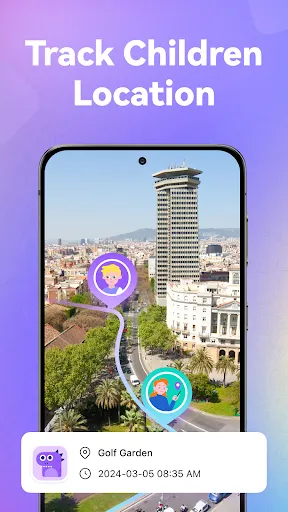
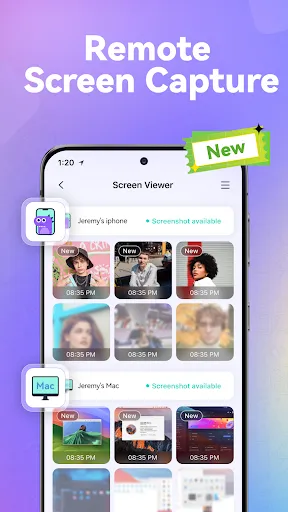
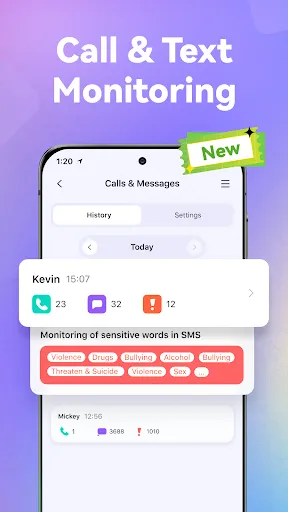
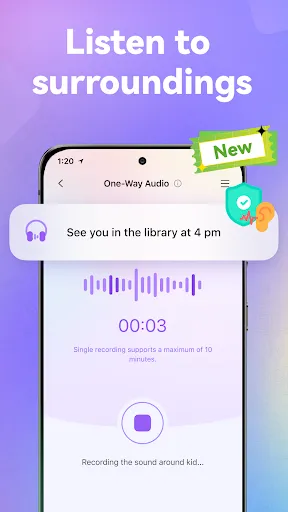
FamiSafe is a comprehensive parental control app designed to help parents ensure their children's online safety. With features like real-time location tracking, app usage monitoring, and web filtering, FamiSafe empowers parents to manage their kids' digital experiences effectively. The app promotes healthy screen time habits and fosters open communication about online behavior, making it an essential tool for modern parenting in a digital world. Keep your family safe and informed with FamiSafe.
Advertisement
Features of "Parental Control App - FamiSafe"
The "Parental Control App - FamiSafe" offers a comprehensive suite of features designed to help parents monitor and manage their children's online activities. One of its standout features is real-time location tracking, which allows parents to see where their children are at any given moment. This feature is particularly useful for ensuring safety during outings or school commutes.
Another key feature is the app's ability to set screen time limits, enabling parents to control how long their children can use their devices. This helps promote a healthy balance between screen time and other activities. Additionally, FamiSafe provides web filtering options, allowing parents to block inappropriate content and ensure a safer browsing experience.
FamiSafe also includes app usage tracking, which gives parents insights into which apps their children are using and for how long. This feature can help identify potentially harmful apps or excessive usage patterns. Furthermore, the app offers geofencing capabilities, sending alerts when children enter or leave designated areas, enhancing overall safety and peace of mind for parents.
How to Use "Parental Control App - FamiSafe"
Using the "Parental Control App - FamiSafe" is straightforward and user-friendly. First, parents need to download the app on both their device and their child's device. After installation, they will need to create an account and set up a family profile. This process typically involves linking the devices and granting necessary permissions for monitoring.
Once the setup is complete, parents can access the app's dashboard, where they can customize settings according to their preferences. They can set screen time limits, enable location tracking, and configure web filtering options. The app also allows parents to receive real-time alerts and notifications regarding their child's activities.
To ensure effective monitoring, it’s essential for parents to regularly check the app for updates on their child's usage patterns and location. FamiSafe also provides detailed reports, which can help parents make informed decisions about their child's online behavior. Overall, the app is designed to empower parents while fostering a safe digital environment for their children.
Pros & Cons of the App
The "Parental Control App - FamiSafe" comes with several advantages that make it a popular choice among parents. One of the main pros is its comprehensive feature set, which includes location tracking, screen time management, and web filtering. These tools provide parents with a robust way to monitor their children's online activities and ensure their safety.
Another significant advantage is the user-friendly interface, which makes it easy for parents to navigate and customize settings. The app also offers real-time alerts, allowing parents to stay informed about their child's whereabouts and online behavior. Additionally, FamiSafe supports multiple platforms, making it versatile for families with different devices.
However, there are some cons to consider. Some users have reported occasional glitches or connectivity issues, which can hinder the app's performance. Furthermore, while the app offers a free trial, the full range of features requires a subscription, which may not be ideal for all families. Lastly, some children may feel their privacy is compromised, leading to potential trust issues between parents and kids.
Check All Versions  Google Play
  App Store
Google Play App Store Top Apps





Similar Apps

Cocomelon
Parenting

4.5

Microsoft Family Safety
Parenting
3.9

Speech Blubs: Language Therapy
Parenting
4.5

OurFamilyWizard Co-Parent App
Parenting
4.5

AirDroid Parental Control
Parenting
4.5

Eyezy: Phone Tracker By Number
Parenting
2.7

Bark - Parental Controls
Parenting
4.2

Solid Starts: Baby Food App
Parenting
4.9

Sitly - The babysitter app
Parenting
1.5

Baby Connect: Newborn Tracker
Parenting
4.5

BabySparks - Development Activ
Parenting
4.1

Huckleberry: Baby & Child
Parenting
4.9
Advertisement
Laden…