
 Home
Home  Apps
Apps  Games
Games  About Us
  Cookies & Privacy Policy
  Terms of Service
AirDroid Parental Control
Version: 2.4.4.0
Developer: SAND STUDIO
 Verified App
 Advertisement
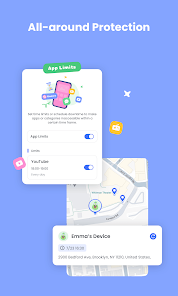
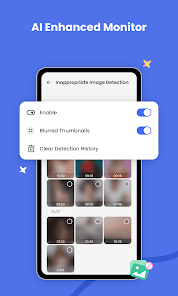
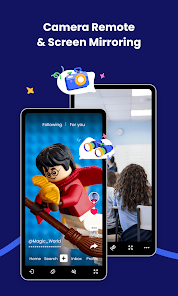
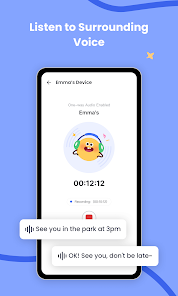
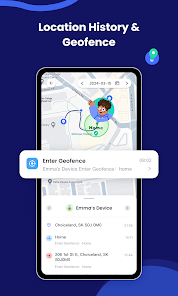
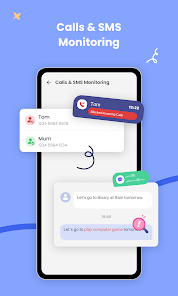
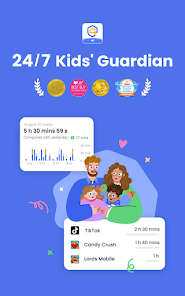
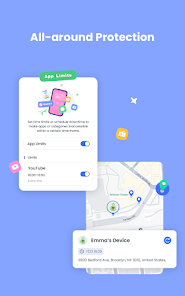
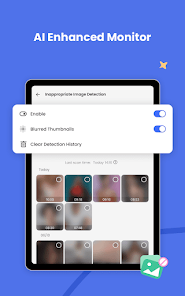
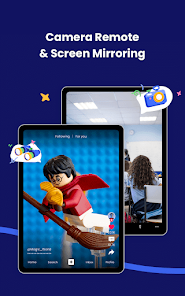
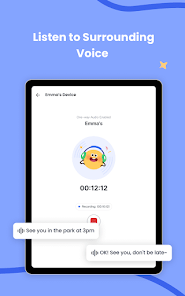
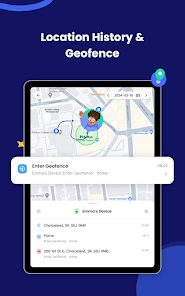
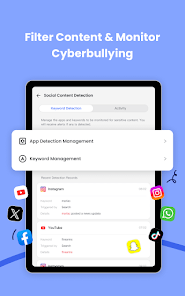
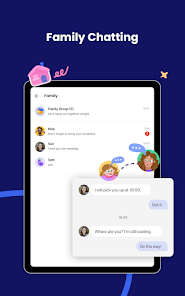
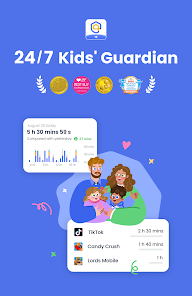
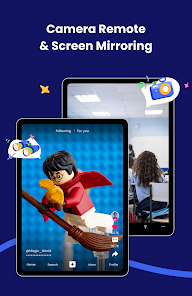
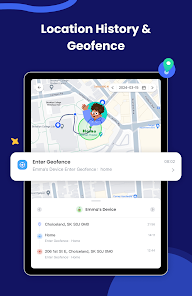
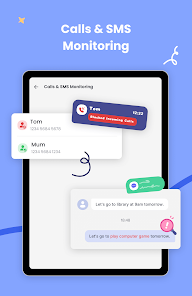
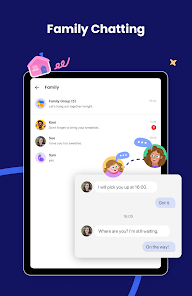
AirDroid Parental Control is a powerful app designed to help parents monitor and manage their children's device usage. With features like real-time location tracking, screen time management, and app usage monitoring, it empowers parents to ensure their kids' safety in the digital world. The user-friendly interface makes it easy to set up and customize controls, allowing families to foster healthy tech habits while staying connected. Keep your children safe online with AirDroid Parental Control.
Advertisement
Features of "AirDroid Parental Control"
AirDroid Parental Control offers a comprehensive suite of features designed to help parents monitor and manage their children's device usage effectively. One of the standout features is real-time location tracking, which allows parents to see where their child is at any given moment. This feature is particularly useful for ensuring safety and providing peace of mind.
Another key feature is app management, enabling parents to view and control the applications installed on their child's device. This includes the ability to block inappropriate apps or set time limits on usage. Additionally, AirDroid provides screen time management, allowing parents to set daily limits on device usage, which can help promote a healthy balance between screen time and other activities.
Furthermore, the app includes web filtering capabilities, which help parents restrict access to harmful or inappropriate websites. The messaging feature allows parents to monitor text messages and social media interactions, ensuring that their children are safe from online threats. Overall, AirDroid Parental Control combines these features to create a robust tool for responsible parenting in the digital age.
How to Use "AirDroid Parental Control"
Using AirDroid Parental Control is a straightforward process that begins with downloading the app on both the parent’s and child’s devices. After installation, parents need to create an account and link their child’s device to their own. This is typically done by entering a unique code or scanning a QR code provided by the app.
Once the devices are connected, parents can access a user-friendly dashboard that displays various monitoring options. From this dashboard, they can set up location tracking, manage app permissions, and establish screen time limits. It’s essential to communicate with your child about the monitoring features to foster trust and understanding.
Additionally, parents can customize settings based on their child’s age and maturity level, ensuring that the controls are appropriate. Regularly reviewing the reports and alerts generated by the app will help parents stay informed about their child’s online activities. Overall, AirDroid Parental Control is designed to be intuitive, making it easy for parents to navigate and utilize its features effectively.
Pros & Cons of the App
AirDroid Parental Control comes with several advantages that make it a popular choice among parents. One of the primary pros is its comprehensive feature set, which includes location tracking, app management, and web filtering. These tools provide parents with a holistic view of their child's digital life, allowing for informed decisions regarding their safety and well-being.
Another significant advantage is the user-friendly interface, which makes it accessible for parents who may not be tech-savvy. The app also offers real-time alerts, ensuring that parents are promptly notified of any concerning activities. Additionally, the ability to customize settings based on individual needs is a notable benefit.
However, there are some drawbacks to consider. One potential con is that the app may require a subscription for full access to all features, which could be a deterrent for some users. Additionally, while the monitoring features are robust, they may raise privacy concerns among older children and teenagers. Balancing monitoring with trust is crucial, and parents should be mindful of how they approach the use of such tools.
 Google Play
  App Store
 Top Apps





Similar Apps

Cocomelon
Parenting

4.5

Microsoft Family Safety
Parenting
3.9

Speech Blubs: Language Therapy
Parenting
4.5

OurFamilyWizard Co-Parent App
Parenting
4.5

Eyezy: Phone Tracker By Number
Parenting
2.7

Bark - Parental Controls
Parenting
4.2
Parental Control App- FamiSafe
Parenting
3.3

Solid Starts: Baby Food App
Parenting
4.9

Sitly - The babysitter app
Parenting
1.5

Baby Connect: Newborn Tracker
Parenting
4.5

BabySparks - Development Activ
Parenting
4.1

Huckleberry: Baby & Child
Parenting
4.9
Advertisement
Laden…