
 Home
Home  Apps
Apps  Games
Games  About Us
  Cookies & Privacy Policy
  Terms of Service
OBD Fusion (Car Diagnostics)
Version: 5.10.0
Developer: OCTech, LLC
 Verified App
 Advertisement
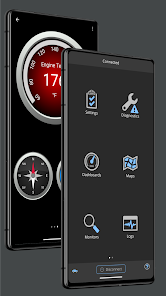
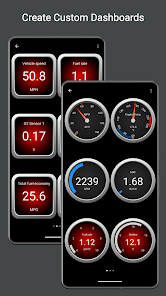
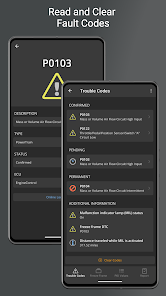
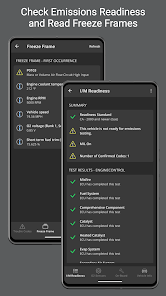
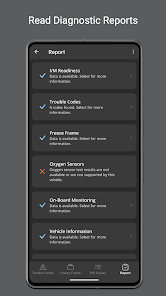
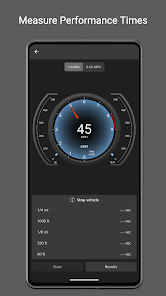
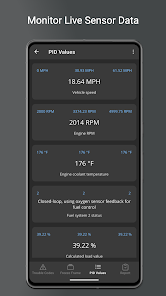
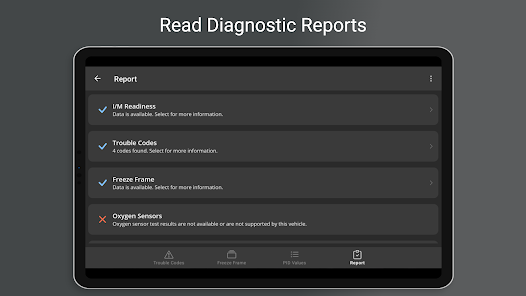
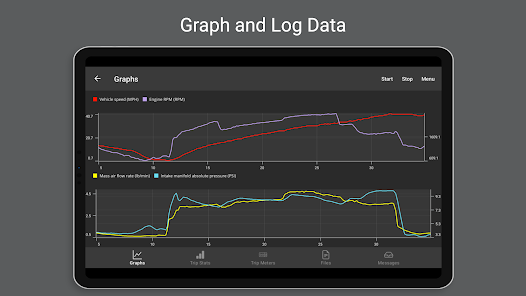
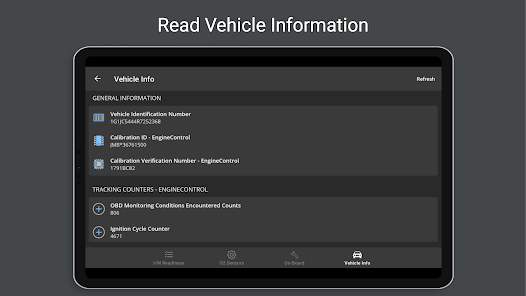
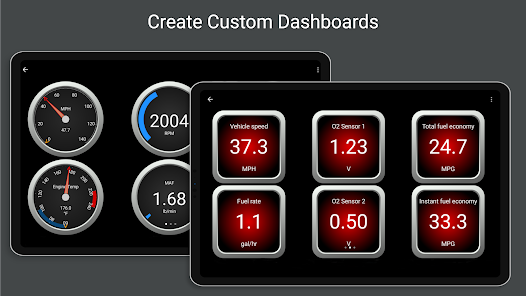
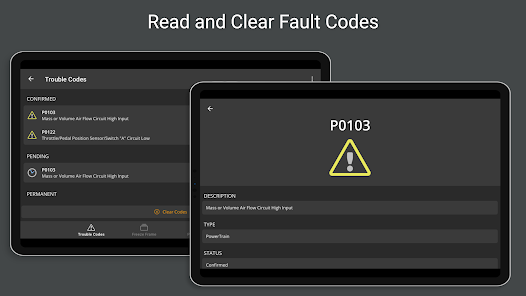
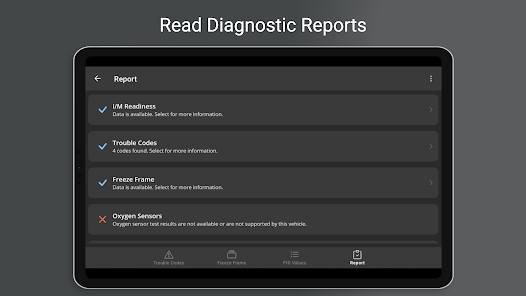
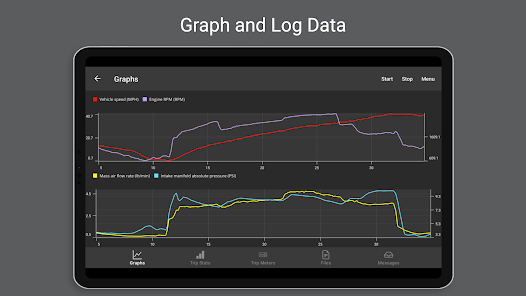
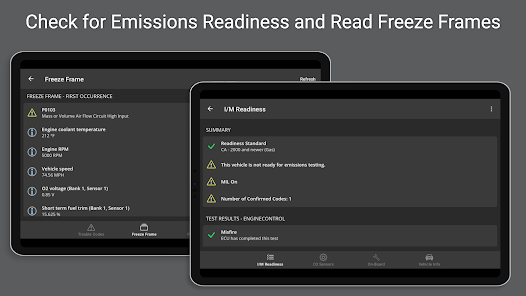
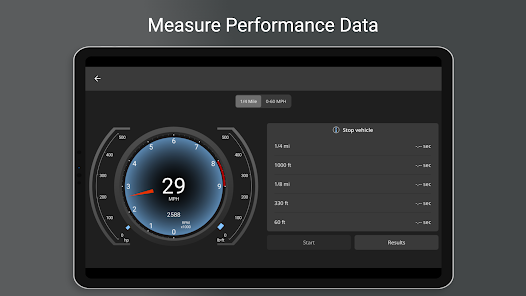
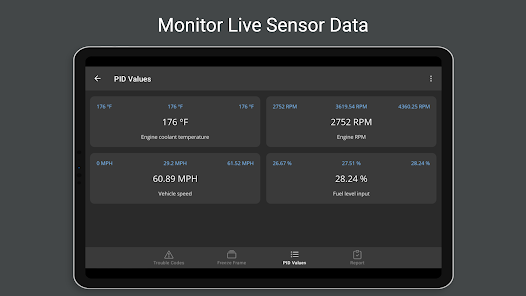
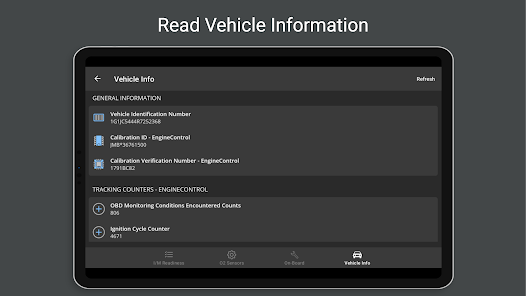
OBD Fusion is a powerful car diagnostics app designed to help you monitor your vehicle's performance in real-time. By connecting to your car's OBD-II system, it provides detailed information on engine health, fuel efficiency, and trouble codes. With user-friendly graphs and customizable dashboards, OBD Fusion empowers you to make informed decisions about your vehicle maintenance, ensuring optimal performance and longevity. Whether you're a car enthusiast or a casual driver, this app is your essential automotive companion.
Advertisement
Features of "OBD Fusion (Car Diagnostics)"
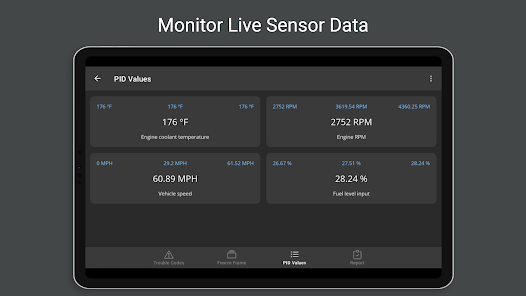
OBD Fusion is a powerful application designed for car diagnostics, offering a range of features that enhance vehicle monitoring and maintenance. One of its primary features is real-time data streaming, which allows users to view live engine parameters such as RPM, speed, and coolant temperature. This feature is crucial for diagnosing issues as they occur, providing immediate insights into vehicle performance.
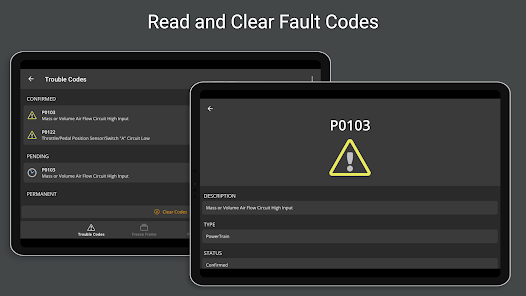
Another notable feature is the ability to read and clear diagnostic trouble codes (DTCs). This function enables users to identify specific problems within their vehicle's systems and reset the check engine light after repairs. Additionally, OBD Fusion supports a wide variety of vehicles, making it compatible with most OBD-II compliant cars, trucks, and SUVs.
The app also includes customizable dashboards, allowing users to create personalized displays of the data that matters most to them. Furthermore, it offers trip logging and fuel economy tracking, which can help users monitor their driving habits and optimize fuel efficiency. With its user-friendly interface and comprehensive features, OBD Fusion is an essential tool for both casual drivers and automotive enthusiasts.
How to Use "OBD Fusion (Car Diagnostics)"
Using OBD Fusion is a straightforward process that begins with downloading the app from the App Store or Google Play. Once installed, users need to connect an OBD-II Bluetooth adapter to their vehicle's diagnostic port, typically located under the dashboard. After establishing a connection between the adapter and the app, users can start accessing their vehicle's data.
Upon launching the app, users will be greeted with a dashboard that displays various vehicle parameters. To read diagnostic trouble codes, simply navigate to the DTC section and select the option to scan for codes. The app will display any existing codes along with their definitions, helping users understand the issues at hand. Clearing codes is just as easy; users can select the option to reset the check engine light after addressing the problems.
For those interested in monitoring real-time data, users can customize their dashboard to show specific metrics like speed, RPM, and fuel consumption. The app also allows for trip logging, enabling users to track their driving patterns and fuel efficiency over time. Overall, OBD Fusion is designed to be user-friendly, making it accessible for anyone looking to maintain their vehicle's health.
Pros & Cons of the App
OBD Fusion offers several advantages that make it a popular choice among car owners and enthusiasts. One of the primary pros is its extensive compatibility with a wide range of vehicles, allowing users to diagnose issues across various makes and models. The app's real-time data streaming feature is another significant benefit, providing immediate insights into engine performance and helping users identify problems as they arise.
Additionally, the user-friendly interface and customizable dashboards enhance the overall experience, making it easy for users to access the information they need. The ability to read and clear diagnostic trouble codes is invaluable for those looking to save on repair costs by addressing issues themselves. However, there are some drawbacks to consider. The need for a separate OBD-II Bluetooth adapter can be an added expense, and some users may find the app's advanced features overwhelming if they are not familiar with automotive diagnostics.
Moreover, while the app provides a wealth of information, it may not cover every possible issue, particularly for more complex vehicle systems. Overall, OBD Fusion is a powerful tool for car diagnostics, but potential users should weigh its pros and cons based on their specific needs and technical expertise.
Check All Versions  Google Play
  App Store
Google Play App Store Top Apps





Similar Apps

UC Browser-Safe, Fast, Private
Communication

4.4

Hangouts
Communication
4.8

Skype
Communication
4.3

TextNow: Call + Text Unlimited
Communication
4.6

GroupMe
Communication
4.6

LINE: Calls & Messages
Communication
3.6

Firefox: el navegador privado
Communication
4.6

Brave Private Web Browser, VPN
Communication
4.7

Burner: Second Phone Number
Communication
4.4

Cafe - Live video chat
Communication
4.6

CallApp: Caller ID & Block
Communication
4.4

Contacts
Communication
4.3
Advertisement
Laden…