
Version: 4.36.0
Developer: ONE Finance, Inc.
 Verified App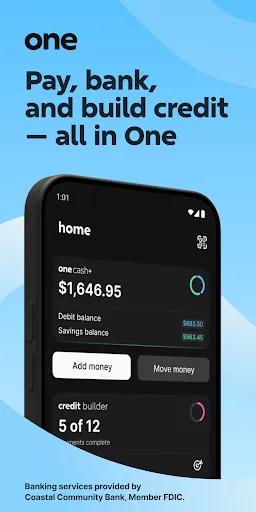
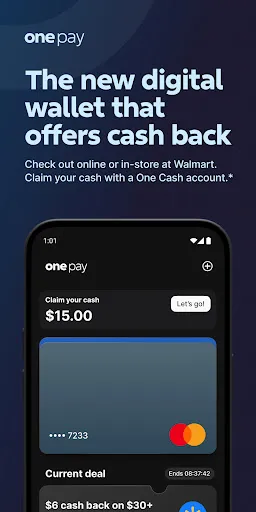
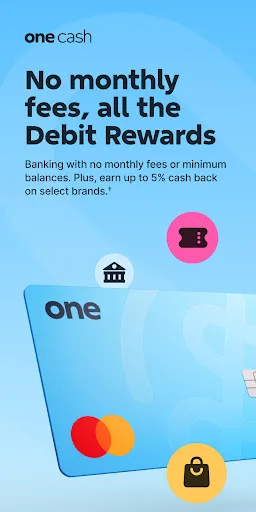
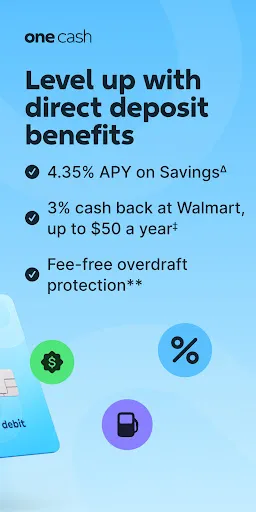
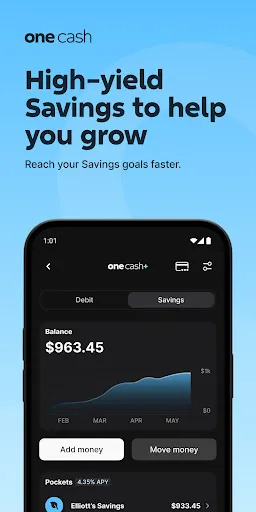
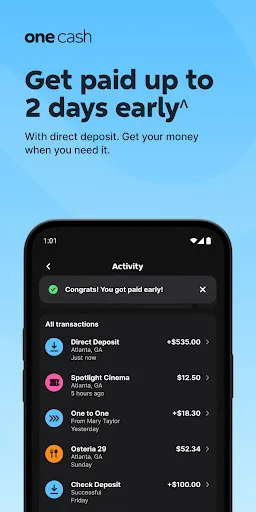
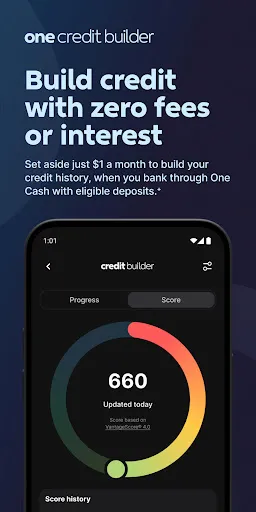
"One — Mobile Banking" offers a comprehensive suite of features designed to enhance the banking experience for users. One of its standout features is the intuitive user interface, which allows for easy navigation and quick access to essential banking functions. Users can view their account balances, transaction history, and recent activity at a glance, making it simple to manage finances on the go.
Another key feature is the ability to transfer funds between accounts or to other users seamlessly. The app supports various payment methods, including bill payments and peer-to-peer transfers, ensuring that users can handle their financial obligations efficiently. Additionally, "One — Mobile Banking" incorporates robust security measures, such as biometric authentication and encryption, to protect user data and transactions.
Furthermore, the app provides personalized financial insights and budgeting tools, helping users track their spending habits and set savings goals. Notifications and alerts keep users informed about important account activities, ensuring they never miss a payment or transaction. Overall, "One — Mobile Banking" combines convenience, security, and functionality to meet the diverse needs of modern banking customers.
Using "One — Mobile Banking" is a straightforward process that begins with downloading the app from your device's app store. Once installed, users need to create an account by providing their personal information and linking their bank accounts. The app typically requires verification through email or SMS to ensure security during the setup process.
After setting up the account, users can log in using their credentials or biometric features like fingerprint or facial recognition for quick access. The main dashboard presents an overview of account balances and recent transactions, allowing users to navigate easily to various features. To transfer funds, users simply select the transfer option, enter the recipient's details, and specify the amount.
Additionally, users can set up bill payments by entering the necessary information for each biller. The app also allows users to customize notifications for transactions and account activities, ensuring they stay informed. Overall, "One — Mobile Banking" is designed to be user-friendly, making it accessible for individuals of all tech-savviness levels.
Like any mobile banking application, "One — Mobile Banking" has its advantages and disadvantages. One of the primary benefits is its convenience; users can manage their finances anytime and anywhere, eliminating the need for physical bank visits. The app's user-friendly interface and robust features, such as fund transfers and bill payments, enhance the overall banking experience.
Another significant advantage is the security measures in place, including biometric authentication and encryption, which help protect sensitive information. Additionally, the app's budgeting tools and financial insights empower users to make informed decisions about their spending and saving habits.
However, there are some drawbacks to consider. Users may experience technical issues or app crashes, which can be frustrating. Furthermore, reliance on mobile banking may not suit everyone, particularly those who prefer traditional banking methods. Lastly, while the app offers many features, some users may find that certain functionalities are limited compared to full-service banking options. Balancing these pros and cons is essential for potential users to determine if "One — Mobile Banking" meets their needs.

 Convenient access to your finances anytime, anywhere. Instant money transfers to friends and family with ease. Secure transactions with advanced encryption technology. User-friendly interface makes banking simple and intuitive. Real-time notifications keep you updated on account activity.
 Limited access to cash, making it hard to handle emergencies or unexpected expenses Potential security risks, including data breaches or unauthorized access to accounts Dependence on technology, which may lead to issues during outages or technical failures
  Google Play
  App Store
 Yes, users can submit suggestions or feedback directly through the app or via the official website to help improve the service.
Yes, One — Mobile Banking collects personal data to provide services and enhance user experience, but it follows strict privacy policies to protect user information.
One — Mobile Banking requires an internet connection for most of its functionalities; however, some features may be accessible offline, like viewing previously downloaded transactions.
Users can cancel their subscription through the app settings or by contacting customer support for assistance with the cancellation process.
Subscription costs for premium features vary, and users can check the app for the latest pricing information and available plans.
Unfortunately, customer numbers cannot be changed. If you have concerns, please reach out to customer service for further assistance.
You can reach our customer service through the app's help section or call the support number provided on our website.
You can update your phone number in the account settings of the app or contact customer service for assistance.
To activate your account, download the app, enter your details, and follow the prompts for activation. If you need help, contact customer service.
To log in on a new device, download the app, enter your credentials, and follow any additional verification steps. If you encounter issues, contact customer service.