Category: Art & Design
Developer: ibis inc.
 Verified App


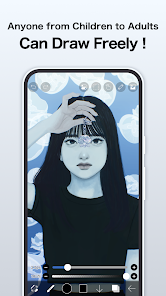
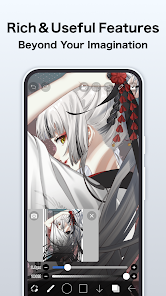
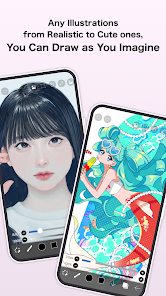
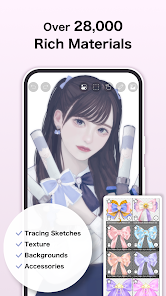
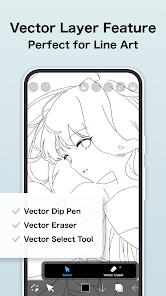
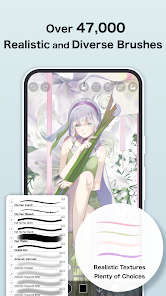
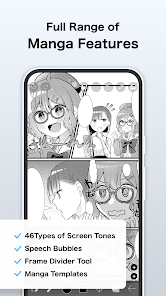
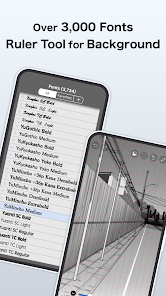
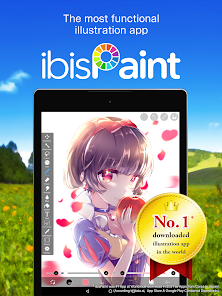
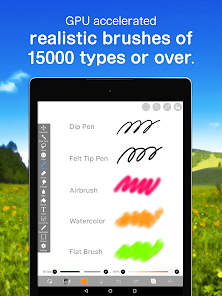
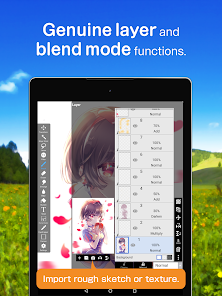
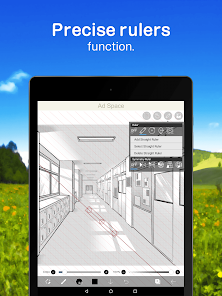
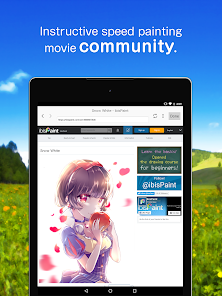
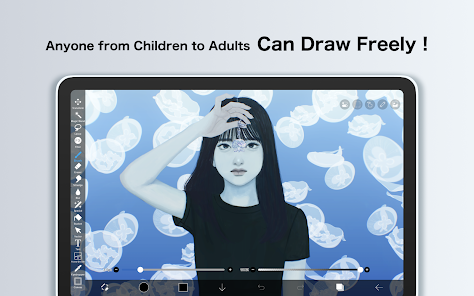
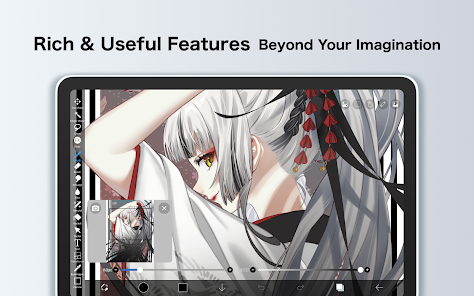

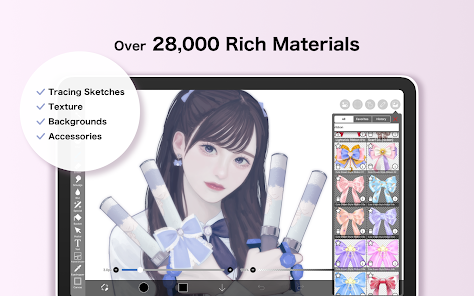
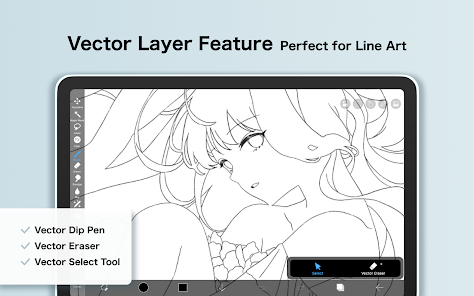
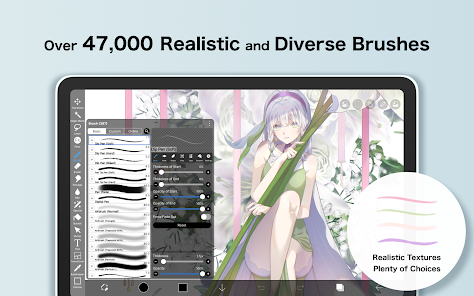
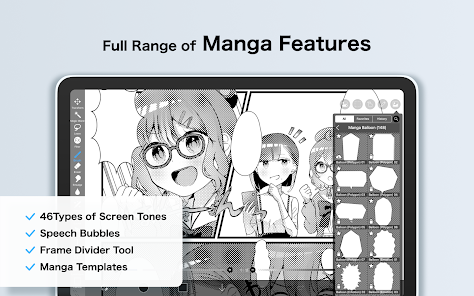
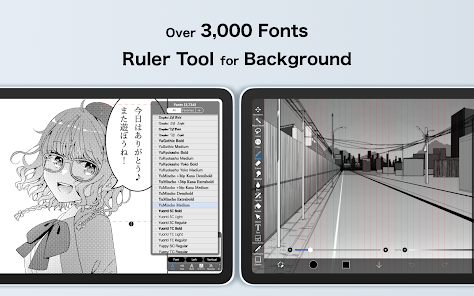
If you're looking for a new app to try out, why not give ibis Paint X a shot? This app is perfect for anyone who loves painting or drawing, and it offers a wide range of features to help you create beautiful artwork. In this blog post, we'll take a look at some of the best features of ibis Paint X, and show you how to get started with the app. So if you're ready to start creating some amazing art, read on!

 User-friendly interface for easy navigation and drawing Wide variety of brushes and tools for creativity Layer management for complex artwork organization Frequent updates with new features and improvements Community sharing options to showcase and collaborate
 Limited brush customization options available Lacks advanced layer management features Frequent ads disrupt the user experience Performance can lag on older devices

A very incredible app! lots of stuff is premium but that's perfectly reasonable. people need money. The app still functions normally without premium so it's not an issue. creating an account was very confusing for me. I put in my email and it said it would email me a code and it never did. I even hit resend code and retried twice. not much of an issue though. The app is overall very impressive.
I love a lot of the recent updates but I wish they would finally add a search bar for your gallery 😭 After years of using ibispiant I have almost 1k canvases and no way of finding a specific drawing I need. Sure, folders help, but when you forget which folder you put a drawing in, you spend 10 minutes digging through each one to find it. I just think that after a over a decade since its launch they would've added a search bar by now.
Ibis Paint compared to the other art apps is absolutely superior. The controls are easy, there are so many brushes to pick from, and you can make a drawing or animation! I have used Ibis Paint for 3-4 years and it ACTUALLY started my love for digital art. Plus, no, I haven't encountered ANY crashes or bugs! All my art projects went smoothly and turned out great. Thank you for the wonderful experience. Have a good day!
this is the best free digital artwork app out there, many brushes, nice and easy to use tools, and alot more. I've been using this for 2-3 years, and whatsoever I haven't encountered anything weird or buggy. however, I would suggest a feature where you can add custom canvas proportions as templates, where you can make custom ones and save them to use later. however still a good app though, great and well built!
For just the art service, I'd have to give this five stars. Great features and brushes, almost everything can be used for free with very occasional ads, and the price for premium is reasonable. It's also very intuitive and easy to learn. But I have to knock it down a star because of the social media. It's rarely updated, has very little moderation, and is not appropriate for anyone below 13 and even then I'd recommend parental guidance. But if you just wanna draw, I highly recommend this app.
Review Source: Google Play store public user reviews.
ibis Paint X may collect certain data to improve user experience and app functionality, but it primarily focuses on providing a safe and secure environment for users’ artwork.
Yes, ibis Paint X offers a free version with basic features, as well as a premium version that unlocks additional tools and options through a subscription.
No, ibis Paint X can be used offline, allowing you to create and save your artwork without needing an internet connection.
You can contact support or send feedback for ibis Paint X through the app's official website or by accessing the help section within the app, where you can find information on how to reach the support team.
You can manage or cancel your ibis Paint X subscription through the app store settings on your device, where you can find subscription options and follow the prompts to modify your plan.
You can contact customer service through the app's settings or visit the official website for support options.
Your customer number is typically found in the app's settings under "Account Information."
Open the app, go to settings, and select "Log In." Enter your email and password to access your account.
To activate the premium version, log in with the account you used for purchase, and the features will automatically unlock.
[New Features]- You can now install brushes from the install button on ibispaint.com brush pattern artwork pages, even when the page is opened in an external browser.[Improvements, Changes]- Moved the checkmark indicating the selected item from the right to the left in selection menus.etc.For more details, see: https://ibispaint.com/historyAndRights.jsp?newsID=290994073









 Google Play
  App Store