Version: 45608
Developer: Google LLC
 Verified App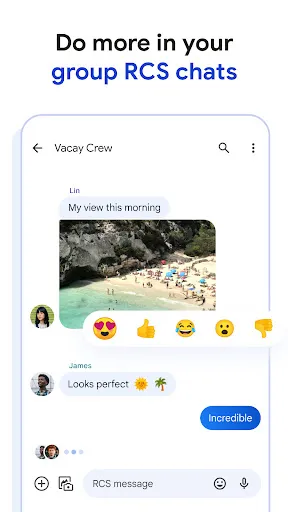
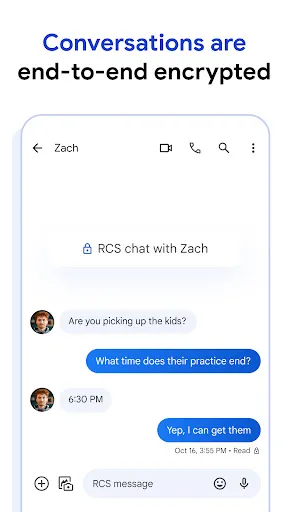
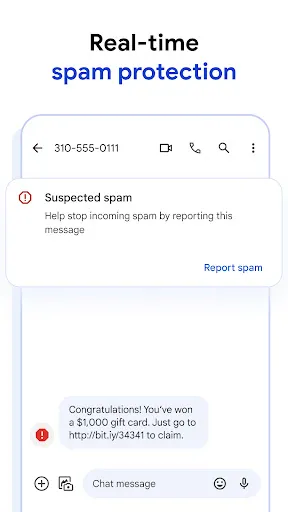
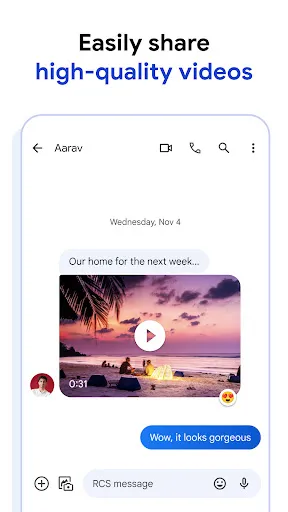
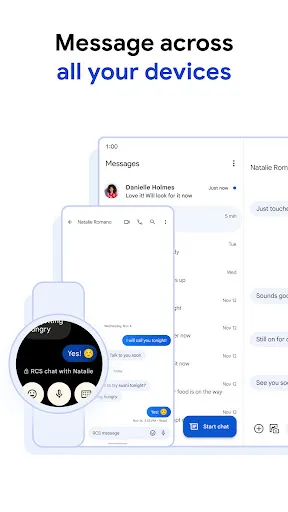
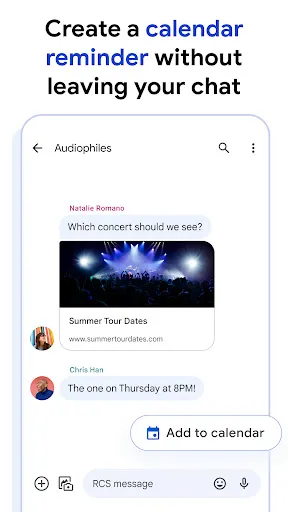
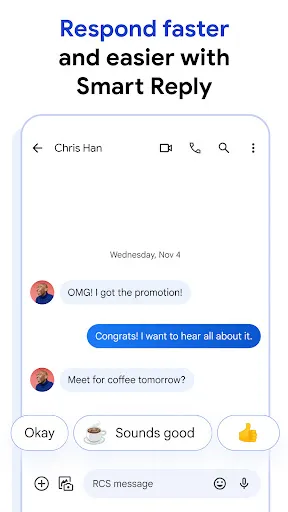
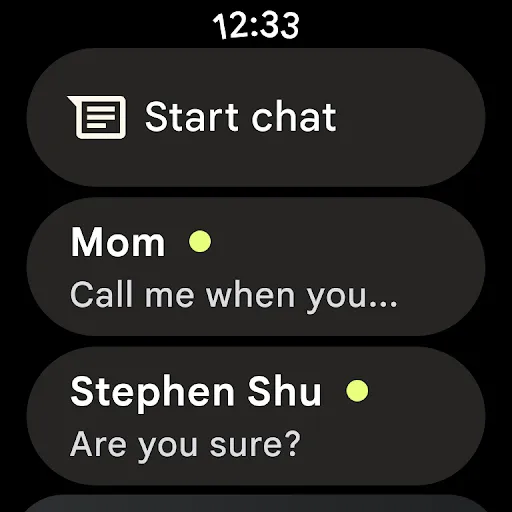
Google Messages is a versatile messaging app that offers a range of features designed to enhance user communication. One of its standout features is Rich Communication Services (RCS), which allows for high-quality image and video sharing, read receipts, and typing indicators, making conversations more interactive. The app also supports end-to-end encryption for one-on-one chats, ensuring that your messages remain private and secure.
Another notable feature is the integration of Google Assistant, which allows users to send messages, search for information, and even schedule reminders directly within the app. Google Messages also includes a smart reply function that suggests quick responses based on the context of the conversation, saving time and effort. Additionally, users can easily organize their messages with categories like personal, business, and promotions, making it easier to manage conversations.
Furthermore, the app supports SMS and MMS messaging, allowing users to communicate with those who may not have RCS enabled. With a user-friendly interface and customizable themes, Google Messages provides a seamless messaging experience for Android users.
Using Google Messages is straightforward and user-friendly. First, download the app from the Google Play Store if it’s not already pre-installed on your device. Once installed, open the app and set it as your default messaging application when prompted. You can start a new conversation by tapping the "+" icon or selecting an existing contact from your list.
To send a message, simply type your text in the message box and hit send. If you want to share images, videos, or audio files, tap the attachment icon to browse your device’s media. For RCS features, ensure that both you and your recipient have RCS enabled, which can be checked in the app settings. You can also customize your messaging experience by adjusting notification settings, themes, and chat features according to your preferences.
Additionally, Google Messages allows you to search for specific messages or contacts using the search bar at the top. You can also access your message history and manage conversations by archiving or deleting messages as needed. Overall, Google Messages provides a comprehensive and intuitive platform for all your messaging needs.
Google Messages comes with several advantages that make it a popular choice among users. One of the primary pros is its integration of RCS, which enhances the messaging experience with features like high-quality media sharing, read receipts, and typing indicators. The app is also user-friendly, with a clean interface that makes navigation easy. Additionally, the smart reply feature saves time by suggesting quick responses based on the conversation context.
However, there are some drawbacks to consider. One significant con is that RCS features are only available if both the sender and recipient have RCS enabled, which can limit functionality when messaging users on different platforms. Furthermore, while the app is designed for Android devices, it may not offer the same level of compatibility with iOS users, leading to potential communication gaps. Lastly, some users may find the app's reliance on internet connectivity for RCS features a limitation, especially in areas with poor network coverage.
In summary, while Google Messages offers a robust set of features and a user-friendly experience, it also has limitations that users should be aware of when choosing a messaging platform.

 Seamless integration with Android devices enhances user experience and convenience. Rich media support allows easy sharing of photos, videos, and audio messages. End-to-end encryption ensures your conversations remain private and secure. Group messaging features enable effortless communication with multiple contacts at once. Smart reply suggestions speed up responses and improve texting efficiency.
 Limited end-to-end encryption for one-on-one chats raises privacy concerns. Lacks advanced features like message scheduling or self-destructing messages. Integration with non-Google services can be inconsistent and frustrating.
  Google Play
  App Store
 Yes, users can submit suggestions or feedback through the app by accessing the settings menu and selecting the appropriate feedback option.
Google Messages may collect information such as your phone number, contacts, and usage data, which is used to improve the app's functionality and user experience. Users should review the privacy policy for more details.
Yes, Google Messages allows users to send and receive SMS and MMS messages even when they are offline, as long as a cellular network is available for sending messages.
Since Google Messages is a free app, there is no subscription to cancel. Users can simply uninstall the app if they no longer wish to use it.
Google Messages does not require a subscription; it is completely free to use. However, standard messaging rates may apply based on your mobile plan.
Yes, you can log in to Google Messages on multiple devices using the same Google account. Just ensure you're connected to the internet.
No, you must have a Google account to log in to Google Messages. If you don't have one, create a new account first.
To activate your account, download the app, open it, and follow the on-screen instructions to sign in. Your account will be activated automatically.
Your customer number can usually be found in your account settings within the app. If you need help, contact customer service.
For activation issues, contact customer service via the app or the Google support website for immediate assistance.