
 Home
Home  Apps
Apps  Games
Games  About Us
  Cookies & Privacy Policy
  Terms of Service
Voi - AI Avatar Portrait Maker
Version: 2.0.2
Developer: Codeway Dijital
 Verified App
 Advertisement
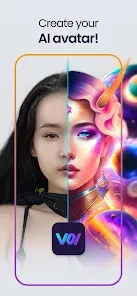
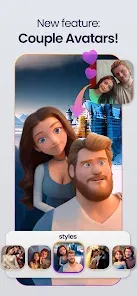
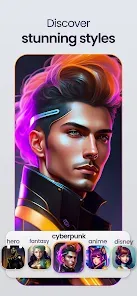
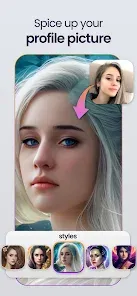
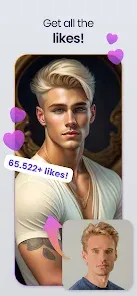
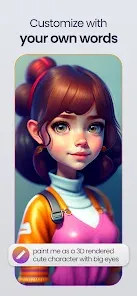

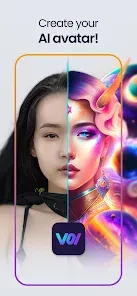
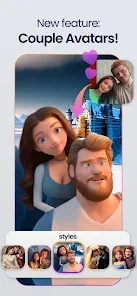
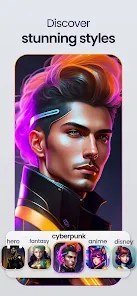
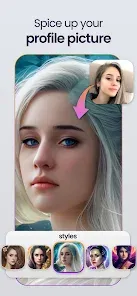

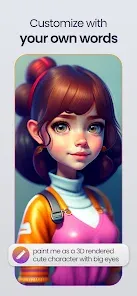
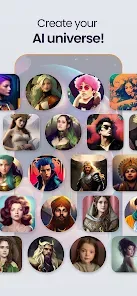
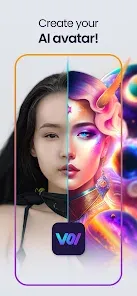
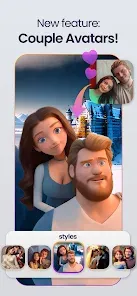
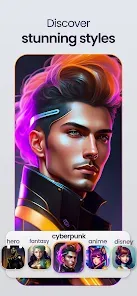
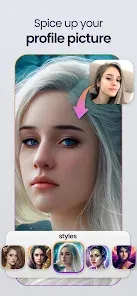
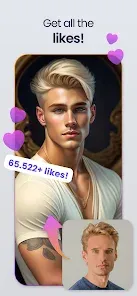
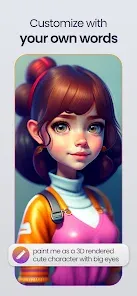
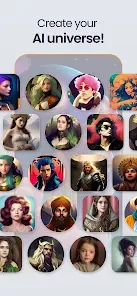
Voi - AI Avatar Portrait Maker is a cutting-edge app that transforms your photos into stunning, personalized avatars using advanced artificial intelligence. With a user-friendly interface, Voi allows you to customize features, styles, and backgrounds, creating unique digital representations of yourself. Whether for social media, gaming, or personal use, Voi brings your imagination to life, making it easy to express your individuality through captivating avatar designs. Unleash your creativity and explore endless possibilities with Voi!
Advertisement
Features of "Voi - AI Avatar Portrait Maker"
"Voi - AI Avatar Portrait Maker" is a cutting-edge application designed to create personalized avatar portraits using artificial intelligence. One of its standout features is the ability to generate high-quality, customizable avatars that reflect the user's unique style and personality. Users can choose from a variety of artistic styles, including cartoon, realistic, and abstract, allowing for a diverse range of creative expression.
Another notable feature is the intuitive user interface, which makes it easy for anyone to navigate the app, regardless of their technical skills. The app also offers a library of pre-set templates and backgrounds, enabling users to quickly create stunning portraits without starting from scratch. Additionally, "Voi" supports social media integration, allowing users to share their creations directly on platforms like Instagram and Facebook. The app frequently updates its features, ensuring that users have access to the latest tools and styles for avatar creation.
How to Use "Voi - AI Avatar Portrait Maker"
Using "Voi - AI Avatar Portrait Maker" is a straightforward process that anyone can master. First, download and install the app from your device's app store. Once installed, open the app and create an account or log in if you already have one. The main interface will present you with options to start a new project or explore existing avatars.
To create your avatar, select the desired style and begin customizing features such as hair, facial expressions, and clothing. The app provides sliders and color pickers to fine-tune each aspect of your avatar. After you are satisfied with your design, you can save your portrait to your device or share it directly on social media. The app also allows for easy editing, so you can revisit and modify your avatar whenever you wish. Overall, the user-friendly design ensures a seamless experience for all users.
Pros & Cons of the App
Like any application, "Voi - AI Avatar Portrait Maker" has its advantages and disadvantages. On the positive side, the app offers a wide range of customization options, allowing users to create unique avatars that truly represent their personalities. The high-quality output and various artistic styles make it appealing for both casual users and those looking for professional-grade avatars. Additionally, the app's social media integration facilitates easy sharing, enhancing user engagement.
However, there are some drawbacks to consider. Some users may find the app's premium features locked behind a paywall, limiting access to certain styles and tools unless they subscribe. Additionally, while the app is user-friendly, beginners may still experience a learning curve when navigating all the customization options. Lastly, the reliance on internet connectivity for certain features may be inconvenient for users in areas with limited access. Overall, weighing these pros and cons can help potential users decide if "Voi" is the right fit for their avatar creation needs.
 Google Play
  App Store
 Top Apps





Similar Apps
B612 Camera&Photo/Video Editor
Photo

4.3
AfterFocus
Photo
3.8
Magic Photo Editor:Foto Repair
Photo
3.7
Beautiful Hair Style Salon
Photo
2.2
Collage Maker - Photo Editor
Photo
4.9

Remix Photo Editor : Pic Colla
Photo
1
Magic Effects Revampic
Photo
1
Adobe Photoshop Mix - Cut-out,
Photo
1
Reduce Photo Size
Photo
1
Layout from Instagram: Collage
Photo
1
Beauty Camera Selfie Filters
Photo
4.8
Photo Slideshow with Music
Photo
Advertisement
Laden…