
 Home
Home  Apps
Apps  Games
Games  About Us
  Cookies & Privacy Policy
  Terms of Service
TriviaMaker - Quiz Creator
Version: 6.3.7
Developer: Redwood Pro Media
 Verified App
 Advertisement
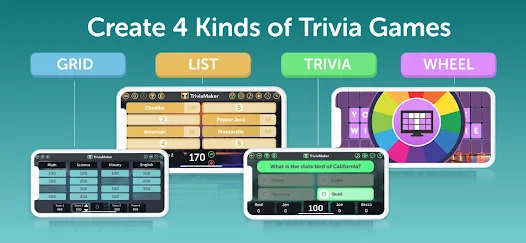
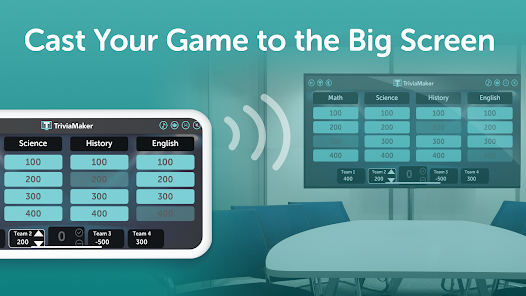
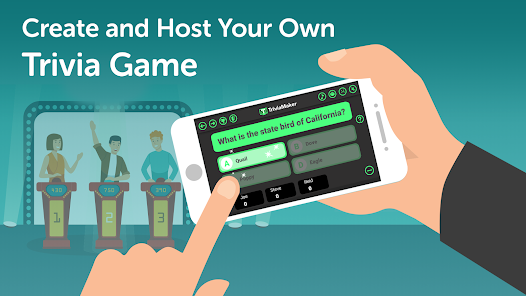
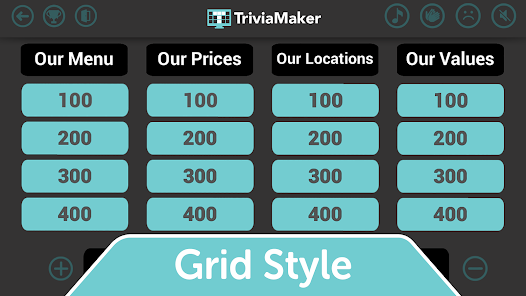
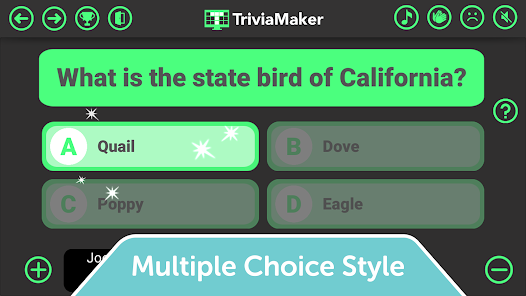
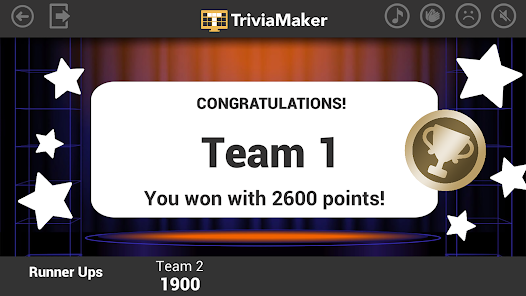
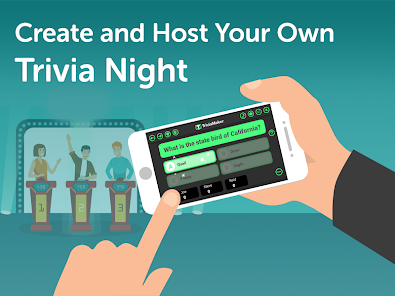
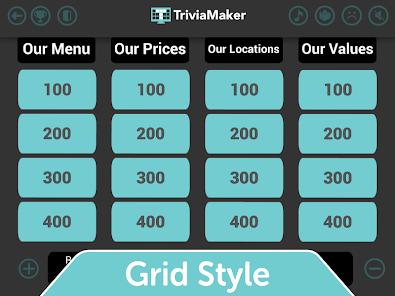
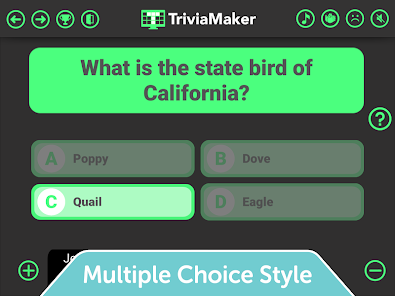
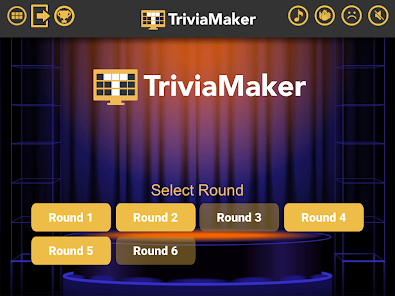
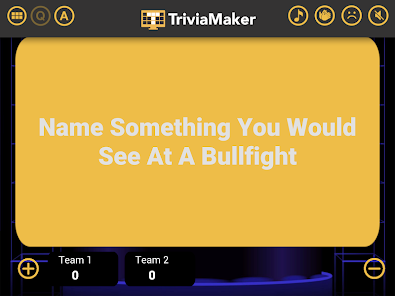
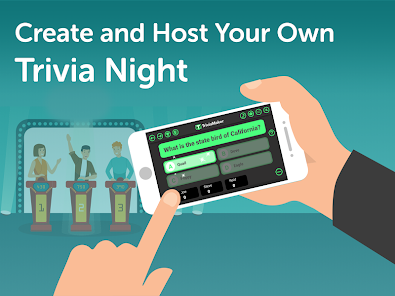
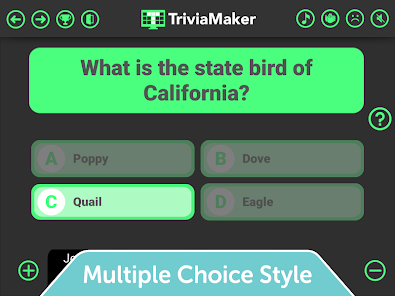
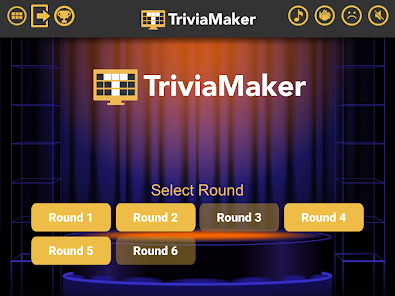
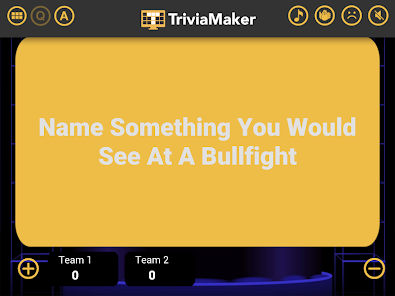
TriviaMaker is an engaging quiz creator app that allows users to design and share custom trivia games. With a user-friendly interface, it offers various game formats, including multiple-choice, true/false, and fill-in-the-blank questions. Perfect for educators, event planners, or anyone looking to test their knowledge, TriviaMaker makes learning fun and interactive. Create your own quizzes, challenge friends, and enjoy endless entertainment while enhancing your trivia skills!
Advertisement
Features of "TriviaMaker - Quiz Creator"
"TriviaMaker - Quiz Creator" is a versatile platform designed for creating engaging quizzes and trivia games. One of its standout features is the ability to customize quiz formats, allowing users to choose from various styles such as multiple-choice, true/false, and fill-in-the-blank. This flexibility caters to different learning styles and preferences, making it suitable for educators, event planners, and casual users alike.
Another notable feature is the user-friendly interface, which simplifies the quiz creation process. Users can easily add questions, images, and videos to enhance the quiz experience. Additionally, TriviaMaker offers a game show mode, which adds an interactive element, making quizzes more entertaining for participants. The platform also supports multiplayer functionality, enabling friends or classmates to compete against each other in real-time.
Furthermore, TriviaMaker provides analytics tools that allow creators to track participant performance and engagement. This feature is particularly useful for educators who want to assess learning outcomes. Overall, TriviaMaker combines creativity and functionality, making it an excellent choice for anyone looking to create fun and educational quizzes.
How to Use "TriviaMaker - Quiz Creator"
Using "TriviaMaker - Quiz Creator" is a straightforward process that anyone can master. To get started, users need to sign up for an account on the platform. Once logged in, they can navigate to the quiz creation section, where they will find various templates and formats to choose from. Selecting a template allows users to customize their quiz according to their preferences.
After choosing a format, users can begin adding questions. The platform provides options to include different types of questions, such as multiple-choice or true/false, and users can also incorporate images and videos to make the quiz more engaging. Once the questions are set, creators can adjust settings like time limits and scoring methods.
Once the quiz is ready, users can share it with others via a link or host it live for real-time interaction. Participants can join using their devices, making it easy to engage a larger audience. After the quiz, creators can review analytics to see how participants performed, allowing for insights into learning and engagement. Overall, TriviaMaker makes quiz creation accessible and enjoyable for everyone.
Pros & Cons of the App
Like any application, "TriviaMaker - Quiz Creator" has its advantages and disadvantages. One of the primary pros is its user-friendly interface, which makes quiz creation accessible even for those with limited technical skills. The variety of quiz formats and customization options allows users to tailor their quizzes to specific audiences, enhancing engagement and learning outcomes. Additionally, the multiplayer feature adds a fun, competitive element that can be particularly appealing in educational settings or social gatherings.
However, there are some cons to consider. While the free version offers a range of features, some advanced functionalities may require a subscription, which could be a drawback for users on a budget. Additionally, the platform may have limitations in terms of question banks or templates compared to other quiz-making tools. Some users have also reported occasional technical glitches, which can disrupt the quiz experience.
In summary, "TriviaMaker - Quiz Creator" is a powerful tool for creating interactive quizzes, but potential users should weigh its pros and cons to determine if it meets their specific needs. Overall, it remains a popular choice for educators, event planners, and trivia enthusiasts alike.
Check All Versions  Google Play
  App Store
Google Play App Store Top Apps



Similar Apps
TRIVIA STAR Quiz Games Offline
Trivia

4.8

Text or Die
Trivia
4.1

Brain Test 2: Cuentos extraños
Trivia
4.7

Trivia Night
Trivia
3.5

Jingle Quiz: logo music trivia
Trivia
4.5

GeoGuessr
Trivia
4.5

Wild Cash | Quiz to Earn
Trivia
2.7

World Map Quiz
Trivia
4.8

Knowledge is Power
Trivia
3.4

Logo Quiz
Trivia
4.5

Type Sprint: Typing Games
Trivia
4.3

Alphabet Game
Trivia
4.5
Advertisement
Laden…