Version: 1.4.5
Developer: 505 Games Srl
 Verified App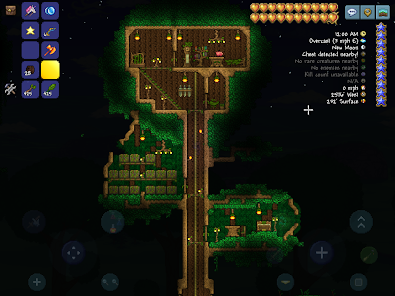
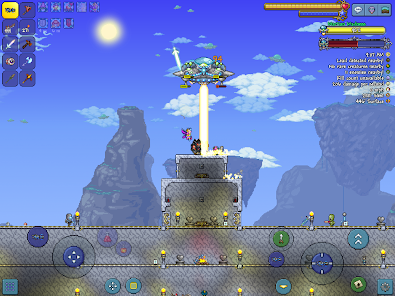
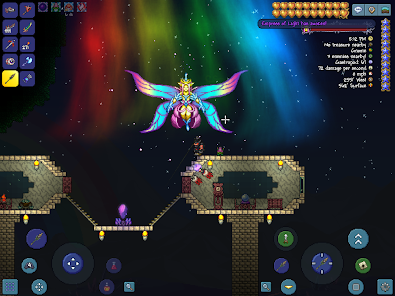
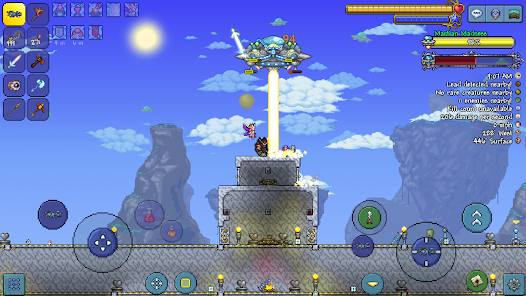
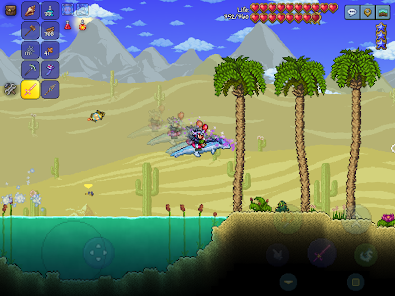
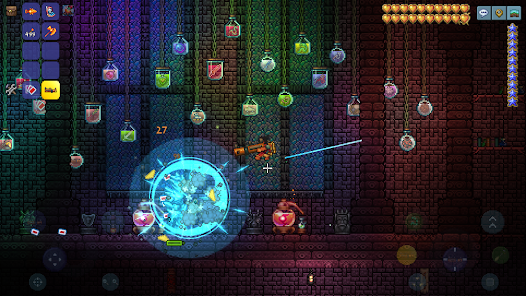
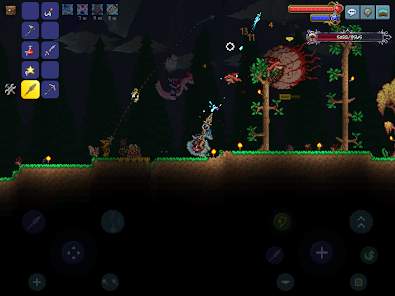
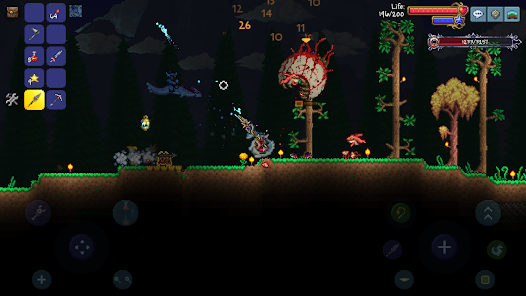
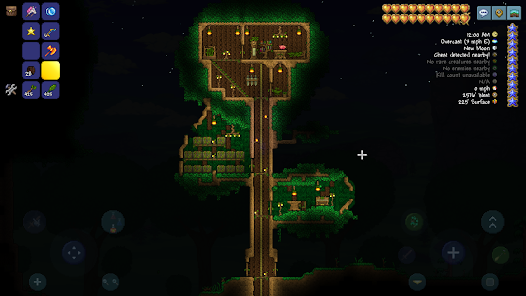
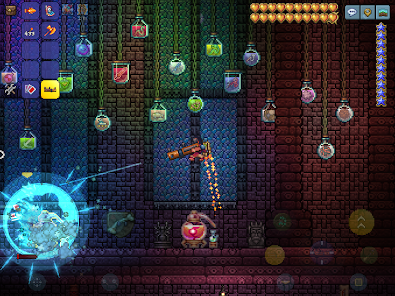
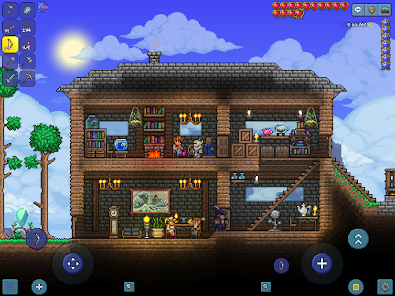
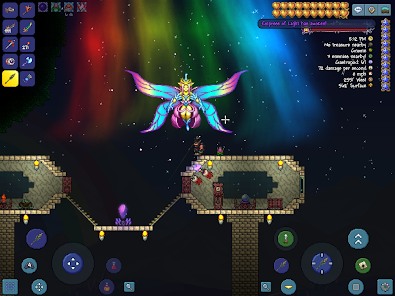
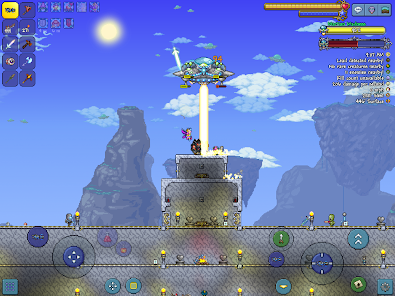
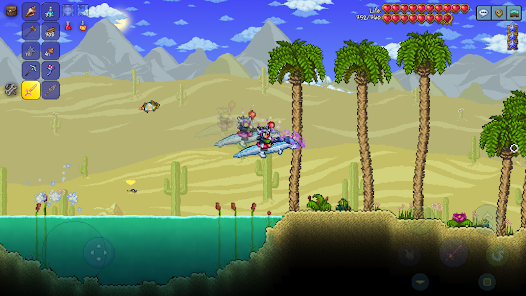
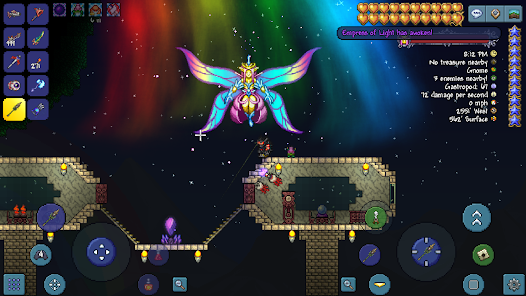
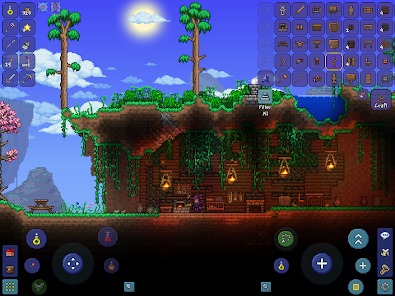
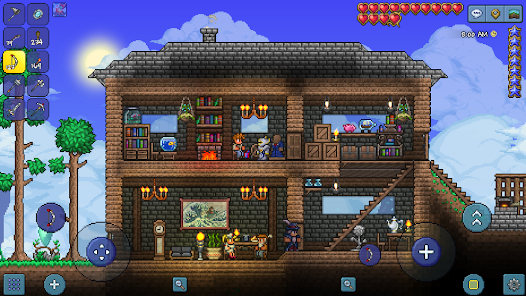
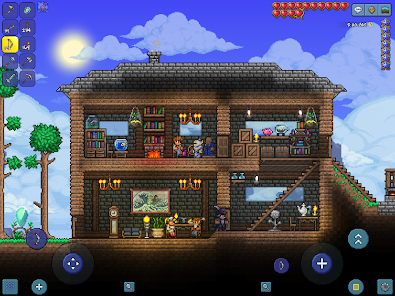
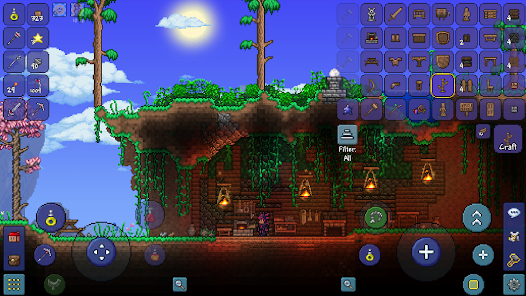
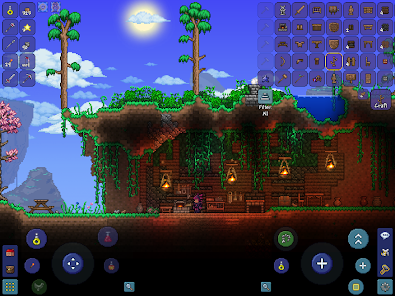
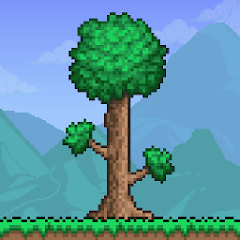
Terraria is a sandbox adventure game that offers a rich blend of exploration, crafting, and combat. One of its standout features is the procedurally generated world, which ensures that no two playthroughs are the same. Players can dig, build, and explore vast underground caverns, forests, and deserts, each filled with unique resources and challenges.
The game also boasts a diverse array of items and equipment, including weapons, armor, and tools that can be crafted from materials gathered throughout the world. Players can engage in combat with a variety of enemies, from simple creatures to formidable bosses, each requiring different strategies to defeat. Additionally, Terraria supports multiplayer gameplay, allowing friends to join forces in their adventures.
Another notable feature is the extensive customization options available for characters and homes. Players can design their own bases, decorate them, and even attract NPCs who provide various services. With regular updates, Terraria continues to expand its content, introducing new items, biomes, and gameplay mechanics, ensuring that players always have something new to discover.
To get started with Terraria, players first need to download and install the game on their preferred platform, which includes PC, consoles, and mobile devices. Once installed, players can create a new character and choose a world to explore. The game begins with basic tools, and players are encouraged to gather resources like wood, stone, and ores to craft better equipment.
Exploration is key in Terraria; players should venture into different biomes to find unique materials and encounter various enemies. Crafting is another essential aspect, as players can create weapons, armor, and tools that enhance their abilities. Building structures is also important, as it provides shelter from enemies and a place to store items.
As players progress, they can summon bosses and complete events that unlock new content and challenges. Multiplayer mode allows friends to join in, making the experience even more enjoyable. Regularly checking for updates and community content can also enhance gameplay, providing new items and features to explore.
Terraria has garnered a dedicated fanbase due to its engaging gameplay and extensive features. One of the primary advantages is its vast world filled with diverse biomes, enemies, and crafting options, which keeps players entertained for hours. The game’s pixel art style and charming graphics add to its appeal, making it visually enjoyable. Additionally, the multiplayer mode allows for cooperative play, enhancing the social aspect of the game.
However, there are some drawbacks to consider. New players may find the learning curve steep, as the game does not provide extensive tutorials, which can lead to confusion. The controls can also be challenging, especially on mobile devices, where screen space is limited. Furthermore, while the game is regularly updated, some players may feel that certain features could be improved or expanded upon.
In summary, Terraria offers a rich and immersive experience with its unique blend of exploration, crafting, and combat. While it has its challenges, the overall gameplay and community support make it a worthwhile investment for fans of sandbox games.

 Terraria offers endless exploration in a vast, procedurally generated world. Players can craft unique items and gear for diverse playstyles. Engaging combat mechanics keep gameplay exciting and challenging. A rich variety of biomes and enemies enhances adventure and discovery. Multiplayer mode fosters cooperation and fun with friends or family.
 Limited tutorial guidance can leave new players feeling lost Some bosses may feel overly challenging for casual gamers The pixelated graphics may not appeal to all players
 Yes, players can submit suggestions or feedback through the official Terraria forums or social media channels.
Terraria may collect certain personal data as outlined in its privacy policy, but it generally focuses on gameplay and user experience.
Yes, Terraria can be played offline, allowing players to enjoy the game without an internet connection.
Since Terraria does not have a subscription model, there is no cancellation process required. Players simply purchase the game once.
Terraria does not operate on a subscription model; it is a one-time purchase game with no ongoing subscription fees.
Customer numbers are unique and cannot be changed. If you have issues, please contact customer service for support.
No, you only need your email and password to log in. The customer number is primarily for support inquiries.
To activate your account, follow the link sent to your email upon registration. If you didn't receive it, check your spam folder or request a new activation link.
To retrieve your login details, use the "Forgot Password" option on the login page. Follow the instructions sent to your email.
You can reach customer service through the support page on the official website. Provide your customer number for quicker assistance.












 Google Play
  App Store