Version: 4.21.3
Developer: The Knot
 Verified App
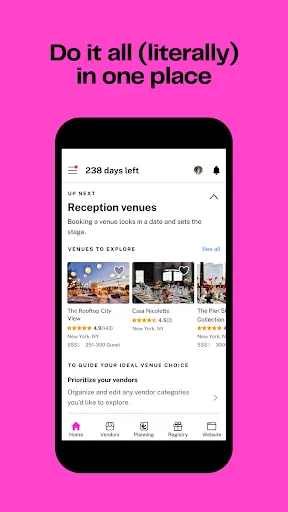
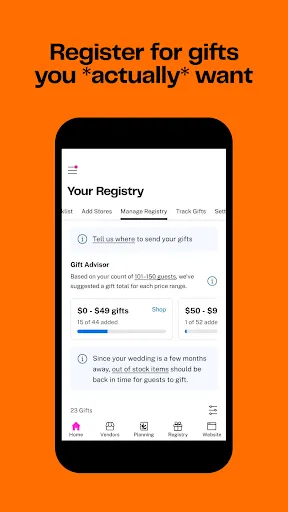
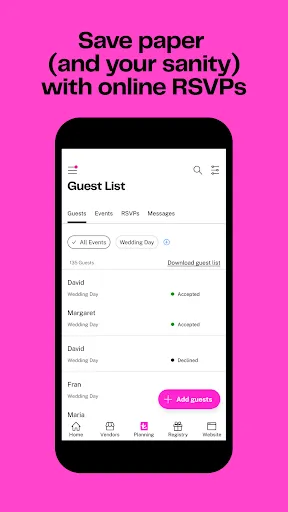
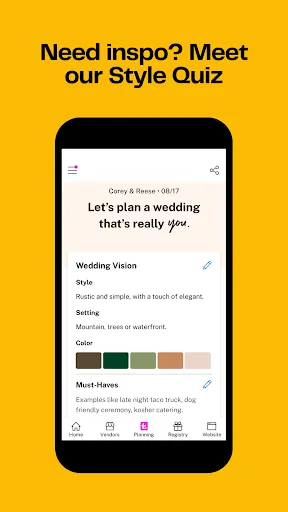
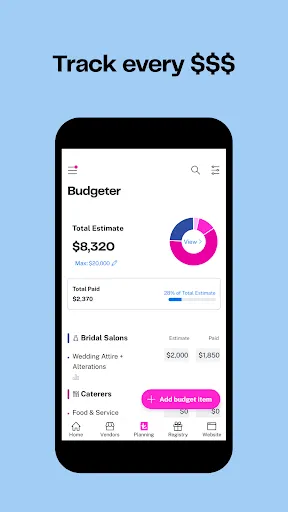
"The Knot Wedding Planner" is a comprehensive tool designed to assist couples in organizing their wedding efficiently. One of its standout features is the customizable wedding checklist, which helps users track tasks and deadlines tailored to their specific wedding date. Additionally, the app offers a budget tracker that allows couples to set a budget and monitor their spending in real-time, ensuring they stay within financial limits.
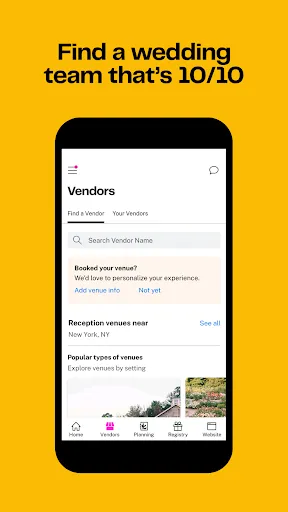
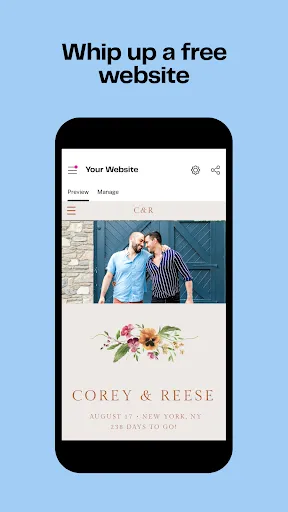
Another notable feature is the vendor directory, which provides access to a wide range of local vendors, including photographers, caterers, and florists. Couples can read reviews, compare prices, and even contact vendors directly through the app. The app also includes a wedding website builder, enabling users to create a personalized site to share details with guests, such as RSVP options and gift registries. Furthermore, the app offers inspiration galleries filled with photos and ideas for themes, decor, and attire, making it easier for couples to visualize their dream wedding.
Using "The Knot Wedding Planner" is straightforward and user-friendly. To get started, couples need to download the app and create an account. Once registered, users can input their wedding date, which will automatically generate a personalized checklist of tasks to complete leading up to the big day. This feature helps couples stay organized and ensures that no important details are overlooked.
After setting up the checklist, users can explore the vendor directory to find and connect with local wedding professionals. Couples can filter their search based on location, budget, and specific services needed. Additionally, the app allows users to create a wedding website, where they can share essential information with guests. Couples can customize the site with their unique style and preferences. Regularly checking the app for updates and new features can enhance the planning experience, making it a valuable resource throughout the wedding planning journey.
The "Knot Wedding Planner" app comes with several advantages that make it a popular choice among couples. One of the primary benefits is its all-in-one functionality, which combines checklists, budgeting tools, and vendor directories in one platform. This integration simplifies the planning process, allowing users to manage everything from one app. Additionally, the app's user-friendly interface makes it accessible for individuals who may not be tech-savvy. The extensive vendor reviews and recommendations also help couples make informed decisions.
However, there are some drawbacks to consider. Some users have reported that the app can be overwhelming due to the sheer volume of information and options available. Additionally, while the vendor directory is extensive, it may not cover all local vendors, particularly in less populated areas. Some features, such as the wedding website builder, may have limited customization options compared to standalone website builders. Overall, while "The Knot Wedding Planner" offers valuable tools for wedding planning, users should weigh these pros and cons to determine if it meets their specific needs.
 Google Play
  App Store
 Spotify Wrapped is an annual feature that summarizes your listening habits, including your most-played songs and artists of the year.
To create a playlist, click "Your Library," then "Playlists," and select "Create Playlist." Add songs by searching or browsing.
Yes, with a Spotify Premium subscription, you can download songs and playlists for offline listening.
Spotify offers a free tier with ads, as well as a Premium subscription that removes ads and adds features.
Click the three dots next to the song, select "Share," and choose your preferred sharing method, like social media or a link.