
 Home
Home  Apps
Apps  Games
Games  About Us
  Cookies & Privacy Policy
  Terms of Service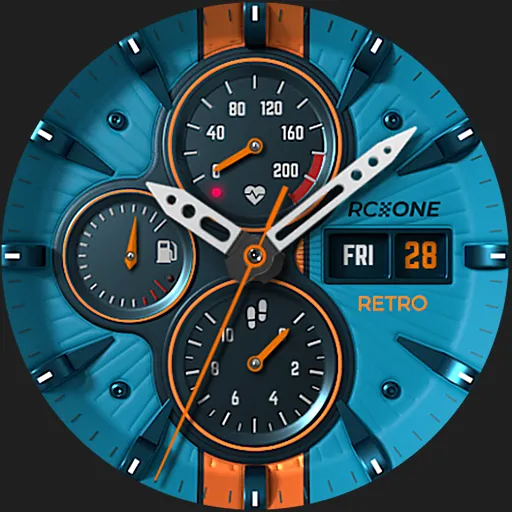
S4U RC ONE - Retro watch face
Version: 45566
Developer: styles4you
 Verified App
 Advertisement
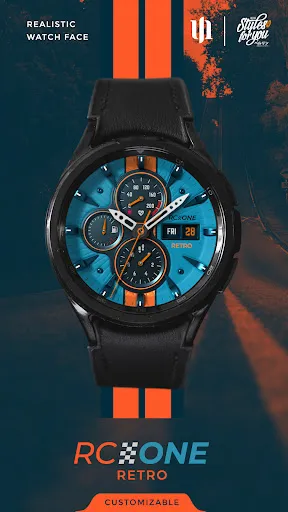
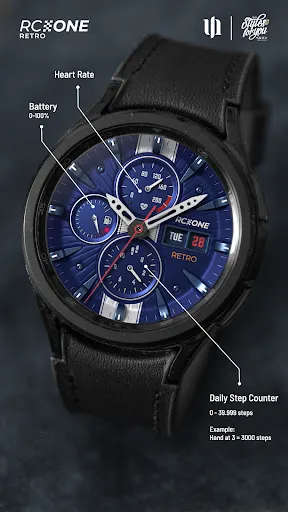
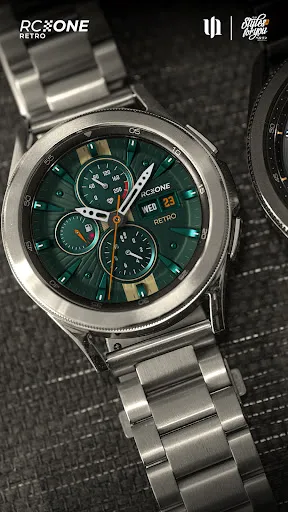
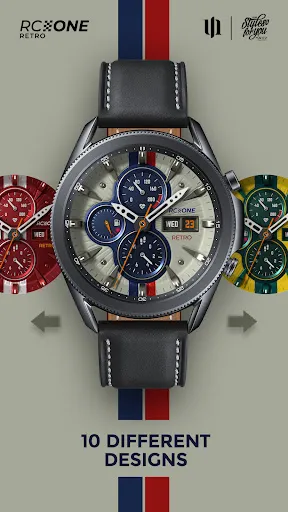
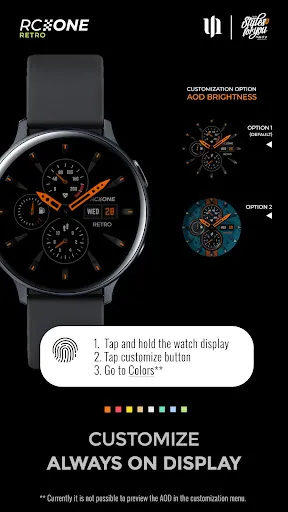
Introducing the S4U RC ONE - Retro Watch Face, a stylish and customizable watch face designed for your smartwatch. Embrace a vintage aesthetic with modern functionality, featuring easy-to-read time displays, customizable colors, and various complications to keep you informed at a glance. Perfect for both casual and formal occasions, this watch face combines nostalgia with cutting-edge technology, allowing you to express your unique style while enjoying essential features right on your wrist.
Advertisement
Features of "S4U RC ONE - Retro Watch Face"
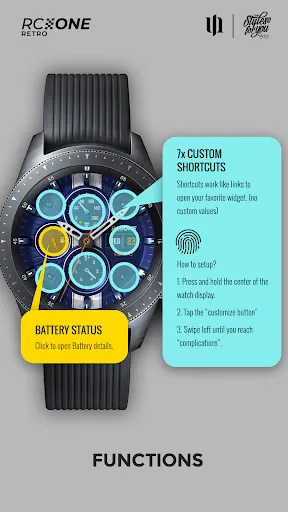
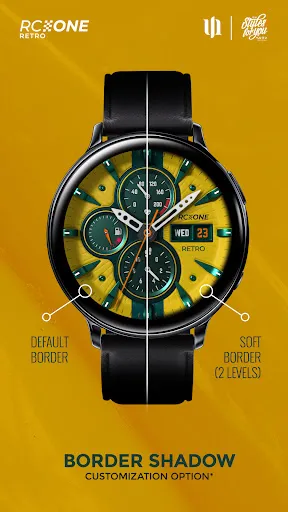
The "S4U RC ONE - Retro Watch Face" is designed to blend classic aesthetics with modern functionality. One of its standout features is the customizable design, allowing users to choose from various color schemes and styles to match their personal taste. The watch face displays essential information such as time, date, and battery level, all presented in a retro-inspired layout that evokes nostalgia while remaining easy to read. Additionally, it includes interactive elements, enabling users to access apps directly from the watch face, enhancing convenience.
Another notable feature is the ambient mode, which conserves battery life by dimming the display while still showing the time and essential data. The watch face is compatible with a wide range of smartwatches, ensuring that users can enjoy its features regardless of their device. Furthermore, the "S4U RC ONE" offers a user-friendly interface, making it easy for anyone to navigate and customize their watch face settings. Overall, this watch face combines style and practicality, making it a popular choice among smartwatch users.
How to Use "S4U RC ONE - Retro Watch Face"
Using the "S4U RC ONE - Retro Watch Face" is a straightforward process that enhances your smartwatch experience. First, ensure that you have the watch face installed on your device. You can do this by downloading it from the appropriate app store for your smartwatch. Once installed, navigate to your watch's settings or watch face selection menu. Here, you will find the "S4U RC ONE" listed among your available watch faces.
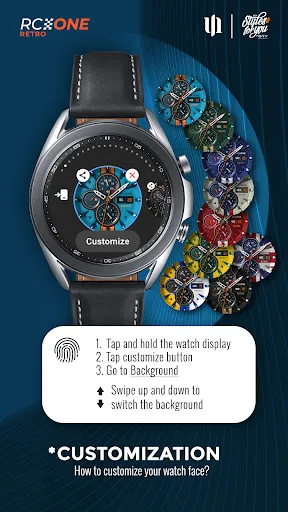
Select the watch face, and it will be applied to your device. To customize the watch face, tap and hold on the display until the customization options appear. You can change colors, adjust the layout, and select which data to display, such as heart rate or steps taken. After making your adjustments, simply save your settings. The watch face will now reflect your personal style and preferences, providing both functionality and aesthetic appeal. Regularly check for updates to ensure you have the latest features and improvements.
Pros & Cons of the App
The "S4U RC ONE - Retro Watch Face" comes with several advantages that make it appealing to users. One of the primary pros is its unique retro design, which stands out among other watch faces and adds a touch of nostalgia. The customization options allow users to tailor the watch face to their liking, enhancing personal expression. Additionally, the interactive features make it easy to access apps directly from the watch face, improving overall usability. The ambient mode is another significant benefit, as it helps conserve battery life while still providing essential information.
However, there are some drawbacks to consider. Some users may find that the retro design does not suit their taste, preferring a more modern aesthetic. Additionally, while the customization options are extensive, they may be overwhelming for those who prefer simplicity. There may also be compatibility issues with certain smartwatch models, limiting accessibility for some users. Overall, while the "S4U RC ONE - Retro Watch Face" offers a unique and functional experience, potential users should weigh these pros and cons before making a decision.
Check All Versions  Google Play
  App Store
Google Play App Store Top Apps





Similar Apps

Shazam: Find Music & Concerts
Augmented Reality

4.8

Audible: Audio Entertainment
Augmented Reality
4.6

MyFitnessPal: cuenta calorías
Augmented Reality
4.3

Pocket FM: Audio Series
Augmented Reality
4.6

Strava: Run, Bike, Hike
Augmented Reality
4.4

Flightradar24 Flight Tracker
Augmented Reality
4.6

AccuWeather: Weather Radar
Augmented Reality
3.5
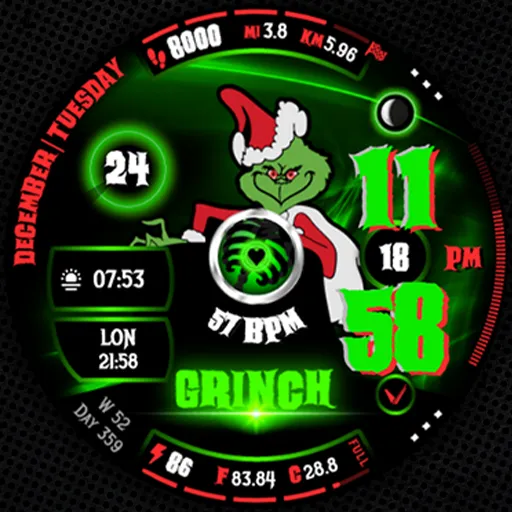
BAD GRINCH Christmas Digital
Augmented Reality
3
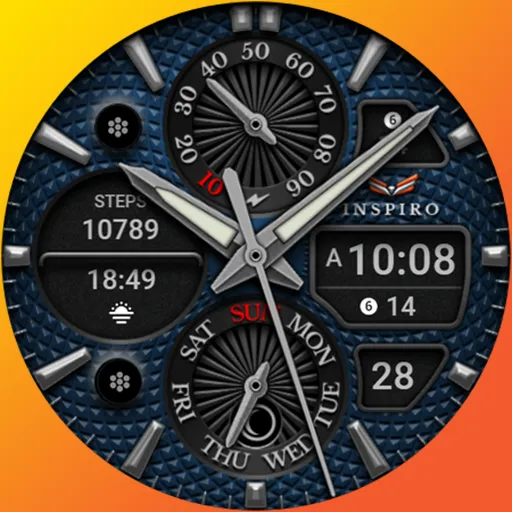
Ballozi INSPIRO Analog Hybrid
Augmented Reality
5
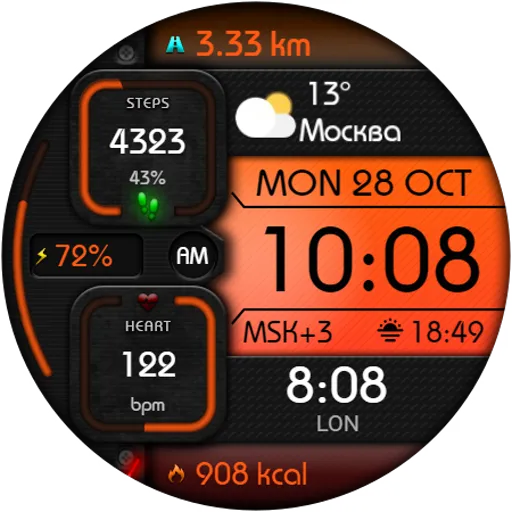
DIGI MONODARK WS74 Watch face
Augmented Reality
0
Digital Material You 3
Augmented Reality
3.8
Fallout Pip-Boy Watch Face
Augmented Reality
3.3
Advertisement
Laden…