Category: House & Home
Developer: Planner 5D
 Verified App



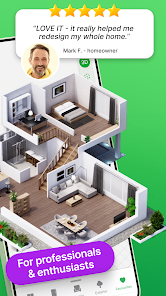
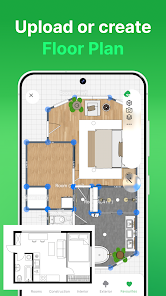
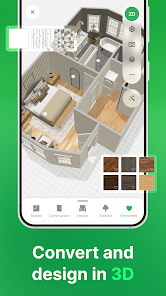
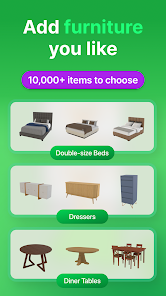
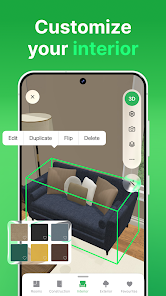
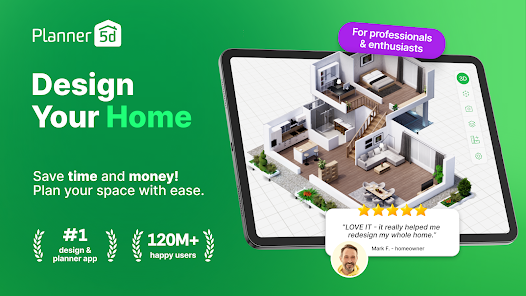
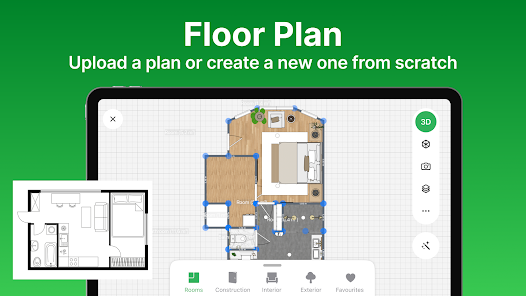
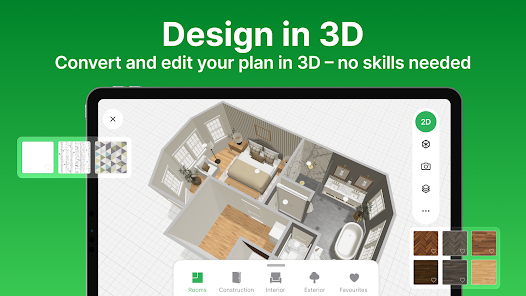
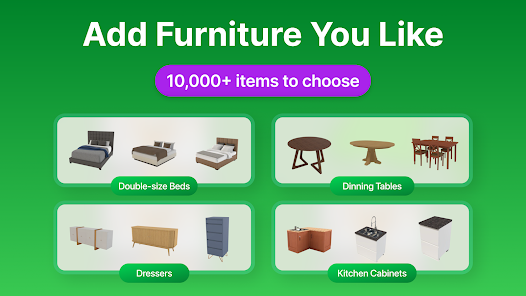
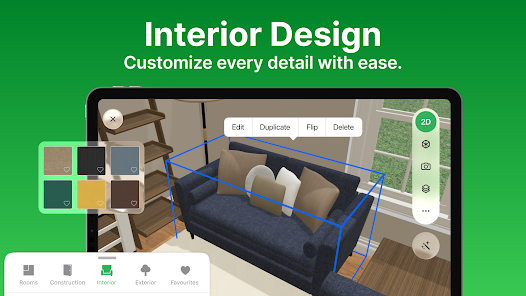
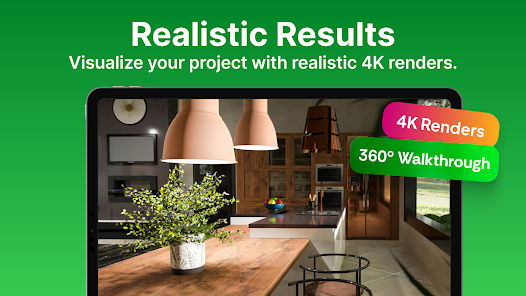
Planner 5D: Home Design, Decor is a versatile application that allows users to create detailed home designs in both 2D and 3D formats. One of its standout features is the user-friendly interface, which makes it accessible for both beginners and experienced designers. Users can easily drag and drop furniture, fixtures, and decor items into their virtual spaces, allowing for a highly customizable design experience.
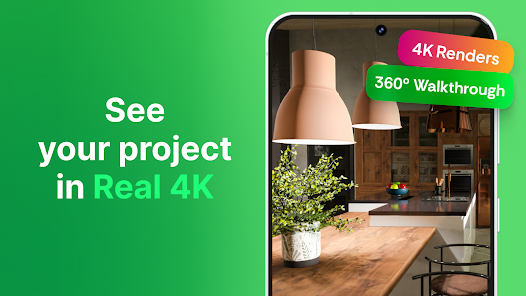
Another notable feature is the extensive library of items available for users to choose from, including furniture, appliances, and decorative elements. This library is regularly updated, ensuring that users have access to the latest trends in home design. Additionally, the app supports augmented reality (AR), enabling users to visualize their designs in real-world settings through their mobile devices. The ability to share designs with others and collaborate on projects further enhances its functionality, making it a great tool for both personal and professional use.
Using Planner 5D is straightforward and intuitive. To get started, users need to download the app from their preferred app store and create an account. Once logged in, users can begin a new project by selecting the option to create a floor plan. The app allows users to define the dimensions of their space, including walls, doors, and windows, which can be easily adjusted as needed.
After setting up the basic layout, users can explore the extensive library of furniture and decor items. By simply dragging and dropping items into the design, users can experiment with different arrangements and styles. The 3D view feature allows for a more immersive experience, enabling users to walk through their designs virtually. Once satisfied with their creation, users can save and share their designs with friends or clients, making it a collaborative tool for home design projects.
Like any application, Planner 5D has its advantages and disadvantages. One of the primary pros is its user-friendly interface, which makes it accessible for users of all skill levels. The extensive library of items allows for a high degree of customization, enabling users to create unique designs that reflect their personal style. Additionally, the augmented reality feature enhances the design experience by allowing users to visualize their projects in real-world settings.
On the downside, some users may find that the app can be resource-intensive, leading to performance issues on older devices. Additionally, while the free version offers a good range of features, many advanced options and items are locked behind a paywall, which may deter some users. Lastly, the learning curve for more complex features can be steep for beginners, requiring time and practice to master the app fully. Overall, Planner 5D is a powerful tool for home design, but users should weigh its pros and cons based on their specific needs.

 Create stunning 2D and 3D designs effortlessly with intuitive drag-and-drop tools. Access a vast library of furniture and decor items to personalize your space. Visualize your ideas in realistic renderings to enhance planning and decision-making. Collaborate easily with others, sharing designs for feedback and improvements. Use on multiple devices, allowing for design flexibility anytime, anywhere.
 Limited customization options may restrict creative design choices. Steeper learning curve for beginners can hinder quick project completion. Performance issues may arise with complex designs, causing frustration during use.
  Google Play
  App Store

I really wanted to like it. The options are limited even with the paid version and I was charged for it twice! The app kept trying to upcharge me for features the paid version should have had. I would like a refund. Its not easy to work with. the AI rendering was pretty accurate for my project but I wasn't able to update it. which stinks.
Was required to create an account to use the app. Didn't give me the opportunity to try the app before introducing "rate the app" pop-ups. It took about 10 "skips" to get to the paywall, definitely did not subscribe. None of the preset rooms are the shape of any of my rooms. I probably could have rearranged my furniture in the time it took to get here.
I LOVE this app!!!!❤️❤️❤️ & im only using the free part of it for the time being. I CAN NOT WAIT to purchase the WHOLE YEAR'S worth of the app. I want to know how everything else works! @ 1st it was hard to use only because im not used to changing the view of my perception, but after a little practice it got easier, & I LOVE being able to see my floor plans come to life. as well as the visuals so I can see what the square footage is. it also makes it ALOT easier with the people inside it.❤
Attempted to try this system out on a free trial basis, but it charged me for the $29 program. It is very complicated and not intuitive from a selections standpoint, so I wanted to delete the app, not realizing that there was no free trial. They claim I already used it, so now I have to pay. I literally used it for 5 minutes before realizing it was not what I thought it was, and that it's likely they have "bought" reviews. Buyer beware, horrible predatory business practice and customer service!
The way the app's walls and floors are currently set up is not mobile/tablet friendly, and is way more complicated and time-consuming than it needs to be. I'd like the option to draw walls and floors using the S pen or my finger, the way you can with a mouse, rather than adding entire rooms, resizing and deleting walls, and merging rooms, when all I want is to draw a simple wall. I'd enjoy using this app and be willing to renew if you'd add this very simple feature.
Review Source: Google Play store public user reviews.
Yes, users can submit suggestions or feedback through the app's support or feedback section, allowing them to share their thoughts on features and improvements.
Planner 5D: Home Design, Decor may collect personal data as outlined in its privacy policy, primarily to enhance user experience and provide personalized services.
Yes, Planner 5D: Home Design, Decor allows users to work offline, enabling them to design their spaces without needing an internet connection.
Users can cancel their subscription through their account settings in the app or via the app store where they purchased the subscription, following the specific cancellation instructions provided.
The subscription cost for Planner 5D: Home Design, Decor varies based on the plan selected, with options for monthly or yearly subscriptions, providing access to additional tools and resources.
Unfortunately, Customer Numbers are unique and cannot be changed. For more assistance, please reach out to Customer Service.
You can reach Customer Service through the support section on our website or by emailing support
You can verify your account activation by attempting to log in. If you can access your account, it is active.
Check your email for the activation link we sent you. Click the link to activate your account and log in.
Ensure your internet connection is stable and try clearing your browser's cache. If issues persist, contact Customer Service for help.
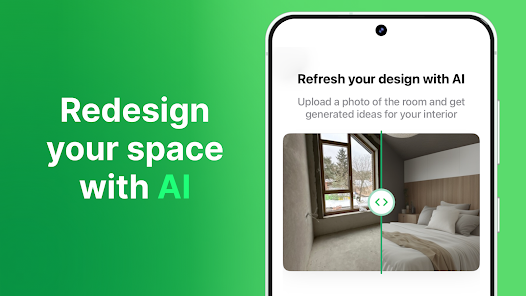
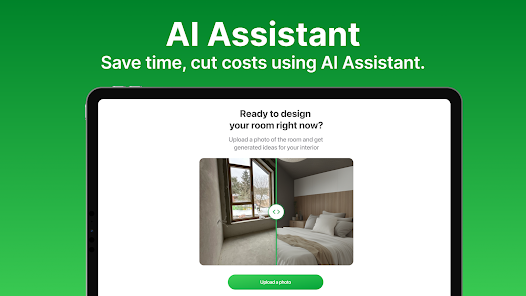
Introducing AI Designer—your smart assistant for transforming any room! With just a few taps, you can completely redefine your space. Explore the latest addition to our app featuring two powerful tools: Furnisher and Styler. Whether you’re updating your current decor or designing a new room from the ground up, AI Designer simplifies the process, making interior design both effortless and enjoyable. Start transforming your space with AI Designer today and unlock the full potential of your home!