
Version: 1.63.0
Developer: LifeMD
 Verified App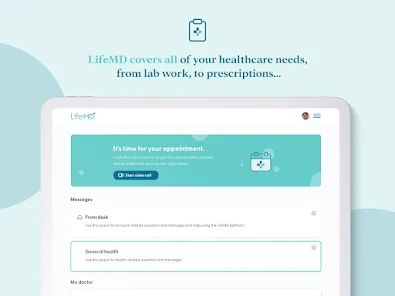
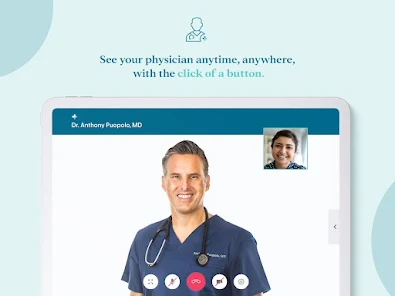
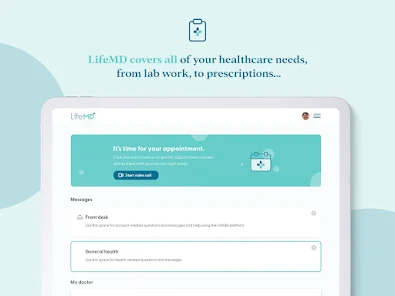
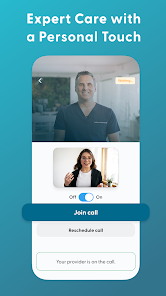
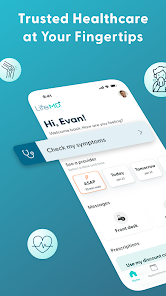
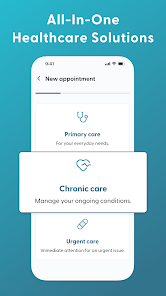
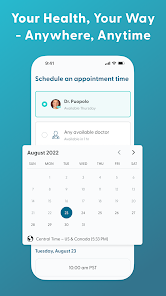
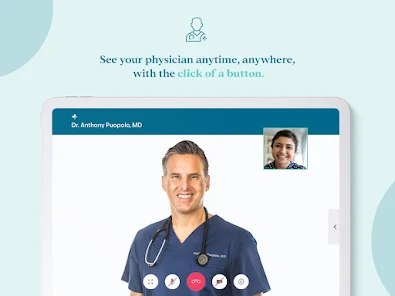
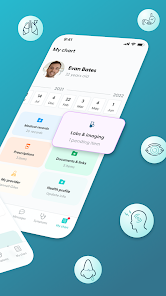
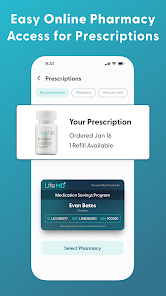
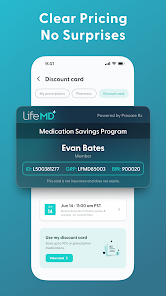
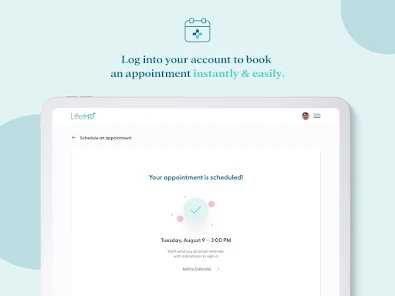
LifeMD is a comprehensive telehealth platform designed to provide users with convenient access to healthcare services. One of its standout features is the ability to connect with licensed healthcare professionals through virtual consultations, allowing patients to receive medical advice and prescriptions from the comfort of their homes. The platform offers a wide range of services, including primary care, mental health support, and specialized treatments for various conditions.
Another notable feature is the user-friendly mobile app, which enables users to manage their health records, schedule appointments, and communicate with healthcare providers seamlessly. LifeMD also emphasizes personalized care, offering tailored treatment plans based on individual health needs. Additionally, the platform provides educational resources and wellness programs to help users make informed health decisions. With its focus on accessibility and patient engagement, LifeMD aims to revolutionize the way healthcare is delivered.
Using LifeMD is a straightforward process that begins with downloading the app from your preferred app store. After installation, users need to create an account by providing basic personal information and medical history. Once registered, you can browse through various healthcare services offered on the platform, including consultations with doctors, mental health specialists, and wellness programs.
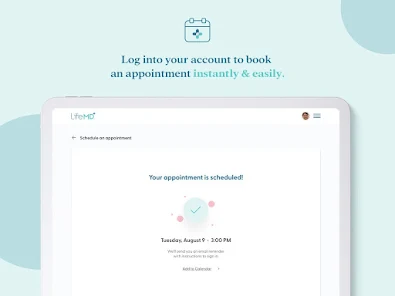
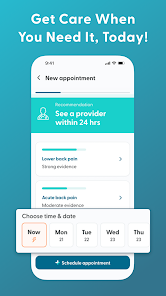
To schedule an appointment, simply select the service you need and choose a convenient time slot. During the virtual consultation, you can discuss your health concerns with a licensed professional who will provide guidance and, if necessary, prescribe medications. After the consultation, users can access their prescriptions and health records directly through the app. LifeMD also allows for ongoing communication with healthcare providers, ensuring that users receive continuous support and follow-up care as needed.
LifeMD offers several advantages that make it an appealing choice for users seeking telehealth services. One of the primary benefits is the convenience of accessing healthcare from home, which saves time and eliminates the need for travel. The platform also provides a wide range of services, catering to various health needs, and features a user-friendly interface that simplifies navigation. Additionally, the ability to communicate with healthcare providers through the app enhances patient engagement and support.
However, there are some drawbacks to consider. One potential con is that not all services may be available in every region, which could limit access for some users. Furthermore, while virtual consultations are convenient, they may not be suitable for all medical conditions that require in-person examinations. Lastly, users may encounter issues with insurance coverage, as not all plans may fully cover telehealth services. Weighing these pros and cons can help users determine if LifeMD is the right fit for their healthcare needs.

 Affordable telehealth services for easy access to healthcare professionals Convenient online consultations from the comfort of your home Wide range of services, including mental health and chronic care management Discreet and confidential treatment options for sensitive health issues Fast prescription delivery to your doorstep for added convenience
 Limited availability of services in certain regions can restrict access. Communication with healthcare providers may be less personal than in-office visits. Potential reliance on technology could pose challenges for less tech-savvy users.
 Yes, LifeMD encourages users to submit suggestions or feedback through the app or its official website to help improve the service and user experience.
Yes, LifeMD collects personal data to provide personalized healthcare services, but it takes privacy seriously and follows strict data protection regulations to safeguard user information.
No, LifeMD requires an internet connection to access its features, as it relies on real-time data and communication for consultations and health management.
Users can cancel their LifeMD subscription through their account settings within the app or by contacting customer support for assistance.
The subscription cost for LifeMD varies based on the selected plan, so users should check the app for the most current pricing details and options.
Yes, you can activate your account using our mobile app or through the mobile version of our website.
Yes, you can log in to your LifeMD account from multiple devices as long as you have your login credentials.
You can reach our Customer Service by calling the number provided on our website or by using the chat feature in your account portal.
To log in, visit our website, enter your email and password, then click the 'Log In' button.
Click on the 'Forgot Password?' link on the login page, follow the prompts, and check your email for the reset instructions.















 Google Play
  App Store