
Version: 1.20.0
Developer: athenahealth
 Verified App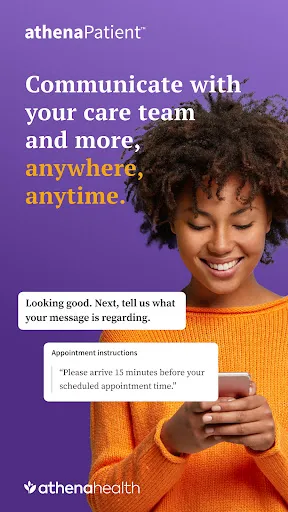
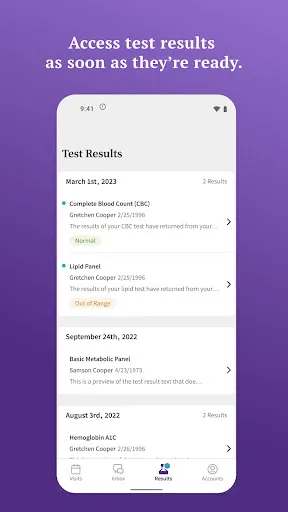
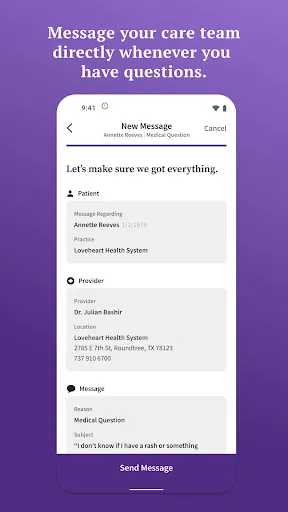
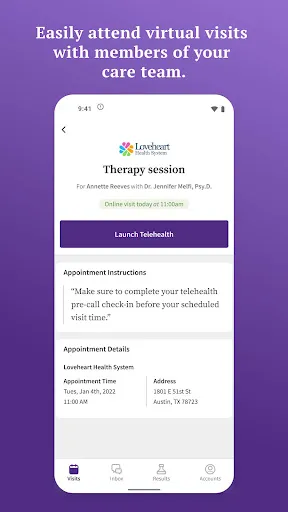
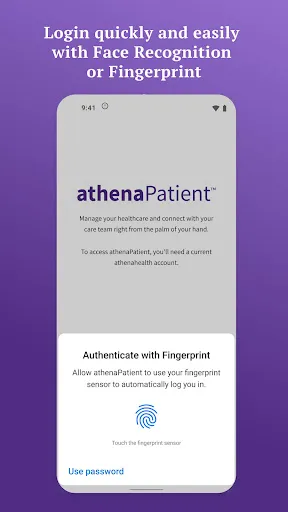
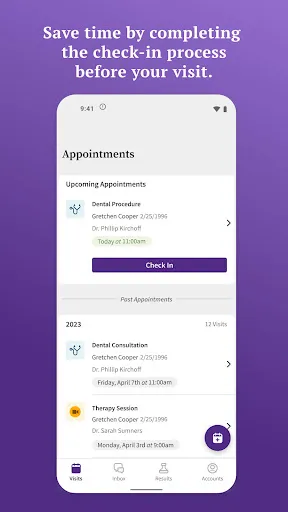
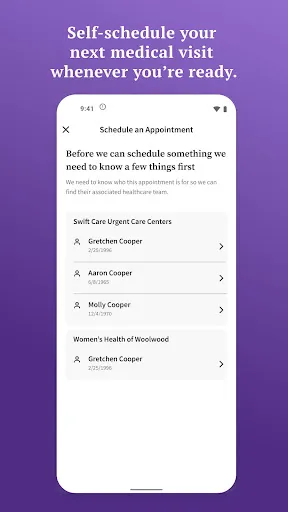
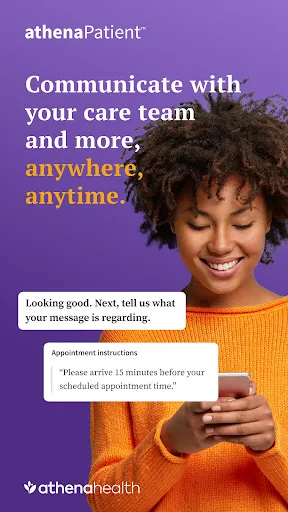
athenaPatient is a comprehensive patient engagement platform designed to enhance communication between healthcare providers and patients. One of its standout features is the ability to access medical records online, allowing patients to view their health information, lab results, and medication lists at their convenience. This transparency fosters a better understanding of personal health and encourages proactive management of medical conditions.
Another key feature is the appointment scheduling system, which enables patients to book, reschedule, or cancel appointments directly through the app. This functionality reduces the need for phone calls and streamlines the process for both patients and healthcare staff. Additionally, athenaPatient offers secure messaging, allowing patients to communicate with their healthcare providers easily and safely, ensuring that questions and concerns can be addressed promptly.
Furthermore, the platform includes reminders for upcoming appointments and medication refills, helping patients stay on track with their healthcare routines. Overall, athenaPatient aims to empower patients by providing them with the tools and information necessary to take an active role in their health management.
Using athenaPatient is straightforward and user-friendly. To get started, patients need to download the app from their device's app store or access the web version. After installation, users must create an account by providing their personal information and linking it to their healthcare provider's system. This initial setup is crucial for accessing personalized health data.
Once the account is set up, patients can log in to view their medical records, schedule appointments, and send messages to their healthcare providers. The dashboard is designed to be intuitive, allowing users to navigate through various features easily. Patients can also set up notifications for appointment reminders and medication alerts, ensuring they stay informed about their health needs.
For those who may encounter issues, athenaPatient offers customer support and resources to assist users in maximizing the app's capabilities. Overall, the platform is designed to enhance patient engagement and streamline communication with healthcare providers, making it a valuable tool for managing health effectively.
athenaPatient comes with several advantages that enhance the patient experience. One of the primary benefits is the convenience it offers; patients can access their health information anytime and anywhere, which promotes better health management. The secure messaging feature allows for quick communication with healthcare providers, reducing the need for in-person visits for minor inquiries. Additionally, the appointment scheduling and reminders help patients stay organized and compliant with their healthcare plans.
However, there are some drawbacks to consider. Some users may find the initial setup process cumbersome, especially if they are not tech-savvy. Additionally, while the app is designed to be user-friendly, some patients may still experience difficulties navigating its features. There may also be concerns regarding data privacy and security, as with any digital health platform. Lastly, not all healthcare providers may be integrated with athenaPatient, limiting its accessibility for some patients.
In summary, while athenaPatient offers numerous benefits that can significantly improve patient engagement and communication, potential users should weigh these advantages against the possible challenges to determine if it meets their needs.
```
 Enhances patient engagement with easy access to health information. Streamlines communication between patients and healthcare providers effectively. Facilitates appointment scheduling, reducing wait times for patients. Offers personalized health insights based on individual medical history. Improves care coordination among multiple healthcare professionals effortlessly.
 Limited customization options may hinder tailored patient experiences High subscription costs could strain smaller practices User interface may be overwhelming for new users
  Google Play
  App Store
 Yes, users can submit suggestions or feedback directly through the app or via the official athenaPatient website, where there are designated channels for user input.
Yes, athenaPatient collects personal data to provide its services, but it adheres to strict privacy policies to protect user information.
Yes, athenaPatient allows some features to be accessed offline, but users will need an internet connection to sync data and access real-time updates.
To cancel your athenaPatient subscription, you can go to your account settings within the app and follow the cancellation process, or you may need to manage your subscription through the app store.
The cost of a subscription to athenaPatient varies depending on the selected plan and features, with options typically ranging from monthly to yearly payments.
No, customer numbers cannot be changed through account settings. Please contact customer service for any changes or inquiries regarding your customer number.
Yes, customer service is available to assist you with any account activation issues you may face. Just reach out to them for support.
You can reach customer service by calling our support number or using the live chat feature on our website for assistance with login issues.
To update or recover your customer number, please contact customer service for assistance with the necessary steps.
To activate your account, check your email for an activation link and follow the instructions provided in the email.