
 Home
Home  Apps
Apps  Games
Games  About Us
  Cookies & Privacy Policy
  Terms of Service
Faster Cleaner
Version: 1.2.8
Developer: Cleaner Booster Team
 Verified App
 Advertisement
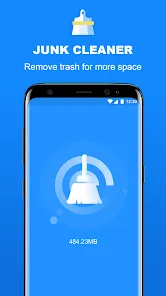
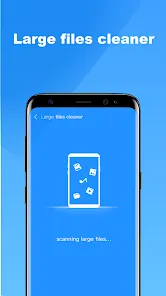
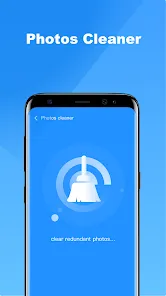
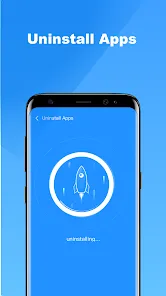
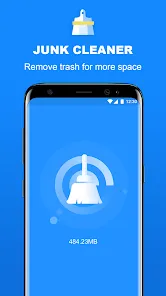
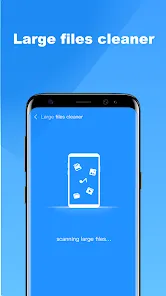
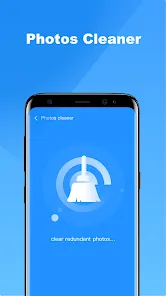
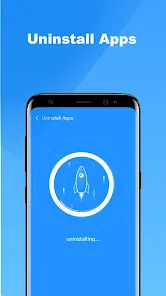
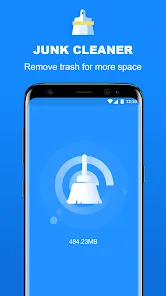
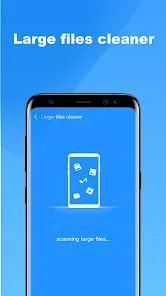
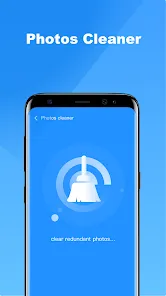
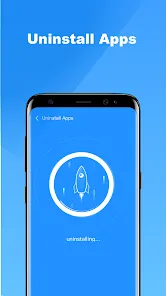
Introducing "Faster Cleaner" – your ultimate solution for optimizing device performance! This powerful app swiftly clears junk files, boosts speed, and enhances battery life, ensuring your device runs smoothly and efficiently. With an intuitive interface and one-tap functionality, "Faster Cleaner" makes it easy to reclaim storage space and improve overall performance. Say goodbye to sluggishness and hello to a faster, cleaner experience! Download now and transform your device today!
Advertisement
Features of "Faster Cleaner"
"Faster Cleaner" is a robust application designed to optimize the performance of your device. One of its standout features is the junk file cleaner, which efficiently scans and removes unnecessary files that can slow down your system. This feature helps free up valuable storage space, ensuring your device runs smoothly.
Another notable feature is the memory booster, which enhances the speed of your device by closing background applications that consume RAM. This allows for a more responsive user experience, especially when multitasking. Additionally, "Faster Cleaner" includes a battery saver function that optimizes power usage, extending your device's battery life significantly.
The app also offers a user-friendly interface, making it accessible for users of all skill levels. With real-time monitoring, users can keep track of their device's performance metrics, allowing for timely interventions. Overall, "Faster Cleaner" combines essential tools to ensure your device operates at peak efficiency.
How to Use "Faster Cleaner"?
Using "Faster Cleaner" is straightforward and user-friendly. After downloading and installing the app, launch it to access the main dashboard. Here, you will find various options, including junk file cleaning, memory boosting, and battery saving. To begin, tap on the "Junk Cleaner" option, and the app will automatically scan your device for unnecessary files.
Once the scan is complete, you will be presented with a list of files that can be safely removed. Review the items and select the ones you wish to delete, then confirm your choice to free up space. For memory boosting, simply tap the "Boost" button, and the app will close background applications to enhance performance.
To utilize the battery saver feature, navigate to the corresponding section and follow the prompts to optimize your device's power consumption. Regularly using these features will help maintain your device's speed and efficiency, ensuring a seamless user experience.
Pros & Cons of the App
Like any application, "Faster Cleaner" has its advantages and disadvantages. One of the primary pros is its effectiveness in cleaning junk files, which can significantly improve device performance. Users appreciate the memory booster feature, as it allows for smoother multitasking and faster app launches. Additionally, the battery saver function is a valuable tool for extending battery life, making it ideal for users who are frequently on the go.
However, there are some cons to consider. Some users have reported that the app may occasionally flag files that are not actually unnecessary, leading to potential confusion. Furthermore, while the app is generally user-friendly, some advanced features may require a learning curve for less tech-savvy individuals. Lastly, the app may not be as effective on older devices, which could limit its overall utility.
In summary, "Faster Cleaner" offers a range of useful features that can enhance device performance, but users should be aware of its limitations and exercise caution when deleting files.
Check All Versions  Google Play
  App Store
Google Play App Store Top Apps





Similar Apps

Lucky Patcher
Tools

4.5

SHAREit: Transfer, Share Files
Tools
4.3

Doxcy
Tools
4.9

Calculator
Tools
4.4

Auto Clicker - Automatic tap
Tools
4.6

Beats
Tools
3.8

Starlink
Tools
4.9

APRSdroid - APRS Client
Tools
3.9

AVG AntiVirus & Security
Tools
4.6

AirMirror Receiver Pro
Tools
3

Amazon Fire TV
Tools
4.6

Automatic Call Recorder Pro
Tools
3.5
Advertisement
Laden…