
 Home
Home  Apps
Apps  Games
Games  About Us
  Cookies & Privacy Policy
  Terms of Service
Copy My Data: Transfer Content
Version: 5.1.1
Developer: Red Sky Labs
 Verified App
 Advertisement
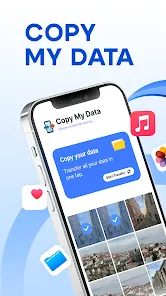
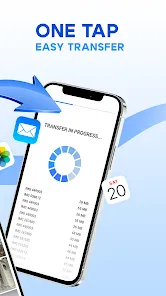
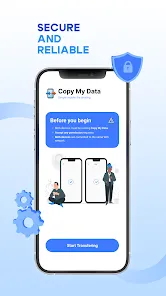
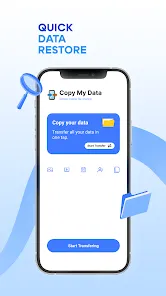
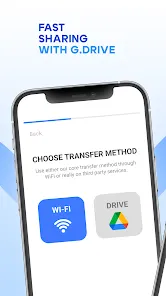
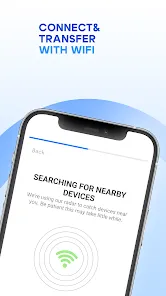
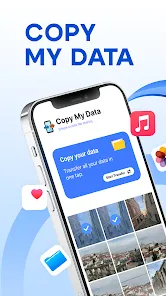
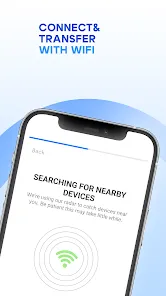
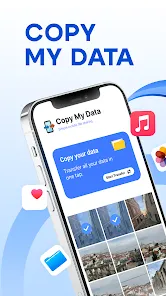
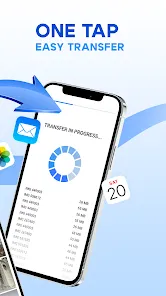
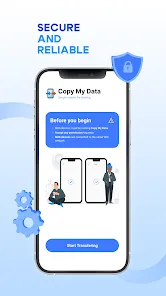
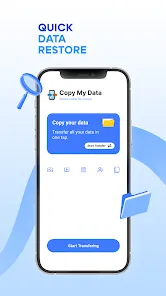
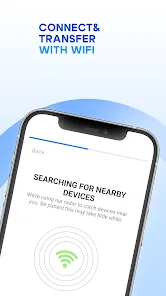
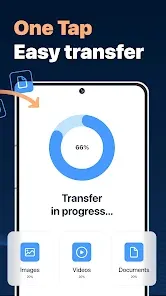
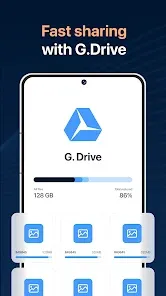
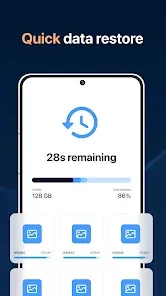
"Copy My Data: Transfer Content" is a user-friendly app designed to seamlessly transfer your contacts, photos, videos, and other important data between devices. Whether you're switching to a new phone or simply need to back up your information, this app simplifies the process with its intuitive interface and quick transfer capabilities. Enjoy hassle-free data migration and ensure your valuable content is always at your fingertips, no matter the device.
Advertisement
Features of "Copy My Data: Transfer Content"
"Copy My Data: Transfer Content" is a user-friendly application designed to facilitate the seamless transfer of data between devices. One of its standout features is the ability to transfer various types of content, including contacts, calendar events, photos, and videos, making it a versatile tool for users looking to migrate to a new device.
The app supports both Android and iOS platforms, allowing users to transfer data across different operating systems. This cross-platform capability is particularly beneficial for those switching from one ecosystem to another. Additionally, the app utilizes a Wi-Fi connection for data transfer, ensuring that the process is both fast and secure. Users can also enjoy a straightforward setup process, which requires minimal technical knowledge, making it accessible for everyone.
Another notable feature is the ability to preview the data before initiating the transfer, giving users control over what content they wish to move. The app also provides a simple and intuitive interface, enhancing the overall user experience. Overall, "Copy My Data" stands out for its efficiency, ease of use, and comprehensive data transfer capabilities.
How to Use "Copy My Data: Transfer Content"
Using "Copy My Data: Transfer Content" is a straightforward process that can be completed in just a few steps. First, download and install the app on both the source and destination devices from the respective app stores. Once installed, open the app on both devices and ensure they are connected to the same Wi-Fi network, as this is essential for the data transfer process.
Next, select the option to transfer data on the source device. The app will generate a unique code that you will need to enter on the destination device. After entering the code, the two devices will establish a connection. You can then choose the specific types of data you wish to transfer, such as contacts, photos, or calendar events.
Once you have made your selections, initiate the transfer. The app will display a progress bar, allowing you to monitor the status of the transfer. After the process is complete, you will receive a confirmation message. Finally, review the transferred data on the destination device to ensure everything has been successfully moved. This simple and efficient process makes "Copy My Data" an excellent choice for anyone looking to switch devices.
Pros & Cons of the App
Like any application, "Copy My Data: Transfer Content" has its advantages and disadvantages. One of the primary pros is its ease of use; the app is designed for users of all technical levels, making data transfer accessible to everyone. Additionally, its cross-platform functionality allows users to transfer data between Android and iOS devices, which is a significant advantage for those switching ecosystems.
Another benefit is the speed of the transfer process, as it utilizes Wi-Fi for quick data migration. The ability to preview data before transferring also adds a layer of control for users, ensuring they only move the content they want. However, there are some cons to consider. The app may not support all types of data, such as certain app data or settings, which could be a limitation for some users.
Moreover, the requirement for both devices to be on the same Wi-Fi network can be inconvenient in certain situations. Some users have also reported occasional connectivity issues during the transfer process. Overall, while "Copy My Data" offers a convenient solution for data transfer, potential users should weigh these pros and cons to determine if it meets their specific needs.
 Google Play
  App Store
 Top Apps





Similar Apps

Lucky Patcher
Tools

4.5

SHAREit: Transfer, Share Files
Tools
4.3

Doxcy
Tools
4.9

Calculator
Tools
4.4
Auto Clicker - Automatic tap
Tools
4.6

Beats
Tools
3.8

Starlink
Tools
4.9
APRSdroid - APRS Client
Tools
3.9
AVG AntiVirus & Security
Tools
4.6

AirMirror Receiver Pro
Tools
3

Amazon Fire TV
Tools
4.6

Automatic Call Recorder Pro
Tools
3.5
Advertisement
Laden…