
Version: 1.5.3
Developer: SayGames Ltd
 Verified App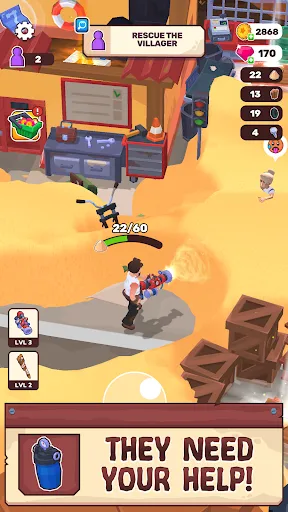
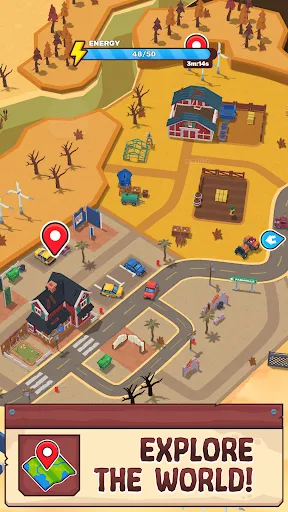
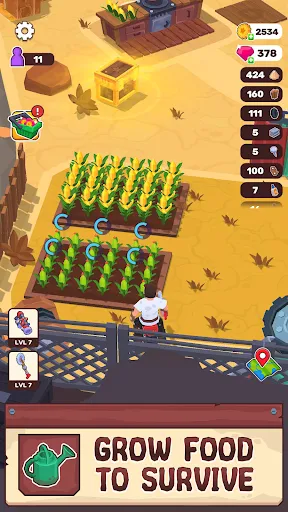
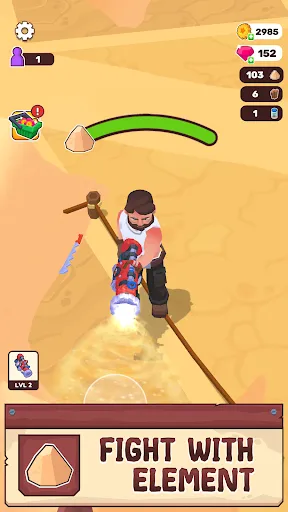
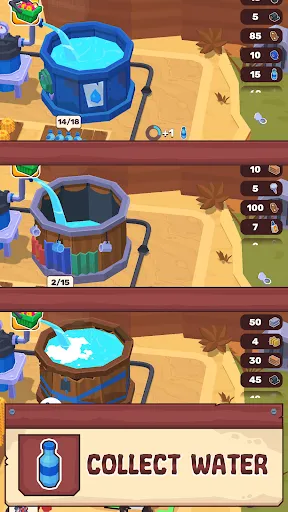
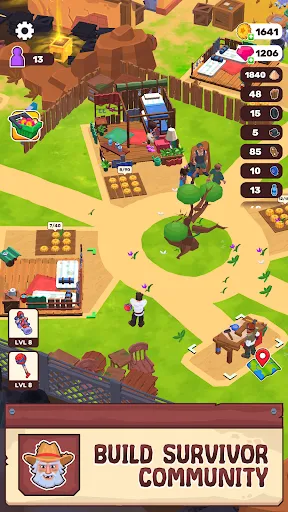
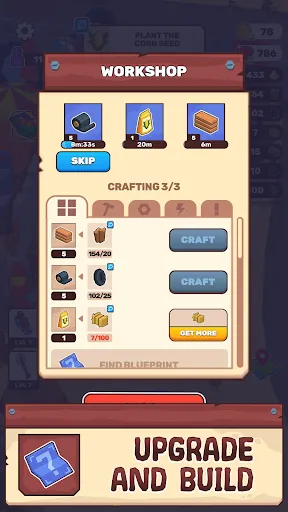
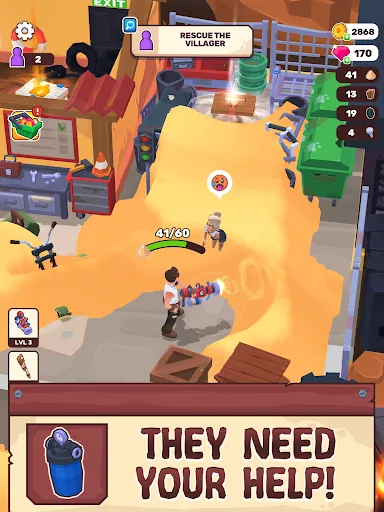
"Wasteland Life: Survival Idle" offers a unique blend of survival mechanics and idle gameplay, set in a post-apocalyptic world. Players are tasked with managing resources, building shelters, and crafting items to ensure their survival. The game features a variety of characters, each with distinct skills and abilities, allowing for strategic team composition. Players can explore different wasteland environments, uncovering hidden treasures and facing various challenges along the way.
The idle mechanics allow players to progress even when they are not actively playing, making it convenient for those with busy schedules. The game also includes a crafting system where players can combine resources to create useful items, enhancing their survival chances. Additionally, there are quests and missions that provide rewards and keep the gameplay engaging. The vibrant graphics and immersive sound design contribute to the overall experience, making it a captivating title for fans of the genre.
To get started with "Wasteland Life: Survival Idle," players first need to download the game from their preferred app store. Once installed, they can create an account or log in as a guest. The tutorial at the beginning of the game guides players through the basic mechanics, including resource management, crafting, and character selection. Players should focus on gathering resources like food, water, and materials to build their shelters and craft essential items.
As players progress, they can unlock new characters and upgrade their skills, which is crucial for tackling tougher challenges. Regularly checking in on the game allows players to collect idle rewards and manage their resources effectively. Engaging in quests and missions not only provides valuable rewards but also enhances the overall gameplay experience. Players are encouraged to strategize their resource allocation and character deployment to maximize their survival chances in the wasteland.
"Wasteland Life: Survival Idle" comes with several advantages that make it appealing to players. One of the main pros is its idle gameplay mechanic, which allows for progress even when the player is not actively engaged. This feature is particularly beneficial for those with limited time. The game also boasts a rich and immersive world, filled with diverse characters and engaging quests that keep players invested. The crafting system adds depth, allowing for creativity in resource management.
However, there are some drawbacks to consider. Some players may find the idle mechanics can lead to a sense of passivity, reducing the thrill of active gameplay. Additionally, the game may include in-app purchases that could be seen as a barrier to fully enjoying the experience without spending money. Lastly, while the graphics are appealing, some users may desire more variety in environments and character designs. Balancing these pros and cons is essential for players to determine if the game aligns with their preferences.

 Experience thrilling survival gameplay in a post-apocalyptic world. Engage in idle mechanics that allow for effortless progress. Build and upgrade your settlement to enhance resource management. Discover unique characters and their stories for immersive gameplay. Compete with friends for survival supremacy and rewards.
 Limited resource management can lead to frustration and stagnation. Slow progression may diminish player engagement over time. Lack of diverse gameplay elements can make it feel repetitive.
  Google Play
  App Store
 Yes, players can submit suggestions or feedback directly through the app or by contacting the support team via the official website or social media channels.
Wasteland Life: Survival Idle may collect certain personal data as outlined in its privacy policy, primarily to enhance user experience and improve the game.
Yes, Wasteland Life: Survival Idle can be played offline, although some features may require an internet connection for full functionality.
You can cancel your subscription by going to your device's settings, navigating to the subscriptions section, and selecting Wasteland Life: Survival Idle to terminate the service.
Subscription costs for Wasteland Life: Survival Idle can vary, but typically range from a few dollars per month to provide access to premium content and benefits.
Unfortunately, customer numbers cannot be changed. If you've forgotten yours, please contact customer service for further assistance.
Yes, you can log in using your linked social media account if you set it up during registration. If you have issues, try resetting your password.
You can reach customer service via the in-game support feature or email us at support
Click on the "Forgot Password" link on the login page to receive a password reset email. Follow the instructions in the email to reset your password.
To activate your account, check your email for the activation link we sent you. Click the link to complete the activation process.