Version: 0.0.7
Developer: SAMFEN LIMITED
 Verified App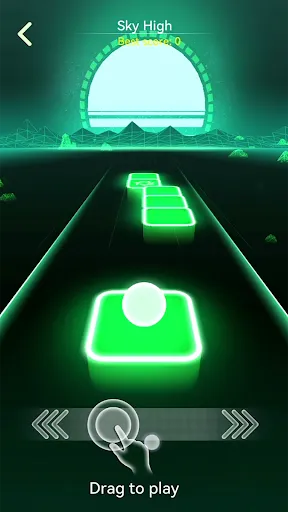

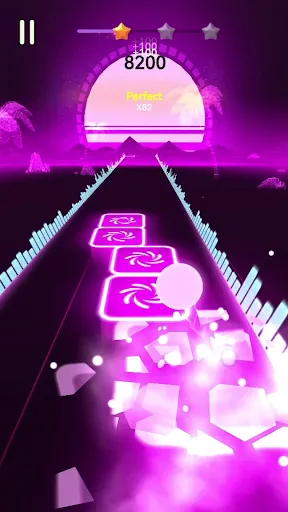
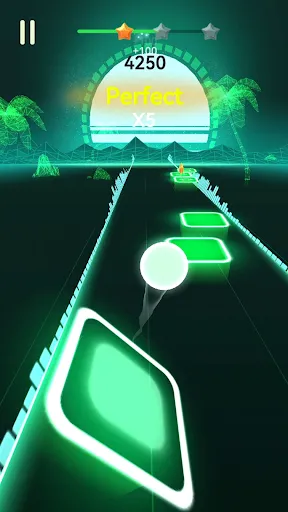
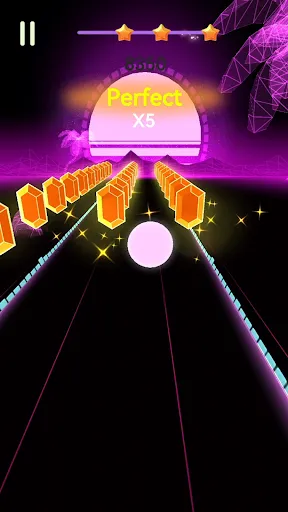
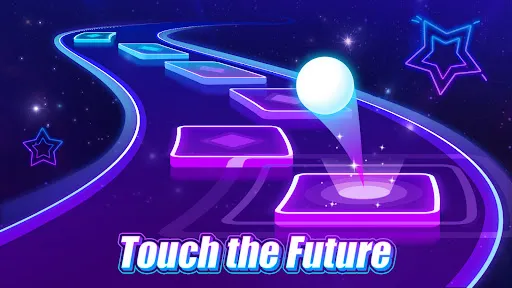
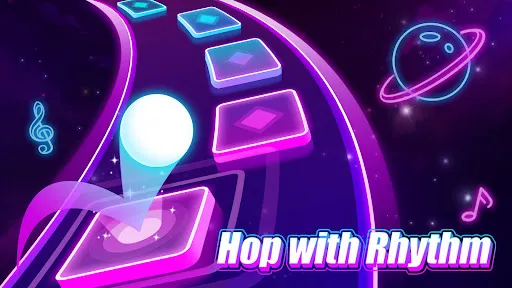
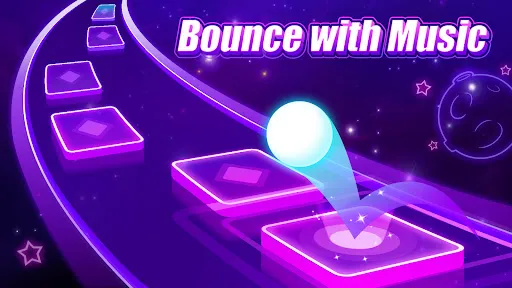
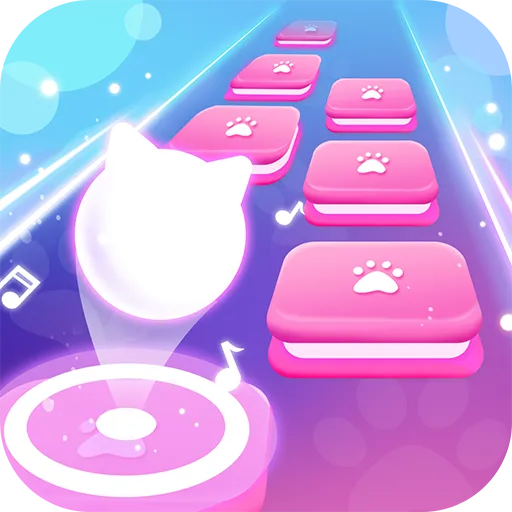
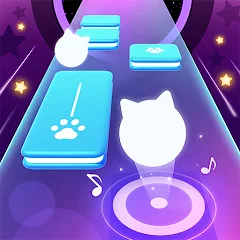
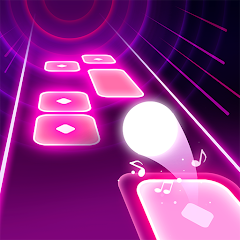
"Music Ballz Hop" is an engaging rhythm-based game that combines music and gameplay in a unique way. One of its standout features is the vibrant and colorful graphics that create an immersive environment for players. The game offers a variety of music genres, allowing players to choose their favorite tracks and enjoy a personalized experience. Each level is designed with dynamic obstacles and challenges that sync with the beat of the music, enhancing the overall gameplay experience.
Additionally, "Music Ballz Hop" includes a leaderboard system, enabling players to compete with friends and other players worldwide. This competitive aspect adds an extra layer of excitement, motivating players to improve their skills and achieve higher scores. The game also features customizable balls, allowing players to unlock and choose different designs as they progress. With its intuitive controls, players can easily navigate through levels, making it accessible for both casual gamers and those seeking a challenge.
To get started with "Music Ballz Hop," first, download the app from your device's app store and install it. Once the installation is complete, open the app and create an account or log in if you already have one. Upon entering the game, you will be greeted with a user-friendly interface that guides you through the initial setup. Select your preferred music genre and choose a track to begin your journey.
As you play, tap or swipe the screen in rhythm with the music to guide your ball through various obstacles. The game will prompt you with visual cues, making it easy to follow along. Pay attention to the changing patterns and adjust your movements accordingly to avoid falling off the path. As you progress, you can unlock new levels and customize your ball, enhancing your gaming experience. Remember to practice regularly to improve your skills and climb the leaderboard!
"Music Ballz Hop" offers several advantages that make it an appealing choice for music and gaming enthusiasts. One of the primary pros is its diverse music selection, which caters to various tastes and keeps the gameplay fresh. The vibrant graphics and engaging gameplay mechanics create an enjoyable experience that can keep players entertained for hours. Additionally, the competitive leaderboard encourages players to improve their skills and connect with friends, fostering a sense of community.
However, there are some drawbacks to consider. Some users may find the in-app purchases necessary to unlock certain features or customization options, which can be frustrating for those who prefer a completely free experience. Additionally, the game may become repetitive over time, especially for players who complete levels quickly. Lastly, the reliance on rhythm may pose a challenge for those who are not musically inclined, potentially limiting the audience. Overall, while "Music Ballz Hop" has its pros and cons, it remains a fun and engaging game for many.
```
 Engaging gameplay that keeps players entertained for hours Vibrant graphics create an immersive visual experience Variety of music tracks enhances the fun and excitement Simple controls make it accessible for all ages Multiplayer mode fosters friendly competition and social interaction
 Limited gameplay variety may lead to player boredom over time. In-app purchases can disrupt the gaming experience and frustrate users. Graphics may not appeal to all players, affecting overall enjoyment.
  Google Play
  App Store
 Yes, users are encouraged to submit suggestions and feedback through the app's support section or the official website to help improve the game.
The app may collect certain personal data as outlined in its privacy policy, including gameplay statistics and device information, but it is committed to user privacy.
Yes, Music Ballz Hop allows users to play offline, though some features may require an internet connection for updates or online leaderboards.
You can cancel your Music Ballz Hop subscription through your device's app store settings, following the prompts to manage subscriptions.
The subscription pricing for Music Ballz Hop varies depending on the chosen plan, typically offering monthly or yearly options with a free trial period.
Yes, you can activate your account using your email and confirmation link sent to you upon registration.
Yes, you can log in to your Music Ballz Hop account from multiple devices using the same credentials.
You can reach customer service by emailing support
To update your customer number, please contact customer service with your account details for assistance.
To log in, open the app and enter your email and password, then tap the 'Log In' button.