Version: 1.60.0
Developer: Skywork AI Pte. Ltd.
 Verified App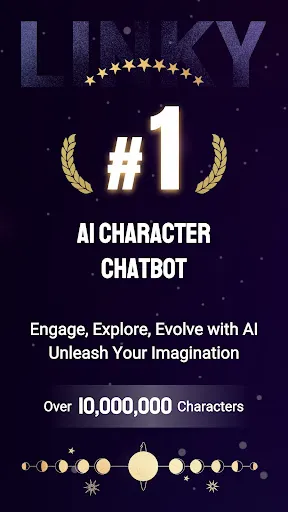
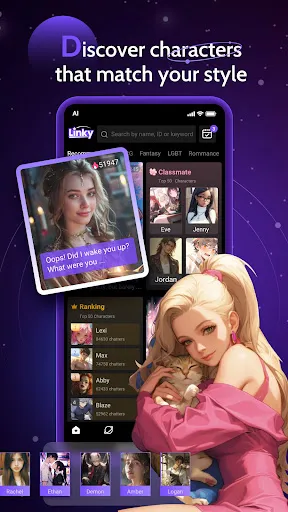

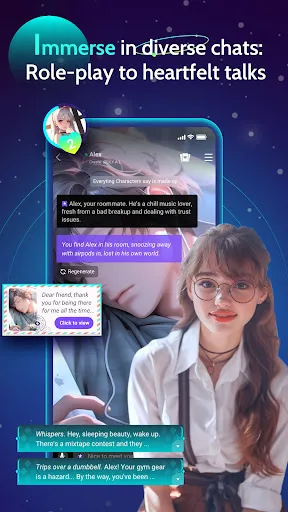

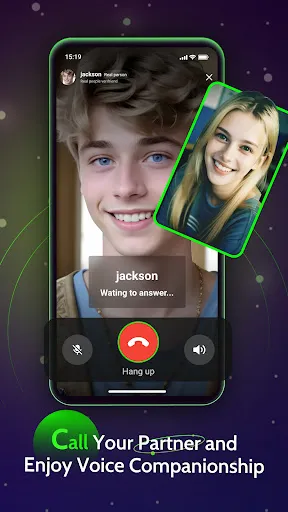
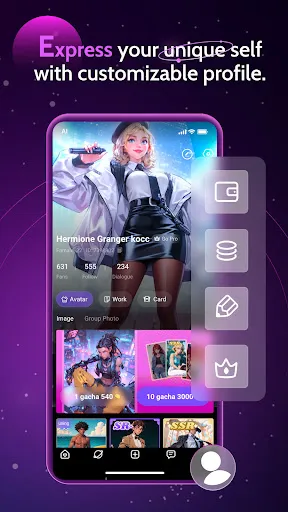
"Linky AI: Chat, Play, Connect" is an innovative application designed to enhance user interaction through a variety of engaging features. One of its standout functionalities is the AI-driven chat feature, which allows users to engage in meaningful conversations with a virtual assistant. This assistant can answer questions, provide recommendations, and even engage in casual banter, making it feel like a real companion.
In addition to chatting, the app includes interactive games that users can play alone or with friends. These games are designed to be both entertaining and educational, promoting cognitive skills while ensuring users have fun. Furthermore, the app encourages social connectivity by allowing users to connect with others who share similar interests, fostering a sense of community.
Another notable feature is the customizable user experience, where users can tailor the app's interface and functionalities to suit their preferences. This personalization enhances user satisfaction and engagement, making "Linky AI" a versatile tool for both entertainment and social interaction.
Using "Linky AI: Chat, Play, Connect" is straightforward and user-friendly. To get started, users need to download the app from their respective app store and create an account. Once registered, users can explore the main interface, which is designed to be intuitive and easy to navigate.
To initiate a chat, simply tap on the chat icon and start typing your message. The AI assistant will respond promptly, providing answers or engaging in conversation based on your input. For those interested in games, users can access the gaming section from the main menu, where a variety of options await. Players can choose single-player or multiplayer modes, depending on their preference.
Additionally, users can connect with friends or other users by sending invitations or joining community groups within the app. This feature enhances the social aspect of the app, allowing for shared experiences and interactions. Overall, the app is designed to be engaging and accessible, making it easy for users to chat, play, and connect.
Like any application, "Linky AI: Chat, Play, Connect" has its advantages and disadvantages. One of the primary pros is its engaging AI chat feature, which provides users with a unique conversational experience. The interactive games are another highlight, offering both entertainment and educational value, making the app suitable for users of all ages.
Moreover, the app's social connectivity features allow users to meet and interact with others, fostering a sense of community. The customizable interface is also a significant advantage, as it enables users to tailor their experience according to their preferences.
On the downside, some users may find the AI's responses occasionally lacking in depth or context, which can lead to frustration. Additionally, the app may require a stable internet connection for optimal performance, limiting its usability in areas with poor connectivity. Lastly, while the app is free to download, some features may be locked behind a paywall, which could deter users looking for a completely free experience.

 Enhances communication by facilitating seamless chat interactions. Offers engaging games that promote learning and creativity. Connects users with like-minded individuals for meaningful relationships. Provides personalized experiences tailored to individual preferences. Supports real-time feedback to improve user engagement and satisfaction.
 Limited understanding of complex queries can lead to frustrating interactions. Privacy concerns arise from data collection and usage practices. Dependence on internet connectivity may disrupt accessibility and functionality.
  Google Play
  App Store
 Yes, users can submit suggestions or feedback directly through the app's feedback feature or by contacting customer support via the official website.
Yes, Linky AI: Chat, Play, Connect may collect personal data as outlined in its privacy policy, but it emphasizes user privacy and data protection.
Linky AI: Chat, Play, Connect primarily requires an internet connection for optimal functionality, but certain features may be accessible offline.
You can cancel your subscription to Linky AI: Chat, Play, Connect through the account settings within the app or through the app store where you purchased the subscription.
Subscription costs for Linky AI: Chat, Play, Connect vary based on the plan selected, with options for monthly or annual payments.
Customer numbers are unique and cannot be changed. If you have concerns, please reach out to customer service for help.
To log in, open the app or website, enter your email and password, then click the 'Log In' button.
To update your customer information, log in to your account, go to 'Profile Settings', and make the necessary changes.
To activate your account, click on the link sent to your email during registration. Follow the instructions provided to complete the activation.
You can reach customer service by clicking on the help icon in the app or visiting our support page on the website.