
 Home
Home  Apps
Apps  Games
Games  About Us
  Cookies & Privacy Policy
  Terms of Service
Libby, the Library App
Version: 8.0.1
Developer: OverDrive, Inc.
 Verified App
 Category: Books & Reference
Price: 0
Age Rating: Teen•Diverse Content: Discretion Advised
Rating: 4.8
Advertisement
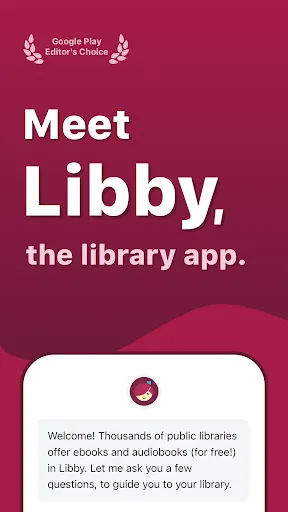
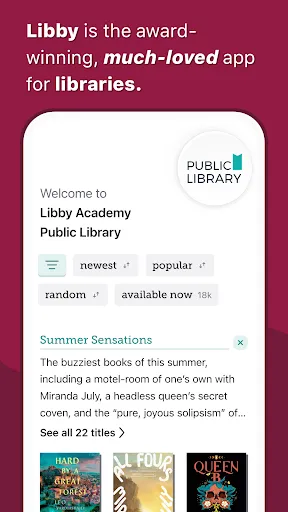
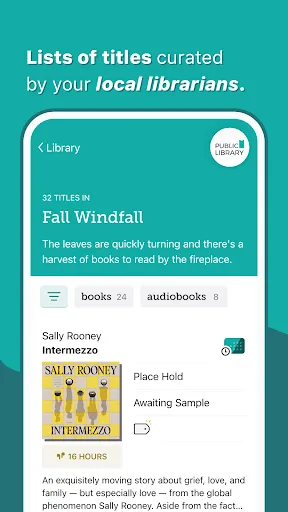
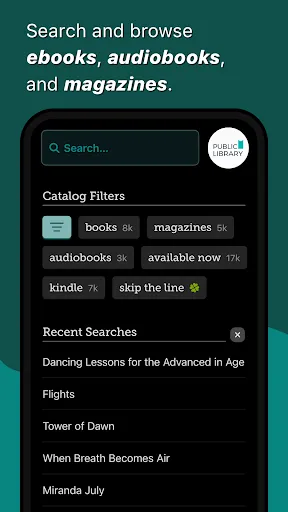
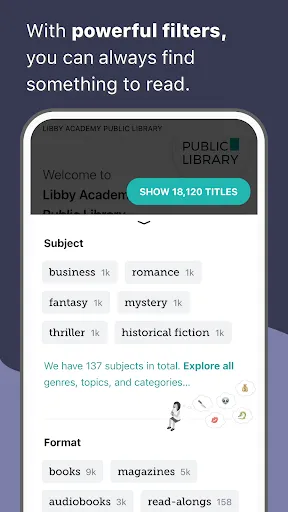
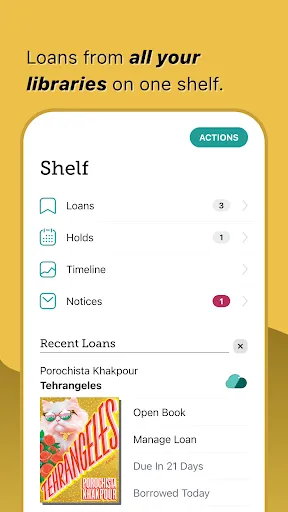
Libby, the Library App, is your gateway to a world of reading and listening. With a user-friendly interface, it connects you to your local library's vast collection of eBooks, audiobooks, and magazines. Enjoy seamless borrowing, personalized recommendations, and offline access to your favorite titles. Whether you're commuting, relaxing at home, or on the go, Libby makes it easy to dive into captivating stories and informative content—all for free with your library card.
Advertisement
Features of "Libby, the Library App"
Libby, the Library App, is designed to enhance the reading experience by providing users with access to a vast collection of digital books and audiobooks from their local libraries. One of its standout features is the user-friendly interface, which allows for easy navigation through various categories and genres. Users can browse, borrow, and download titles seamlessly, making it convenient to find their next read.
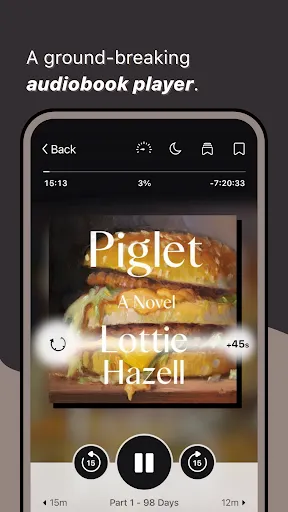
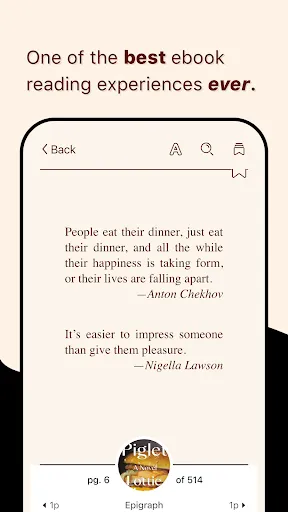
Another notable feature is the ability to customize reading preferences. Users can adjust font sizes, background colors, and even switch to a dyslexic font for improved readability. Additionally, Libby supports offline reading, enabling users to download books and audiobooks for enjoyment without an internet connection. The app also includes a built-in audiobook player with adjustable playback speed, bookmarks, and sleep timers, enhancing the listening experience.
Libby also offers personalized recommendations based on borrowing history and preferences, making it easier for users to discover new titles. Furthermore, the app allows users to manage multiple library cards, making it accessible for those who belong to more than one library system. Overall, Libby combines convenience, customization, and a rich selection of content, making it a must-have for avid readers and audiobook listeners.
How to Use "Libby, the Library App"
Using Libby is a straightforward process that begins with downloading the app from the App Store or Google Play. Once installed, users can sign in using their library card information. If you don’t have a library card, the app provides guidance on how to obtain one from your local library. After signing in, users can explore the extensive catalog of ebooks and audiobooks available for borrowing.
To borrow a title, simply tap on the book cover and select the "Borrow" option. Once borrowed, users can download the title for offline access or read it directly within the app. Libby also allows users to place holds on popular titles that may not be immediately available, notifying them when the book is ready for checkout. Additionally, users can return books early or renew them if they need more time.
For those who enjoy audiobooks, Libby features an integrated player that allows for easy listening. Users can adjust playback speed, set bookmarks, and even use a sleep timer. The app also provides options for customizing the reading experience, such as changing font styles and background colors. Overall, Libby is designed to be intuitive, making it easy for users of all ages to enjoy their favorite books and audiobooks.
Pros & Cons of the App
Libby, the Library App, comes with several advantages that make it a popular choice among readers. One of the primary pros is its extensive library of digital content, allowing users to access thousands of titles for free with a library card. The app's user-friendly interface simplifies the borrowing process, making it easy for users to find and enjoy books and audiobooks. Additionally, the customization options enhance the reading experience, catering to individual preferences.
However, there are some drawbacks to consider. One notable con is that the availability of titles can vary based on the user's library system, which may lead to long wait times for popular books. Furthermore, while the app is generally reliable, some users have reported occasional glitches or crashes, which can disrupt the reading experience. Additionally, users must have a valid library card, which may not be accessible to everyone.
In summary, while Libby offers a wealth of features and benefits for avid readers, potential users should be aware of the limitations regarding title availability and the need for a library card. Overall, it remains a valuable tool for those looking to explore digital reading and listening options.
Check All Versions  Google Play
  App Store
Google Play App Store Top Apps





Similar Apps

Wikipedia
Books & Reference

4.4

YouVersion Bible App + Audio
Books & Reference
4.9

Ancestry: Family History & DNA
Books & Reference
4.6

Bible Home - Daily Bible Study
Books & Reference
4.8

Bible Offline-KJV Holy Bible
Books & Reference
4.8

JoyRead
Books & Reference
4.1

King James Bible - Verse+Audio
Books & Reference
4.8
Moon+ Reader Pro
Books & Reference
4.2

Radish Fiction
Books & Reference
4.4

Wattpad - Read & Write Stories
Books & Reference
3.9

WebNovel
Books & Reference
4.1
Wehear - Audiobooks & Stories
Books & Reference
4.6
Advertisement
Laden…