
 Home
Home  Apps
Apps  Games
Games  About Us
  Cookies & Privacy Policy
  Terms of Service
Homey — A better smart home
Version: 8.2.0
Developer: Athom B.V.
 Verified App
 Advertisement
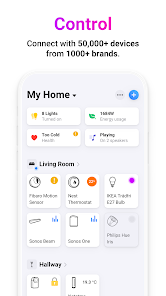
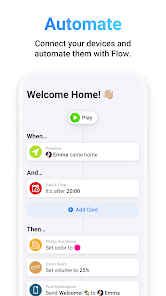
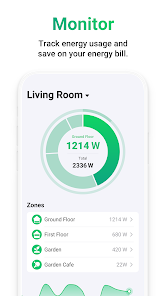
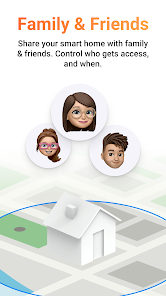
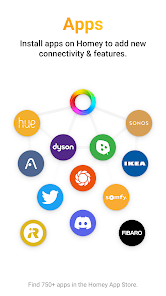
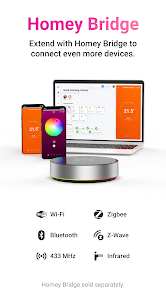
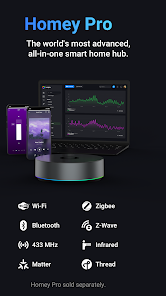
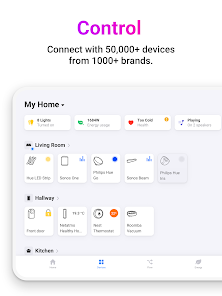
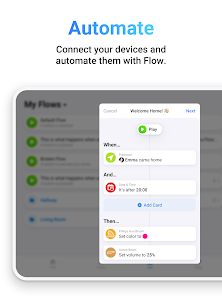
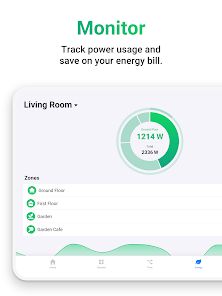
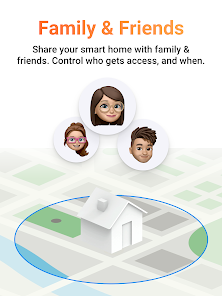
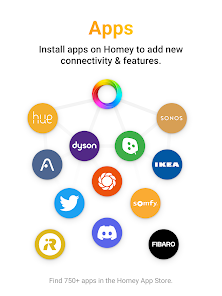
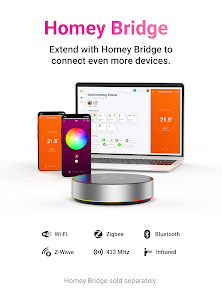
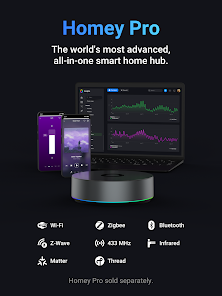
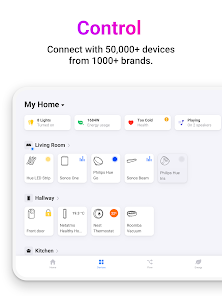
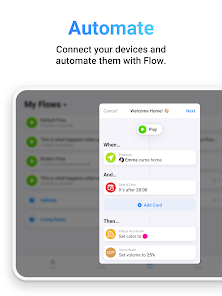
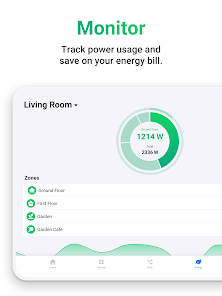
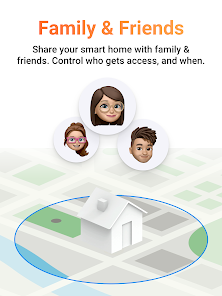
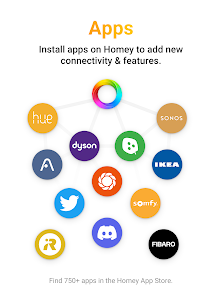
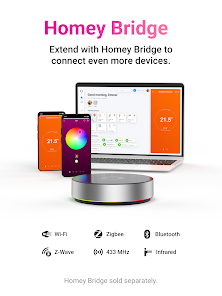
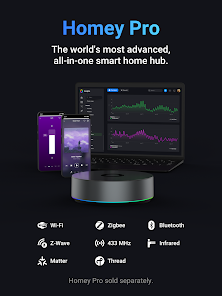
Homey is your ultimate smart home companion, designed to simplify and enhance your living experience. With seamless integration of various smart devices, Homey allows you to control everything from lighting to security with ease. Its intuitive interface and powerful automation features empower you to create personalized routines, ensuring your home is always comfortable, efficient, and secure. Experience the future of smart living with Homey, where convenience meets innovation.
Advertisement
Features of "Homey — A Better Smart Home"
Homey is designed to unify and enhance your smart home experience by connecting various devices and platforms seamlessly. One of its standout features is the ability to integrate with a wide range of smart home products, including lights, thermostats, cameras, and more, regardless of the brand. This interoperability allows users to create a cohesive smart home ecosystem.
Another key feature is the intuitive mobile app, which provides users with a user-friendly interface to control their devices from anywhere. The app supports automation, enabling users to set up custom routines and scenarios that can be triggered by specific events or conditions. Additionally, Homey offers voice control compatibility with popular virtual assistants like Amazon Alexa and Google Assistant, making it easy to manage your home hands-free.
Homey also emphasizes security, providing features such as remote monitoring and alerts for unusual activity. The platform supports energy management, allowing users to track and optimize their energy consumption. With regular updates and a growing community, Homey continues to evolve, adding new features and integrations to enhance the smart home experience.
How to Use "Homey — A Better Smart Home"
Using Homey is straightforward and user-friendly, making it accessible for both tech-savvy individuals and those new to smart home technology. To get started, first, download the Homey app from your device's app store and create an account. Once registered, you can begin adding your smart devices by following the in-app instructions, which guide you through the setup process for each device.
After adding devices, you can organize them into rooms or categories for easier management. The app allows you to create custom automations, where you can set specific triggers and actions. For example, you can program your lights to turn on automatically when you arrive home or set your thermostat to adjust based on your daily schedule. Additionally, you can explore the community section of the app for shared automations and ideas from other users, enhancing your smart home setup.
Regularly check for app updates to ensure you have the latest features and improvements. Homey also provides support resources, including tutorials and a community forum, to help you troubleshoot any issues or optimize your smart home experience.
Pros & Cons of the App
Homey offers several advantages that make it a popular choice for smart home enthusiasts. One of the primary pros is its extensive compatibility with a wide range of devices and brands, allowing users to create a truly integrated smart home. The app's user-friendly interface simplifies device management and automation setup, making it accessible for users of all skill levels. Additionally, the ability to customize routines and scenarios enhances the overall user experience, providing convenience and efficiency.
However, there are some drawbacks to consider. One potential con is that while Homey supports many devices, not all brands are compatible, which may limit options for some users. Additionally, the initial setup can be time-consuming, especially for those with numerous devices. Some users have reported occasional connectivity issues, which can disrupt automation and control. Lastly, while the app is regularly updated, the need for ongoing updates may require users to stay engaged with the platform to ensure optimal performance.
In summary, Homey provides a robust solution for managing smart home devices, but potential users should weigh the pros and cons based on their specific needs and existing devices.
 Google Play
  App Store
 Top Apps





Similar Apps

Rent. Apartments & Homes
House & Home

4.6

Zillow: Homes for Sale & Rent
House & Home
4.8
Vivint
House & Home
4.3
Houzz - Home Design & Remodel
House & Home
4.7
Roku Smart Home
House & Home
4.4

ecobee
House & Home
4.3

Thumbtack: Hire Service Pros
House & Home
4.8

Taskrabbit - Handyman, Errands
House & Home
3.6
Trulia: Homes For Sale & Rent
House & Home
4.7

Realtor.com Real Estate & Rent
House & Home
4.6
Hubspace
House & Home
4.7

B-hyve
House & Home
4.7
Advertisement
Laden…